InexWeb - In Extenso
Last updated: October 14, 2025
PREREQUISITES
The application you are trying to connect to "InexWeb - In Extenso" must be activated. Please verify this is done before activating the connexion. If it is not the case, contact In Extenso support (assistance@fulll.help) to do this.
CONNECTION
Step 1: Choose a name for your connexion.

Step 2: Click "Authorise" to finalise the connexion.
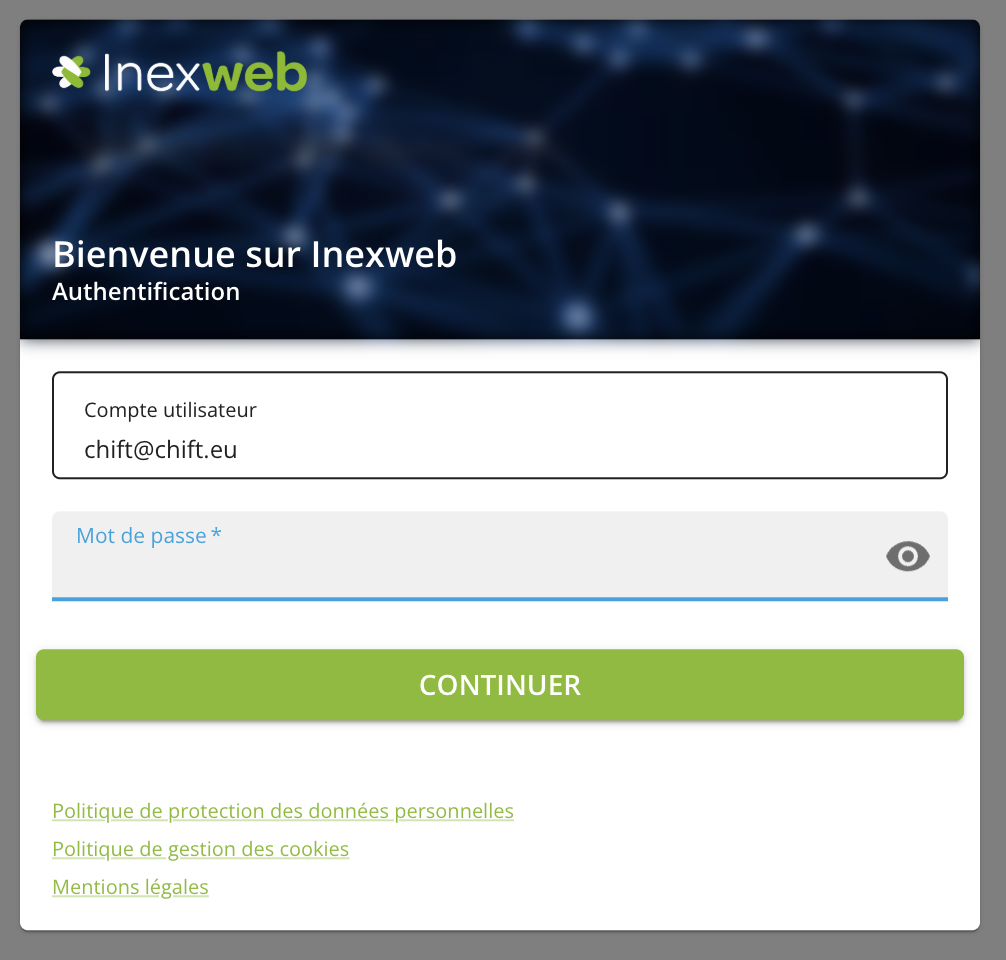
Step 3: Fill in your InexWeb - In Extenso then you will be redirected to Chift.
ERRORS
⚠ An error could occur if the application you are trying to connect to "InexWeb - In Extenso" is not activated. If the application is not activated, please contact In Extenso's support team (assistance@fulll.help) to do this.