Lexware Office (Lexoffice)
Last updated: November 13, 2025
🚨 PREREQUESITES
API Token in Lexoffice – To connect, you first need to generate an API token in your Lexoffice account. The steps to do this are outlined below in the Preparation section.
🛠 PREPARATION
Log in to your Lexoffice account.
Navigate to the following page to create an API key https://app.lexware.de/addons/public-api
Click on "Create a new API key"

Select the first option
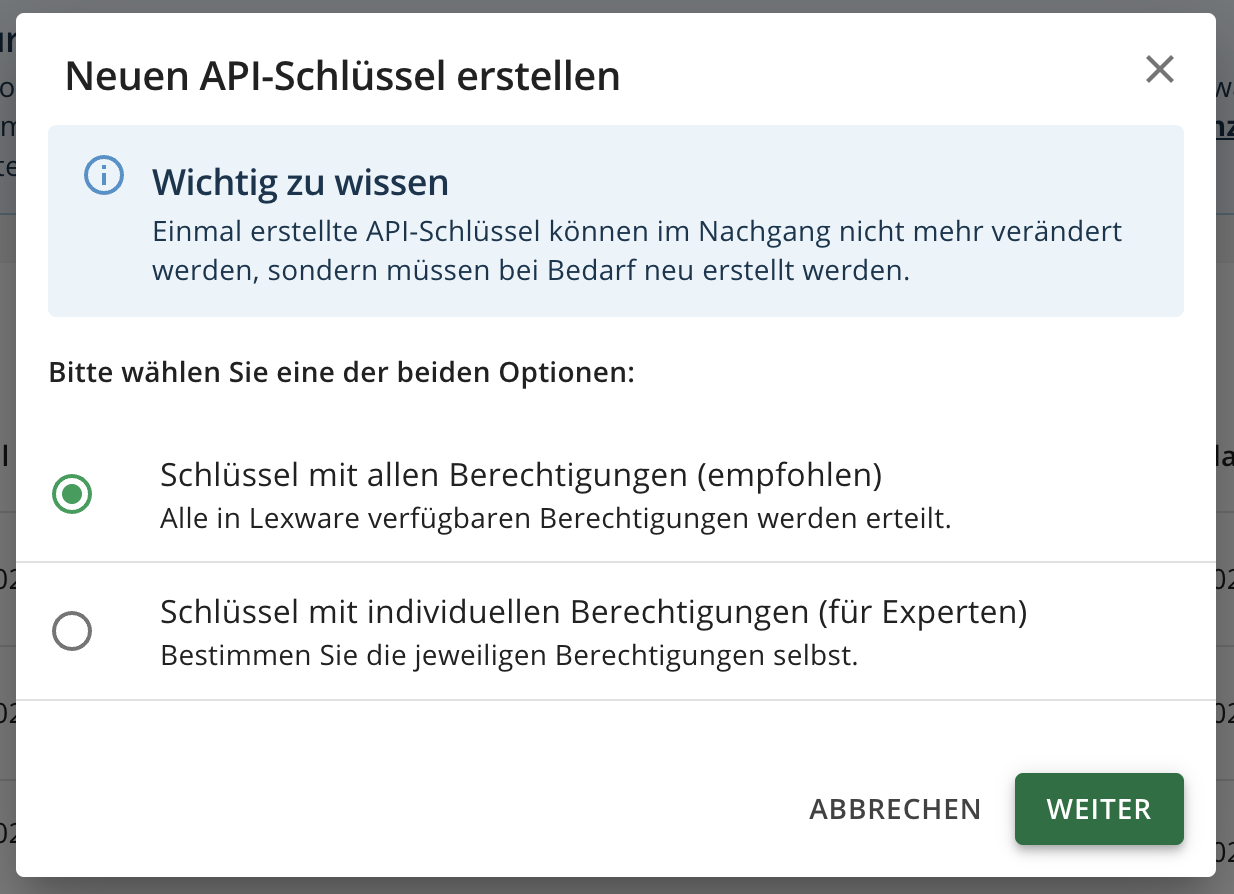
Or if you prefer to set individual permissions, at minimum you need to enable:
- Get general profile information
- Retrieve contacts
- Save contacts
- Retrieve invoices
- Save invoices
- Retrieve receipts
- Save receipts
- Filter and retrieve receipt list
- Retrieve payment information from receipts
- Retrieve credit notes
- Save credit notes
- Retrieve vouchers
Give the name of your choice to your key and check the checkbox to be able to generate the key. Once the key is generate, copy the token for later usage.
Important: The token is displayed only once, so make sure to save it immediately. Otherwise, you will need to generate a new token.
The token is by default valid for for 2 years. You will have to generate it again when it expires.
⚡️ CONNECTION
Step 1: Choose a name for your connection. (If the connection name field isn’t visible, simply skip this step and continue.

Step 2: Paste the API key

Step 3: Click "Connect" to finalise the connection.