MyUnisoft
Last updated: October 14, 2025
PREPARATION
Generate an API Token for your connexion to MyUnisoft.
Go to your MyUnisoft account, Parameters, then connectors.
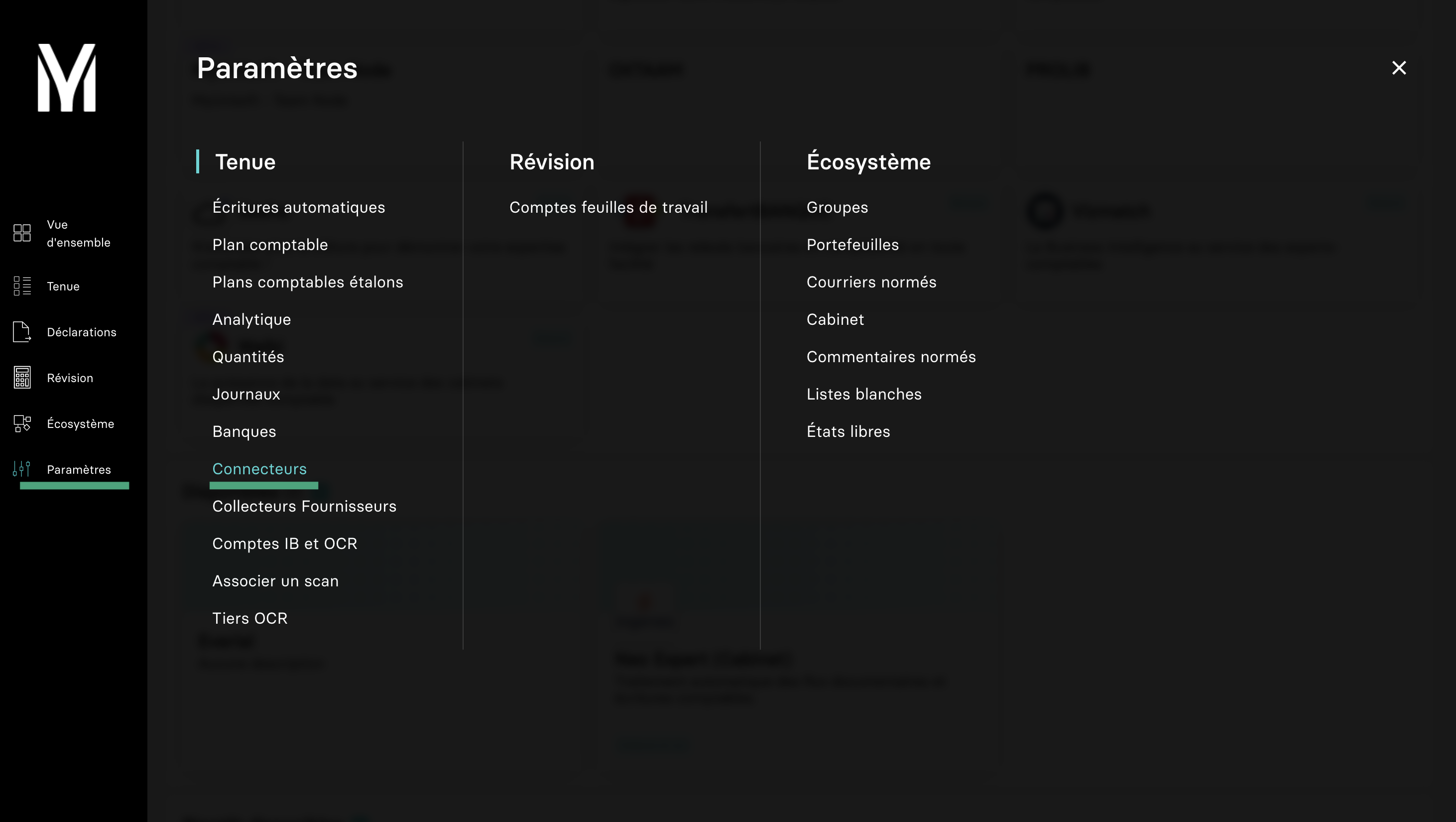
You will find your software in the list of available connectors
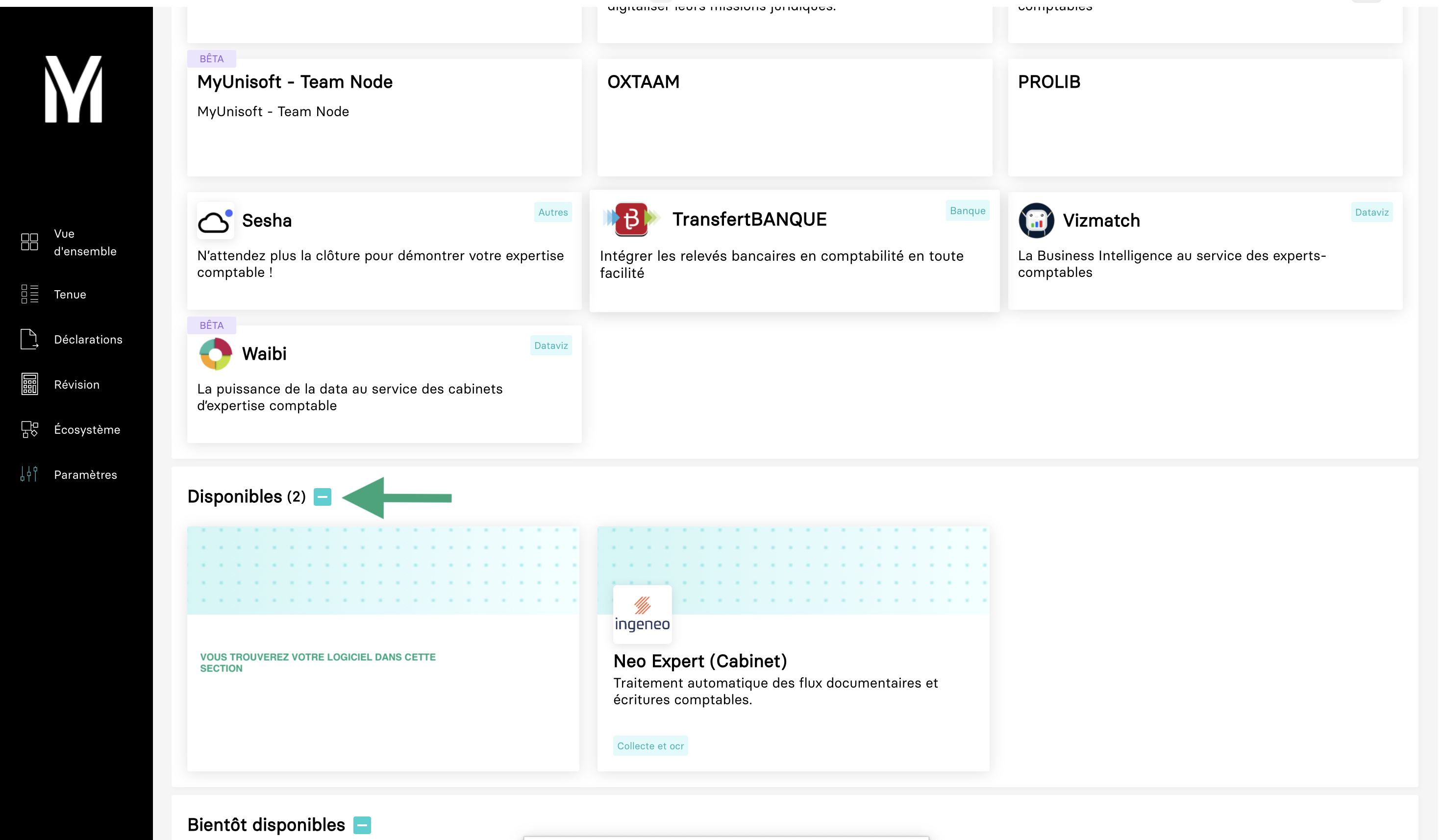
Select the connector and generate an API token and copy.
CONNEXION
Step 1: Choose a name for your connexion.

Step 2: Determine if you want to enable analytical data to be transferred.

Step 3: Provide the API token, which you previously generated on MyUnisoft.

Step 4: Click "Connect" to finalise the connexion.