Sage Génération Experts
Last updated: November 24, 2025
PREPARATION
In Sage Génération Experts, you need to activate the public application Chift in order for the data exchange with Sage Génération Experts to work. This consists of 2 steps:
Step 1 : Activating Chift application
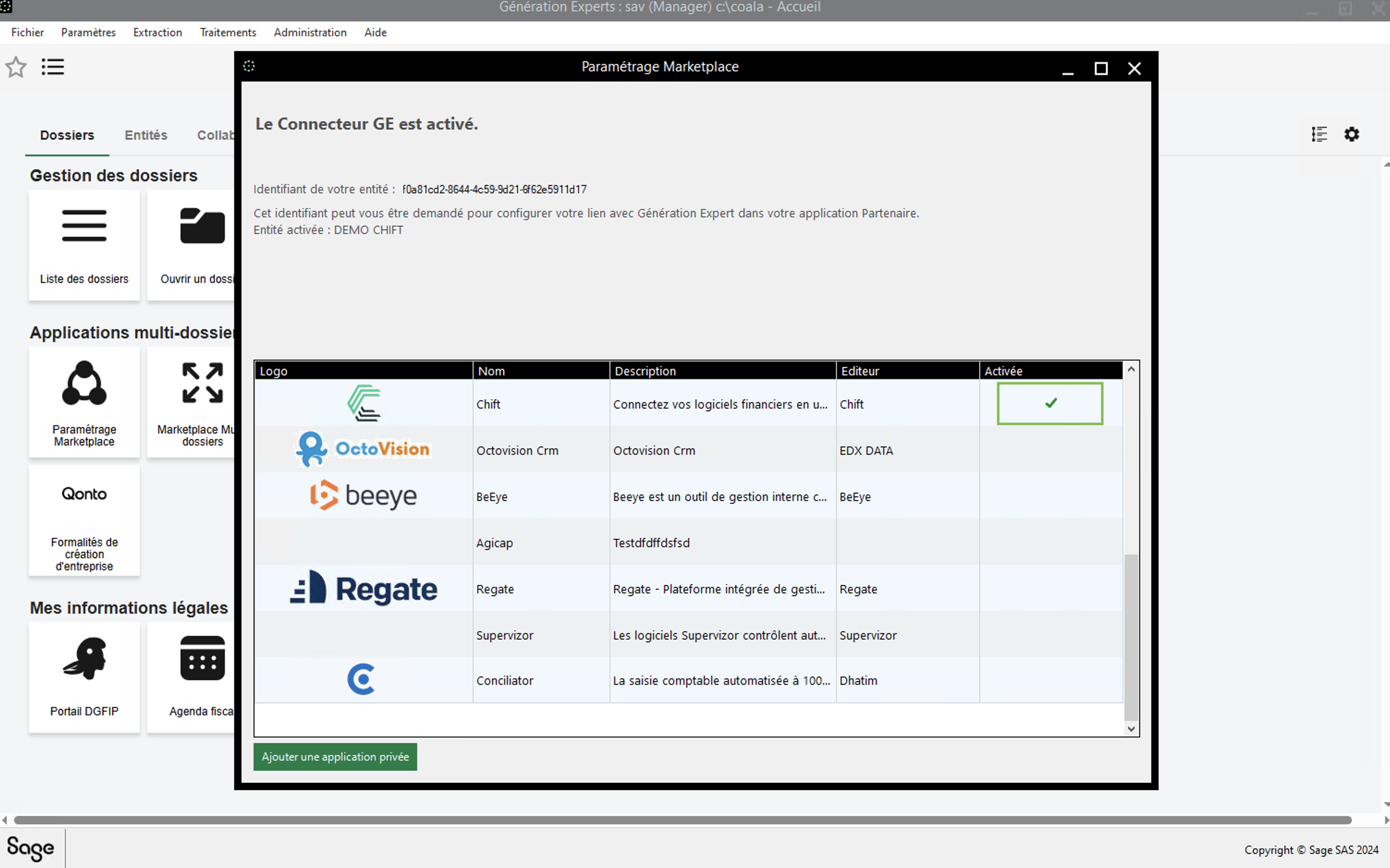
First of all open the marketplace settings
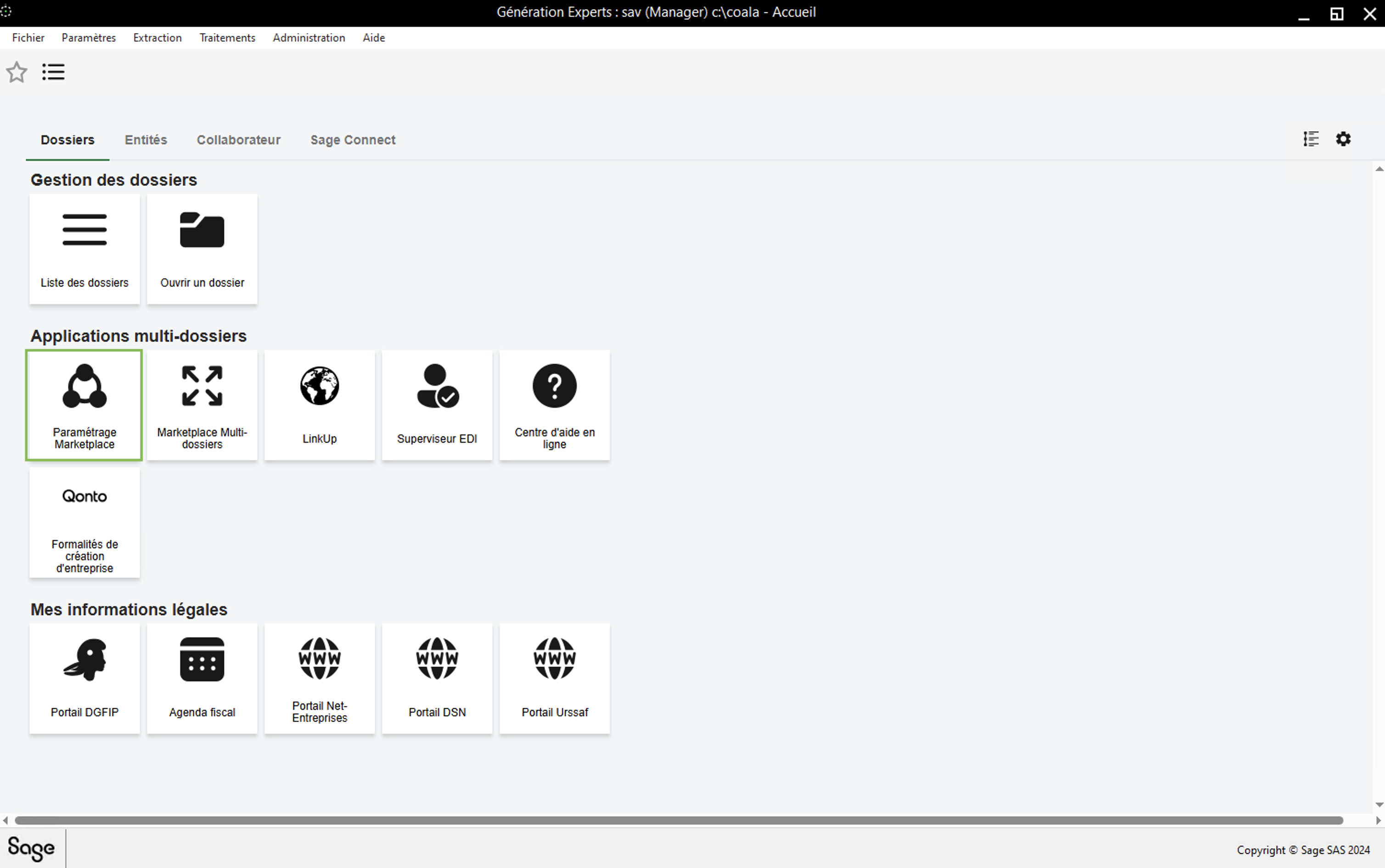
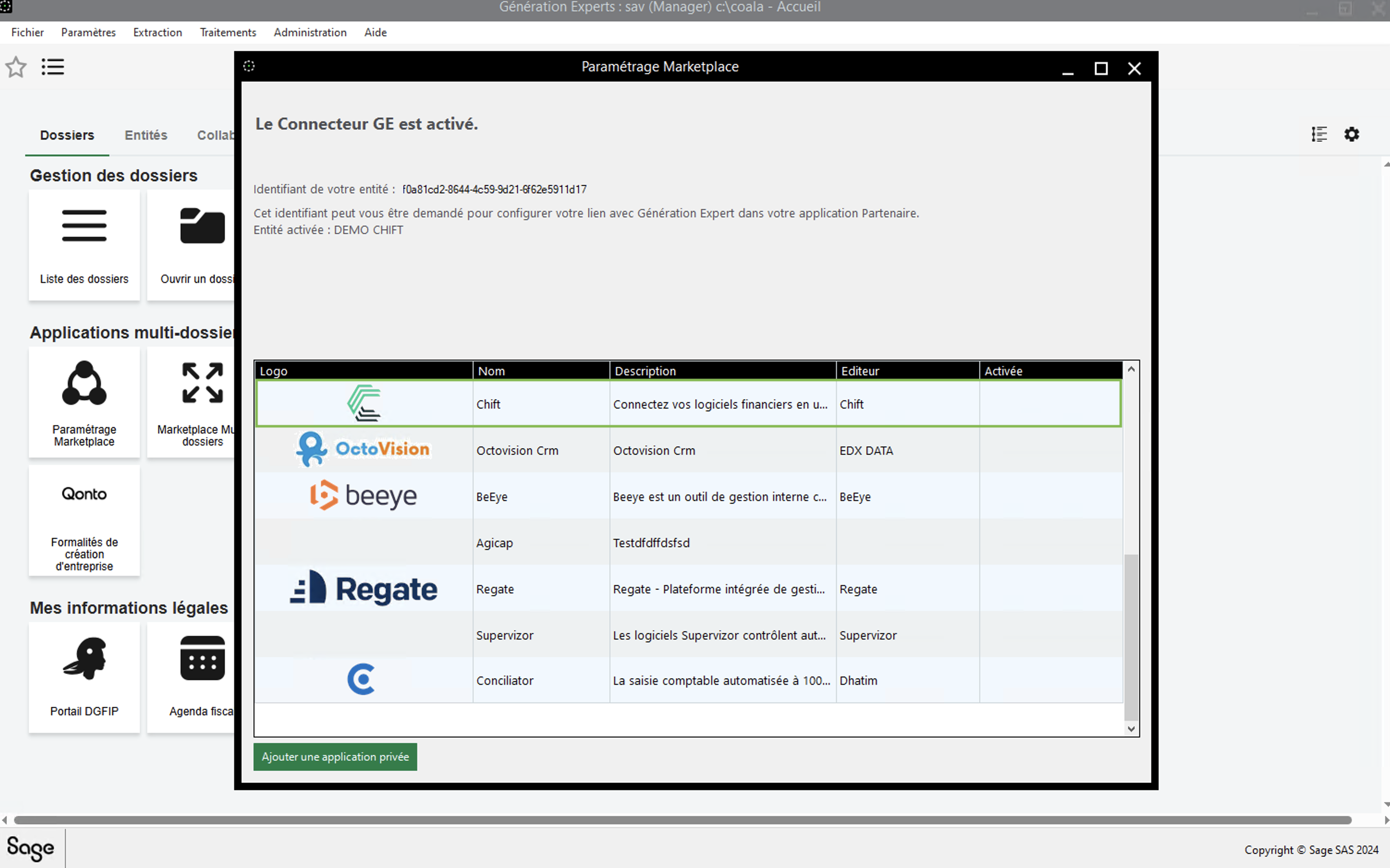
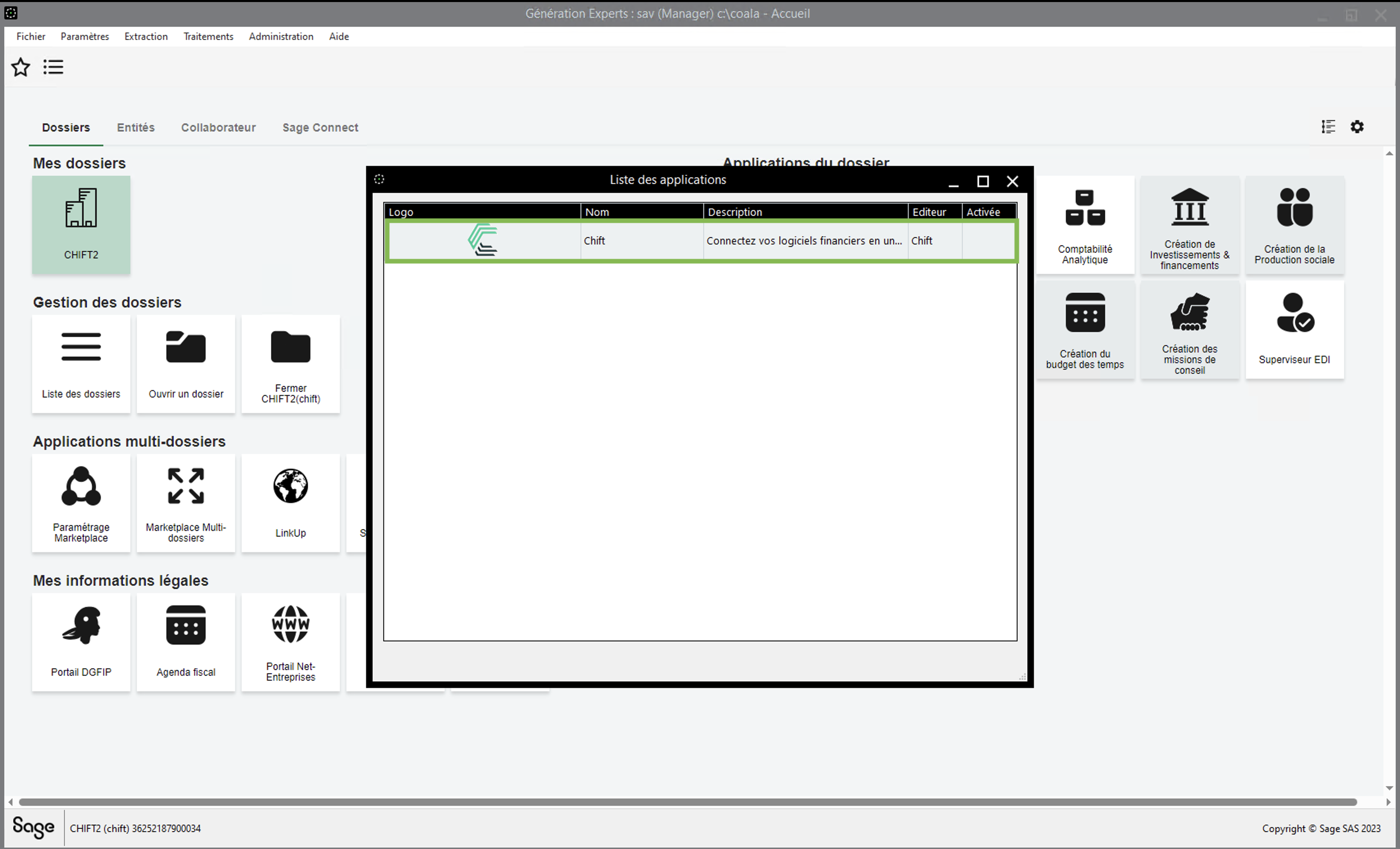
In the list you will find the application "Chift". If the "Chift" application is not yet activated, double click on it to do so. ⚠ Careful there are 4 CHIFT Apps in Sage. Chose the one to connect your financial softwares.
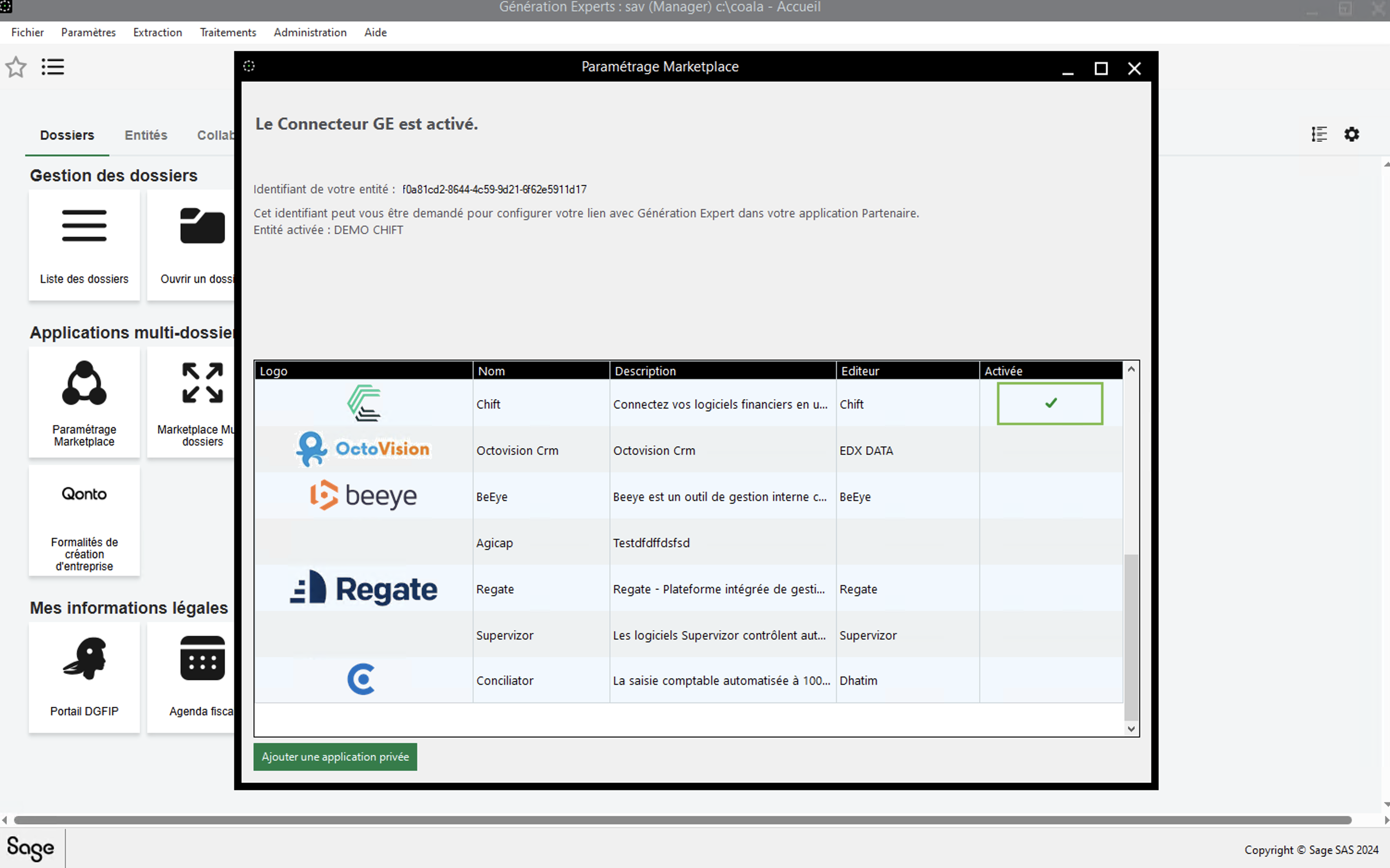
Of the following screenshot you can see the id of the entity. Write it down, you'll need it to enable the connexion later.
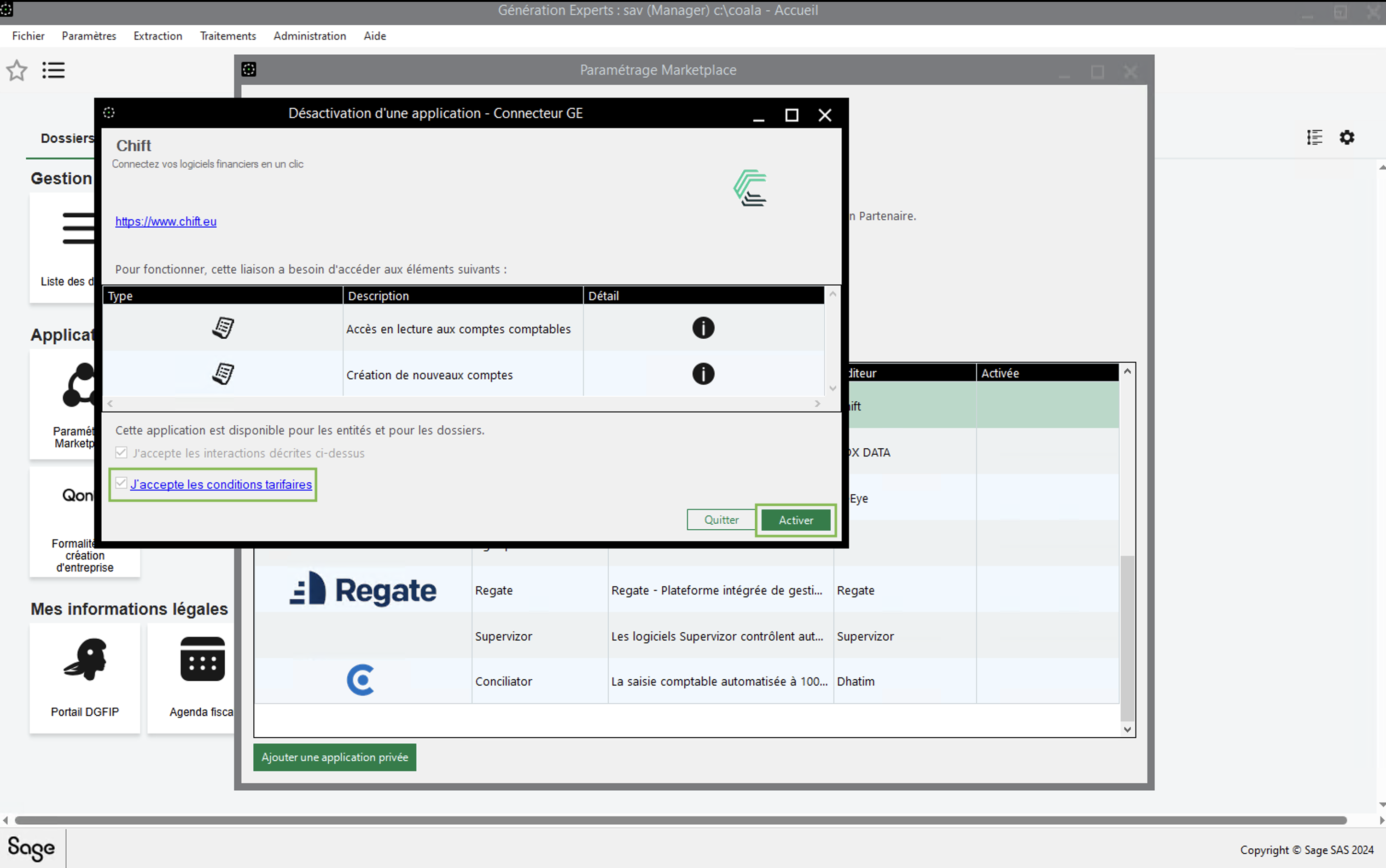
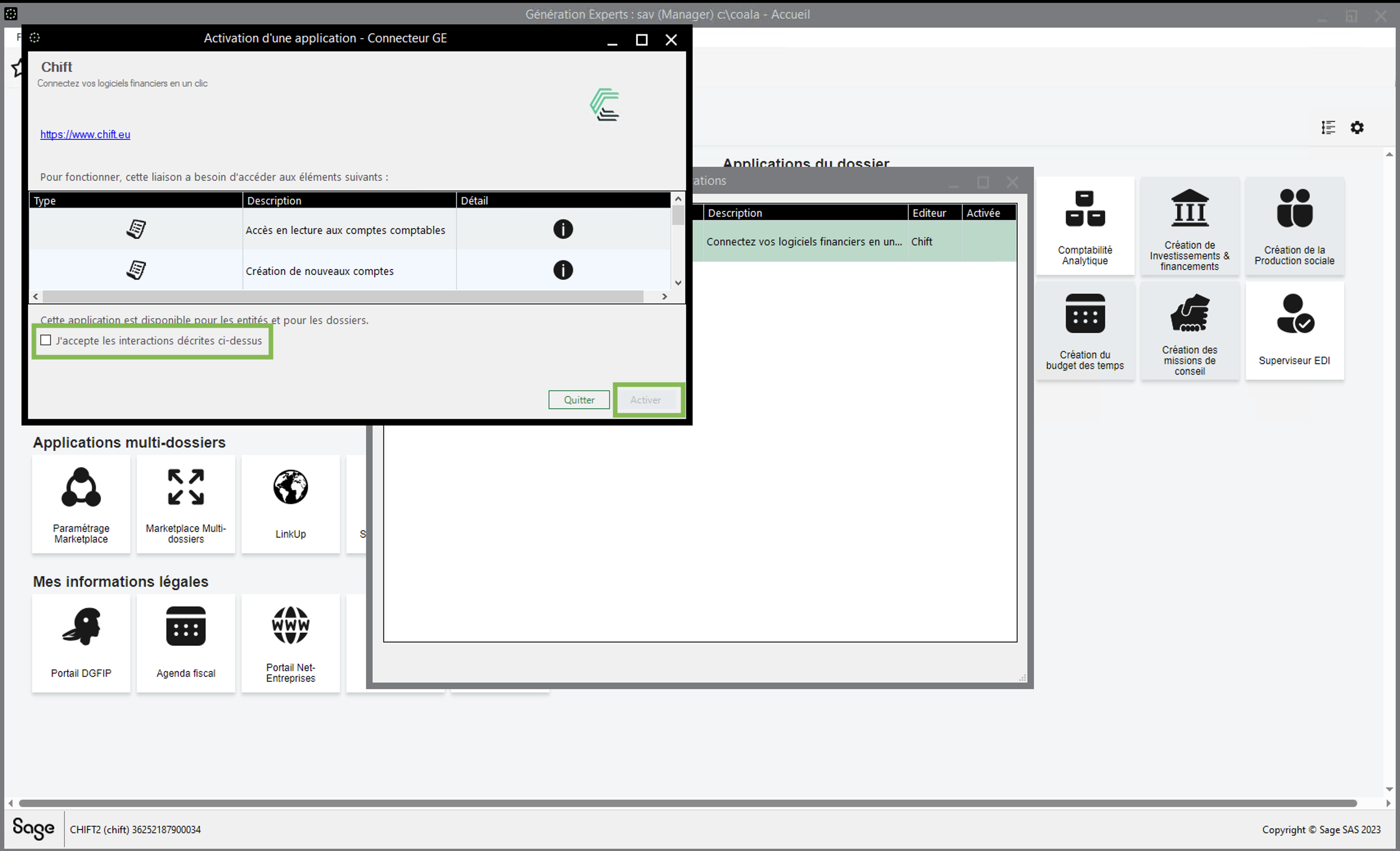
Accept the conditions and activate the application. ⚠ Sage is rectifying the 10€ charge announced in the conditions. Note that Sage GE will not charge for this 10€ fee if you proceed in activating the connector. Sage is doing the technical change (COMING SOON).
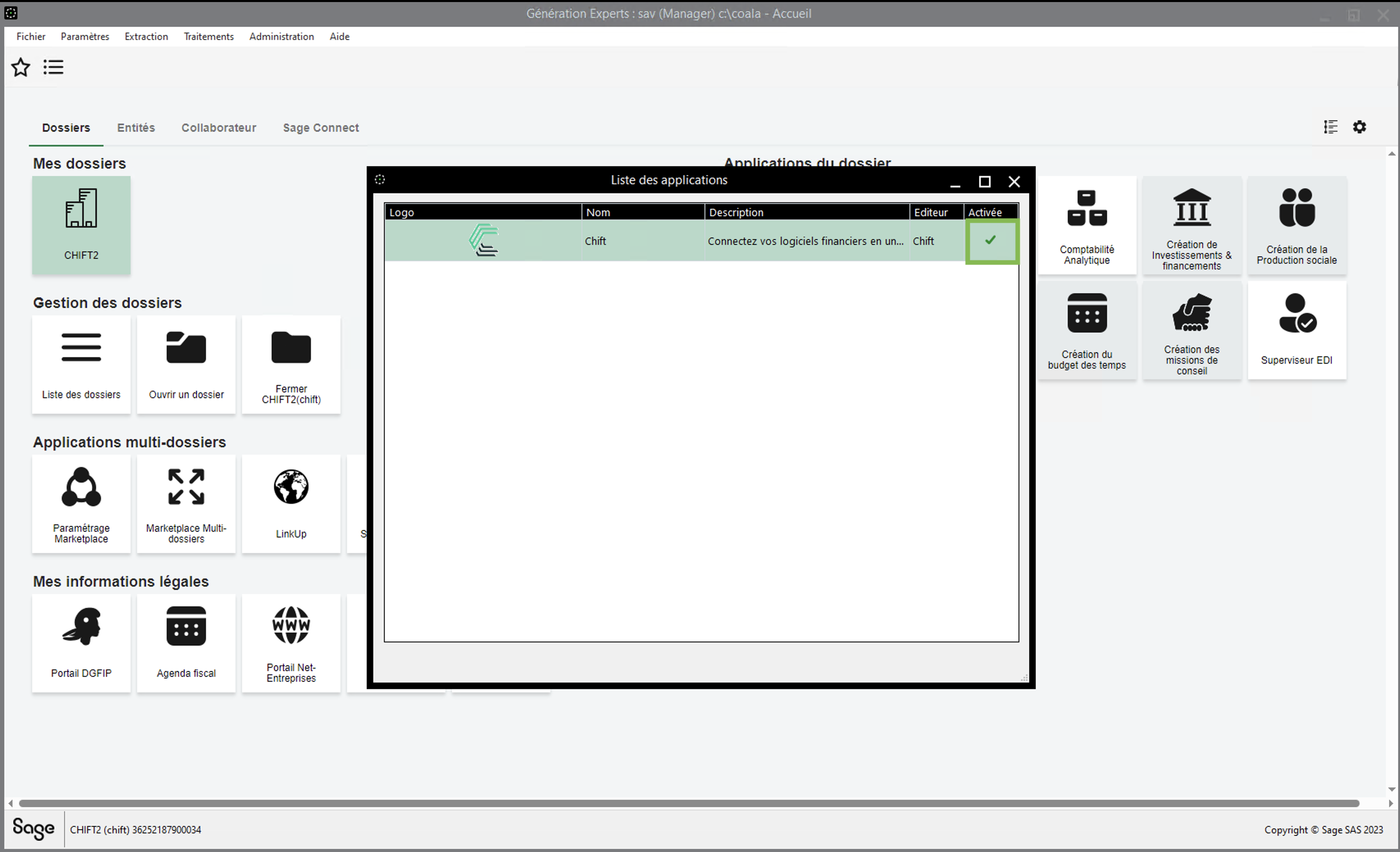
You can see that the "Chift" application has been activated
Step 2 : Activating Chift application on each customer company
⚠ Please note that you will be required to perform the next steps for each customer company you want to synchronize with Chift.
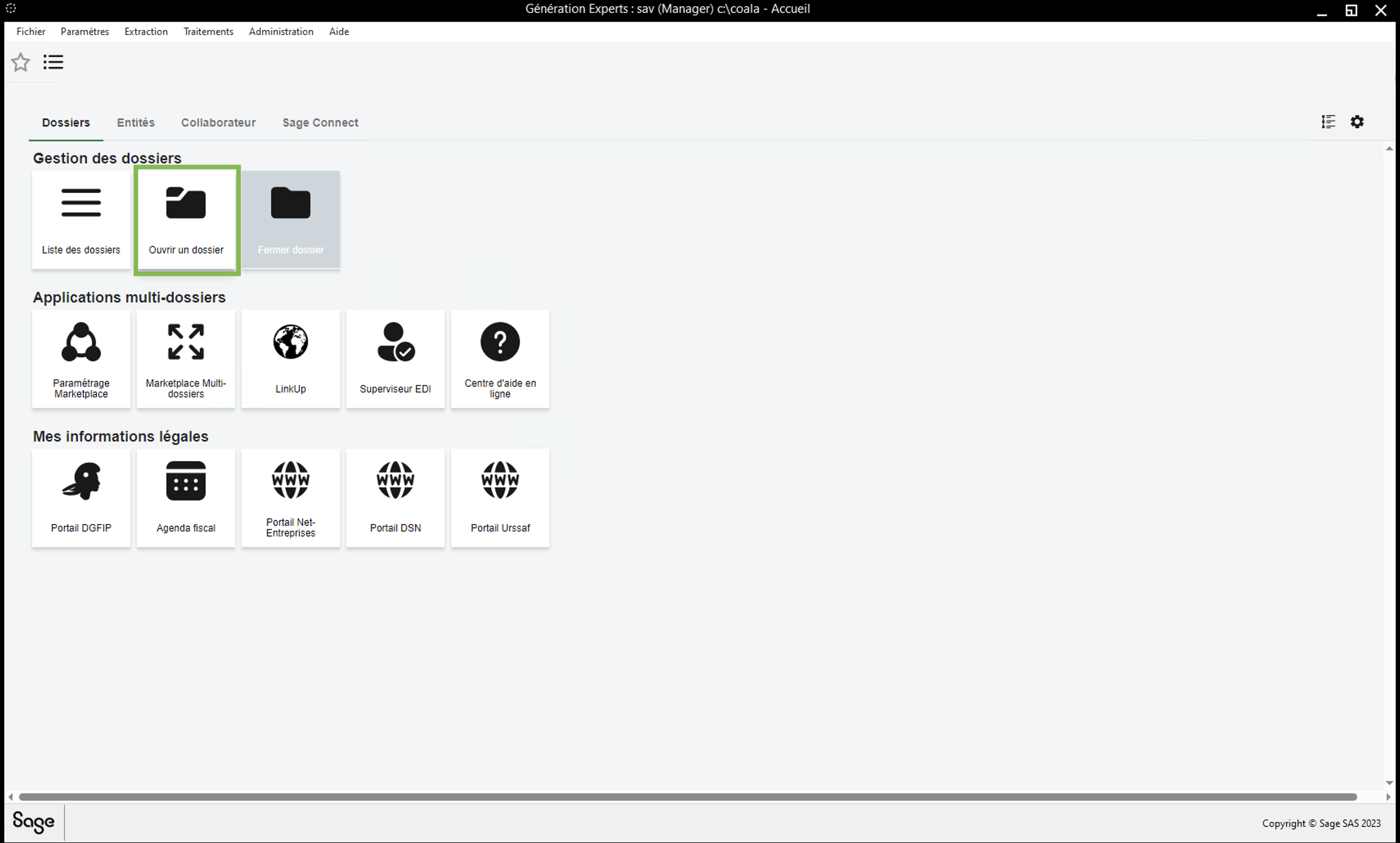
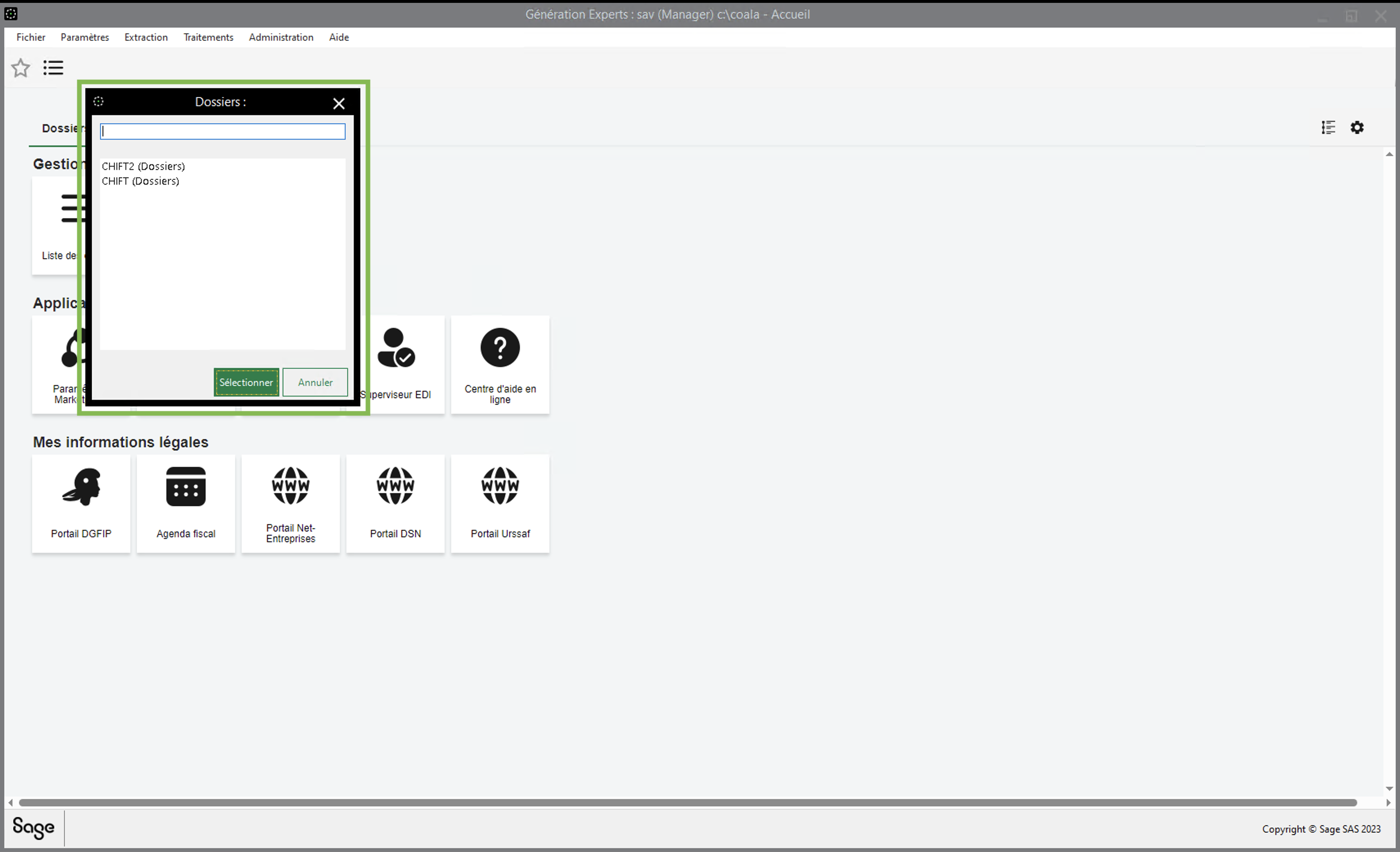
First of all open a folder/company on Sage.
Then, go to "marketplace" on the right panel.
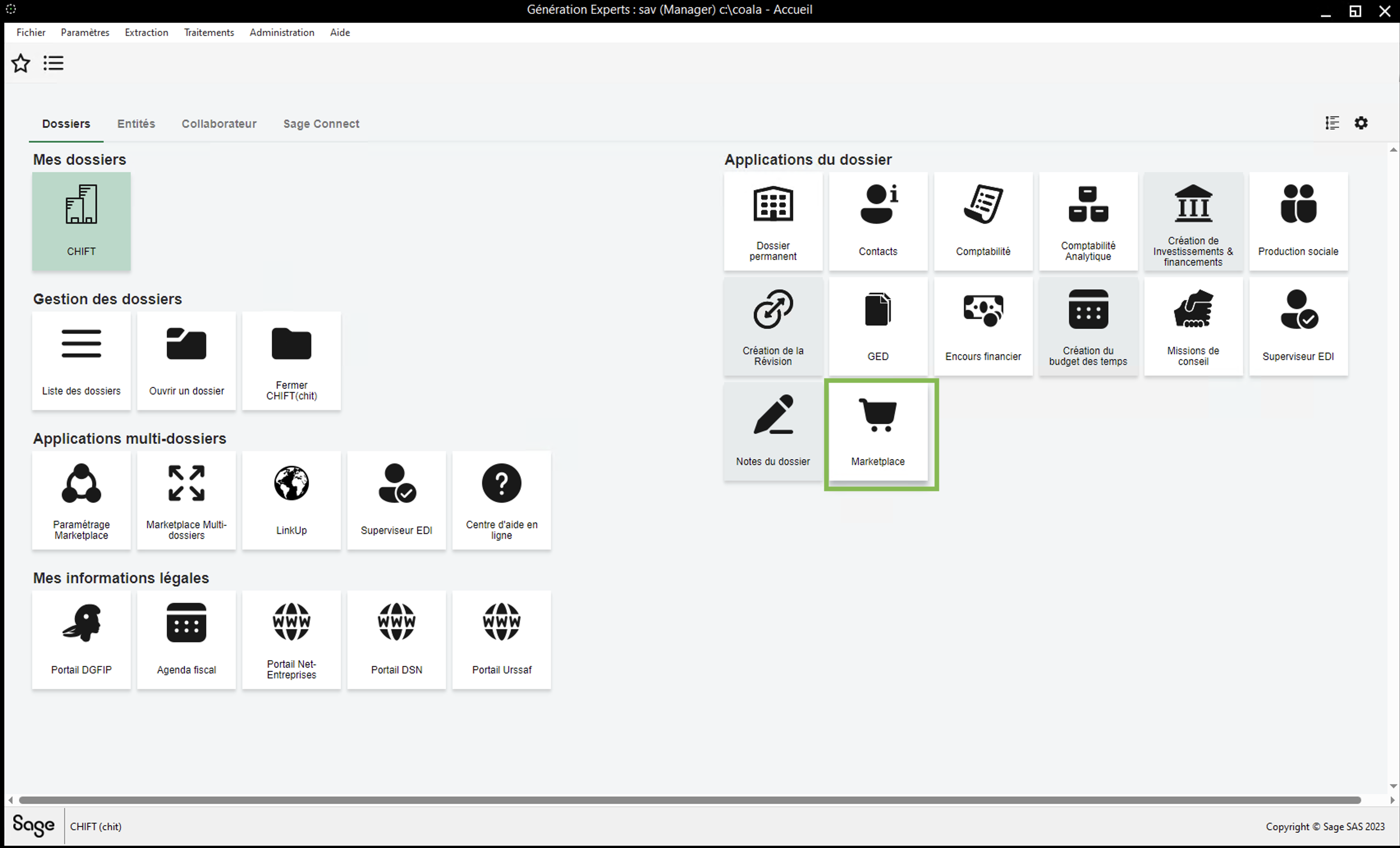
If the "Chift" application is not yet activated, double click on it to do so.
Accept the conditions and activate the application
You can see that the "Chift" application has been activated
CONNECTION
Step 1: Choose a name for your connexion.

Step 2: Enter your accountancy practices ID. It is the id of the company that you wrote down on the previous steps.

Step 3: Click "Connect" to finalise the connexion.