e-Boekhouden
Last updated: November 10, 2025
🚨 PREREQUESITES
API Token in e-Boekhouden – To connect, you first need to generate an API token in your e-Boekhouden account. The steps to do this are outlined below in the Preparation section.
🛠 PREPARATION
Log in to your e-Boekhouden account.
Navigate to the e-Boekhouden API token management page:
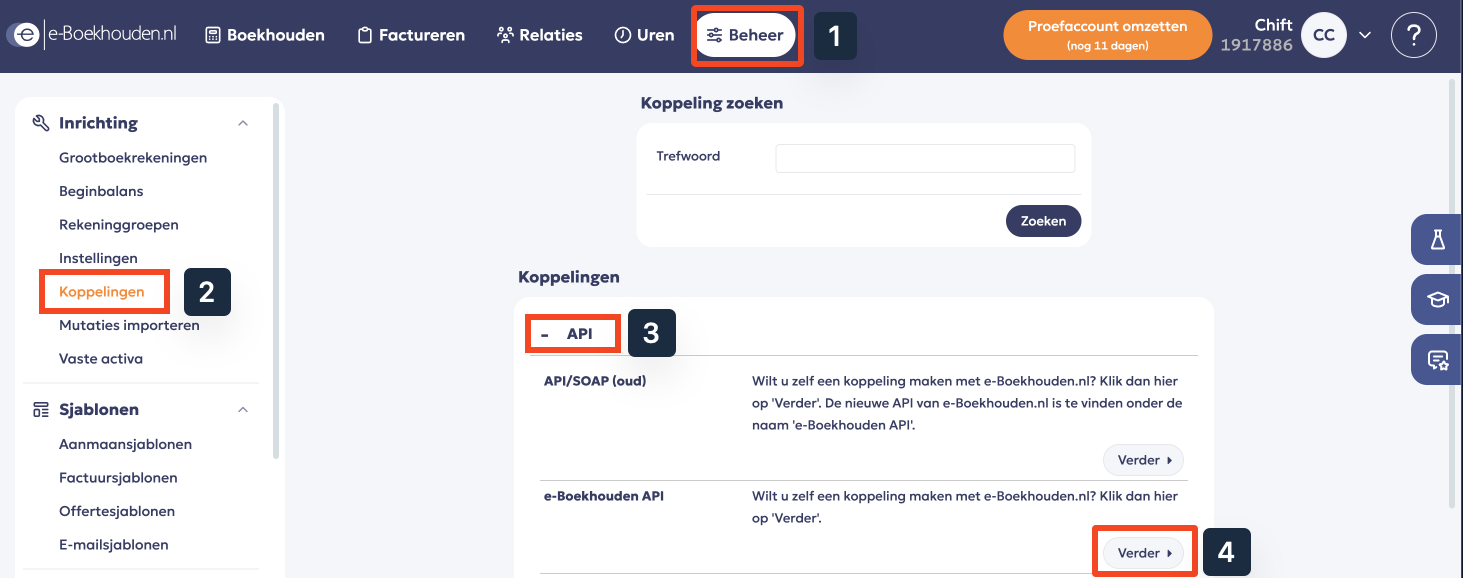
Go to Beheer in the top menu.
In the left sidebar, under Inrichting, select Koppelingen.
In the API section, find e-Boekhouden API and click Verder.
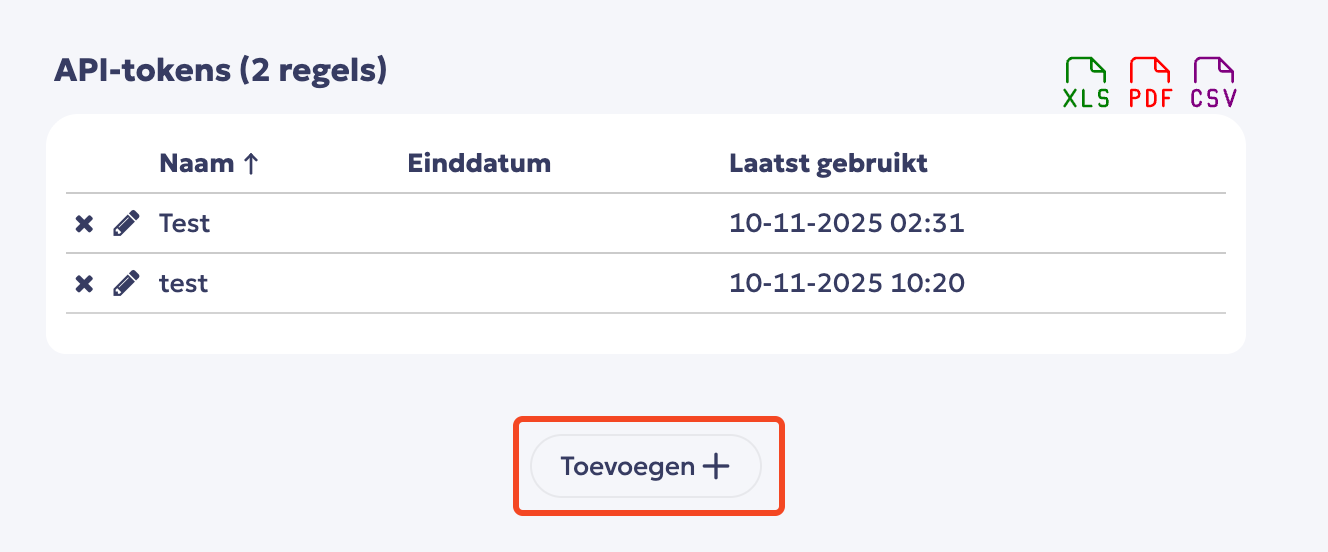
Click Toevoegen to create a new API token.
Set up the key and save
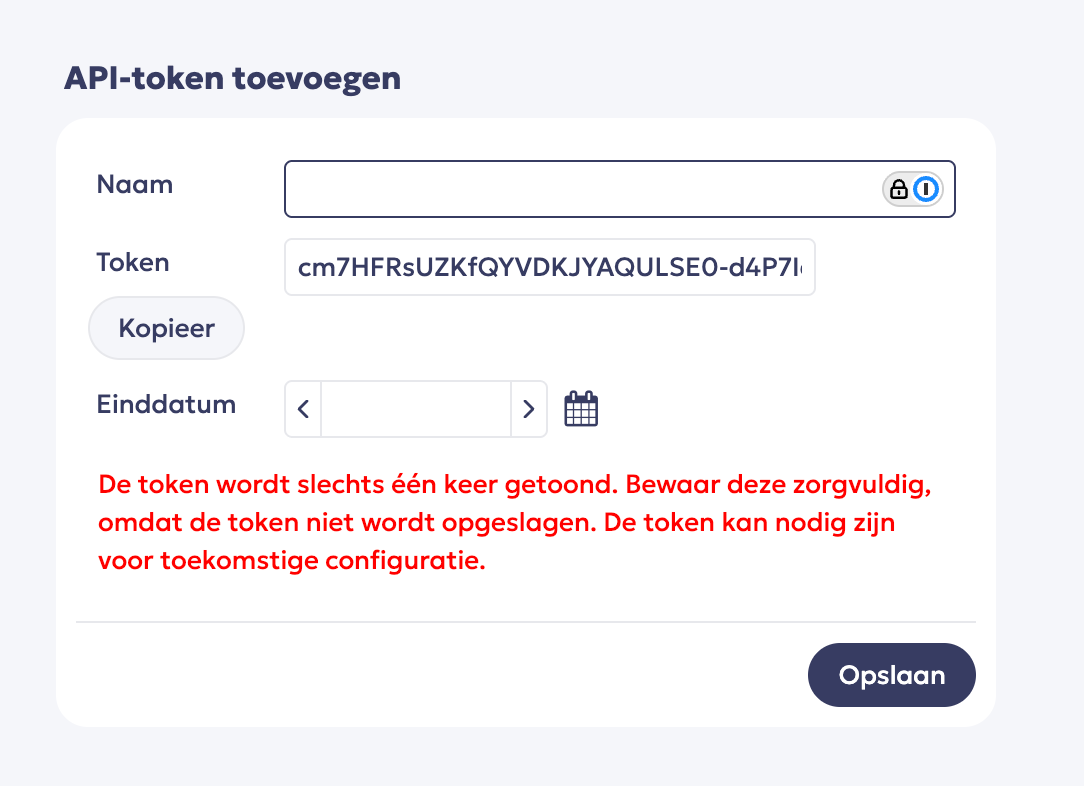
Give your API token a name, COPY THE TOKEN and save it.
Important: The token is displayed only once, so make sure to save it immediately. Otherwise, you will need to generate a new token.
You do not need to set an end date for the token. We recommend leaving this blank.
⚡️ CONNECTION
Step 1: Choose a name for your connection. (If the connection name field isn’t visible, simply skip this step and continue.

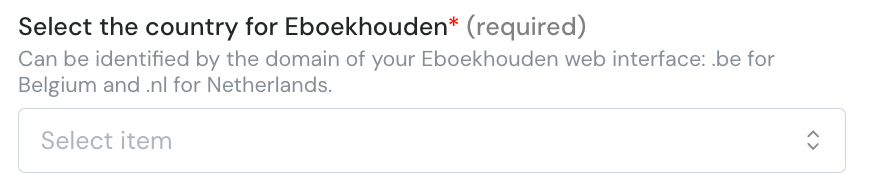
Step 2: Select the country
Step 3: Click "Connect" to finalise the connection.