Tripletex
Last updated: February 26, 2026
🚨 PREREQUISITES
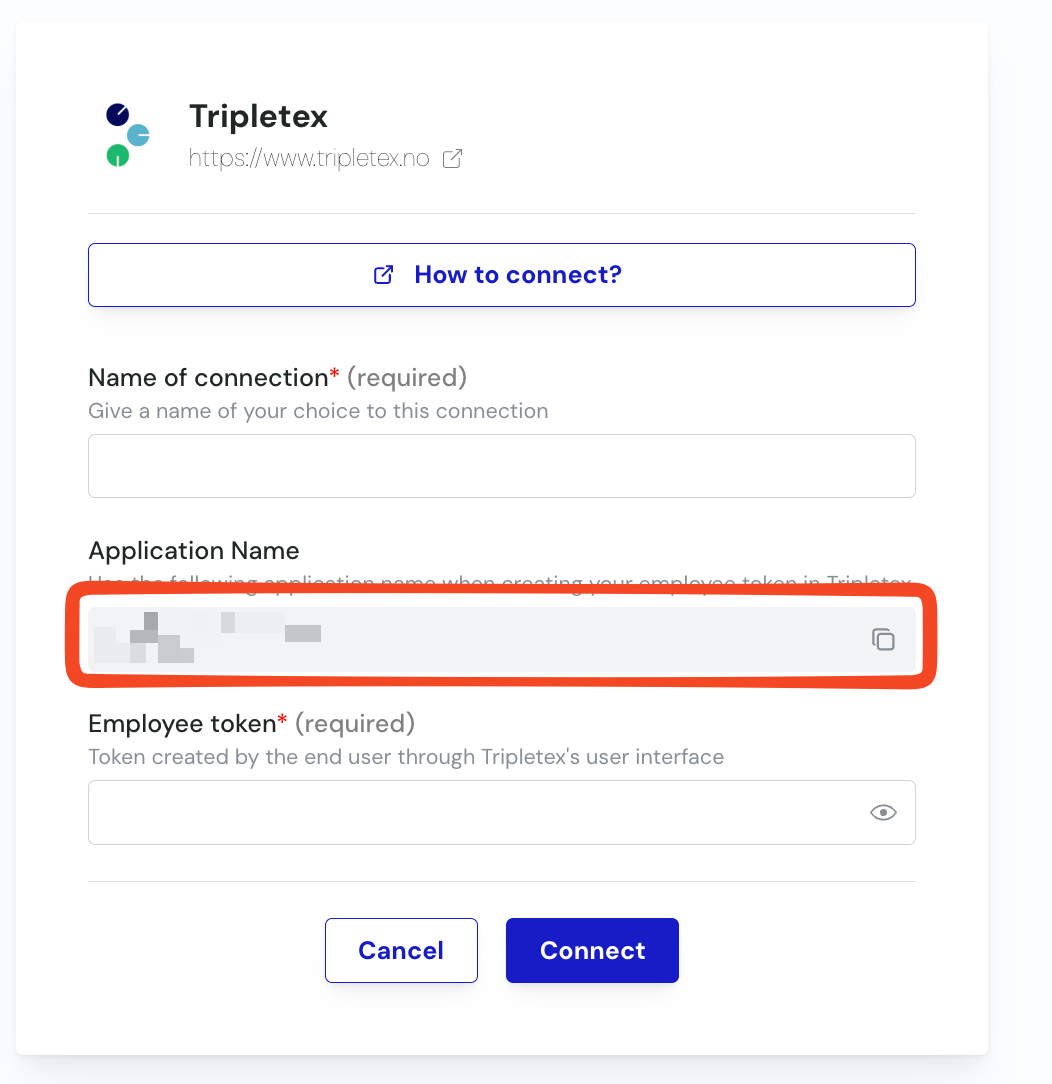
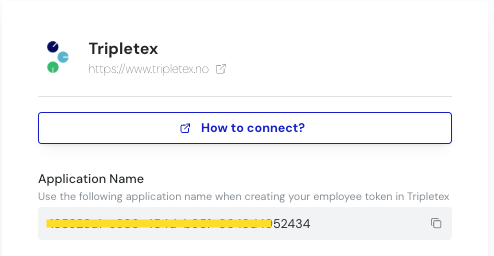
You must obtain the Application Name from the software you want to connect to Tripletex.
This Application Name is displayed on the connection page you are currently filling out. See bellow :
🛠 PREPARATION
Create the EmployeeToken for your API user in TripleTex 👇
Step 1: Log into your TripleTex environment
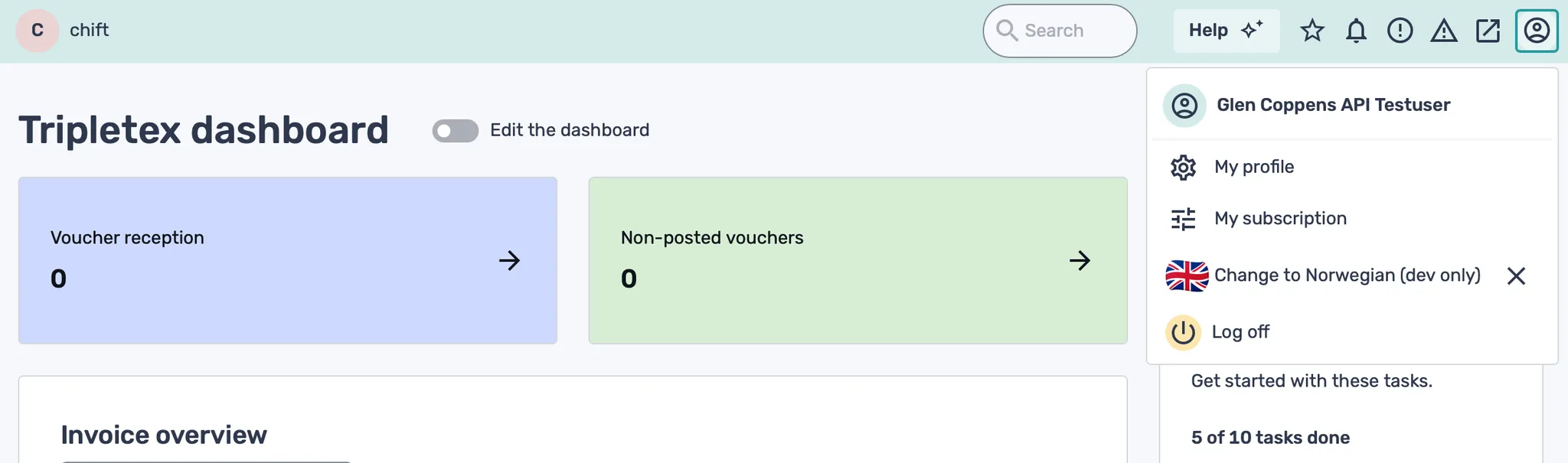
Step 2: Click on your user in the top right corner of the screen
Step 3: Select “My profile”
Step 4: Click on “More”, and select “API access”
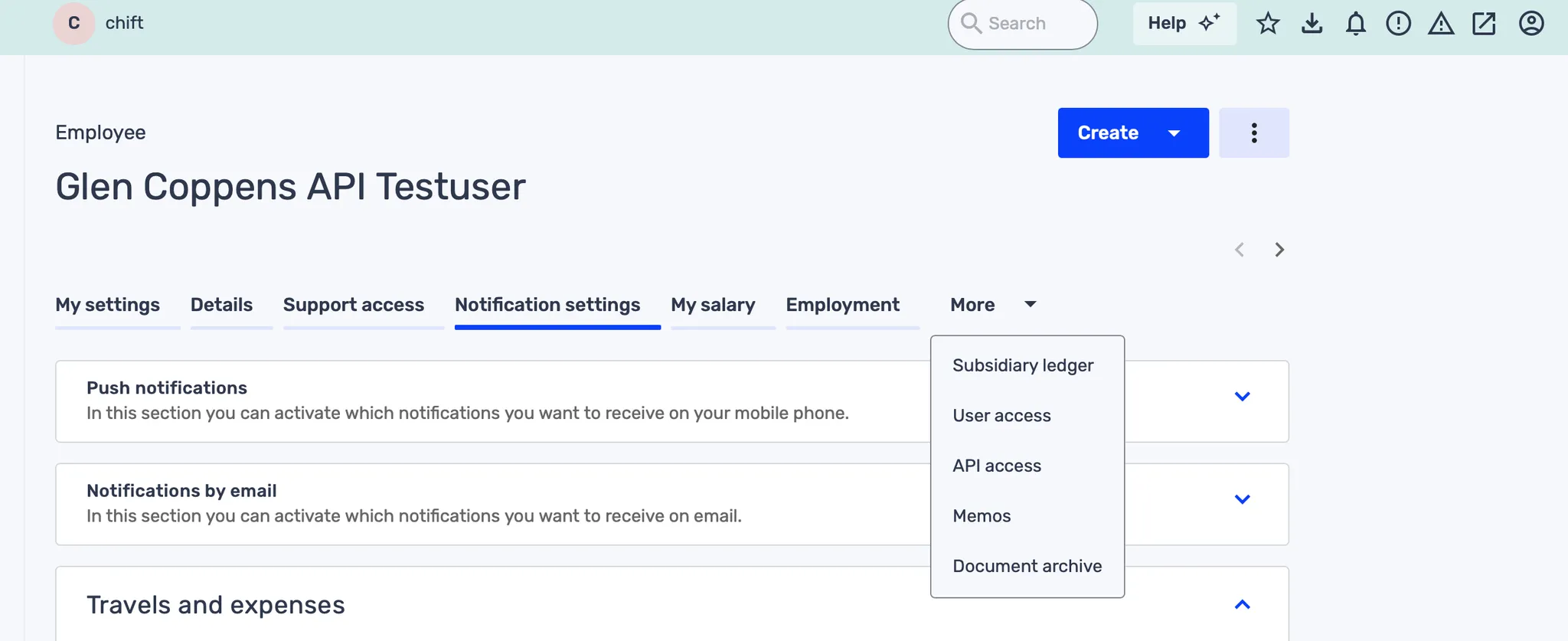
Step 5: Click on “New token”
Step 6: Use “Adapted setup” & “all entitlements”
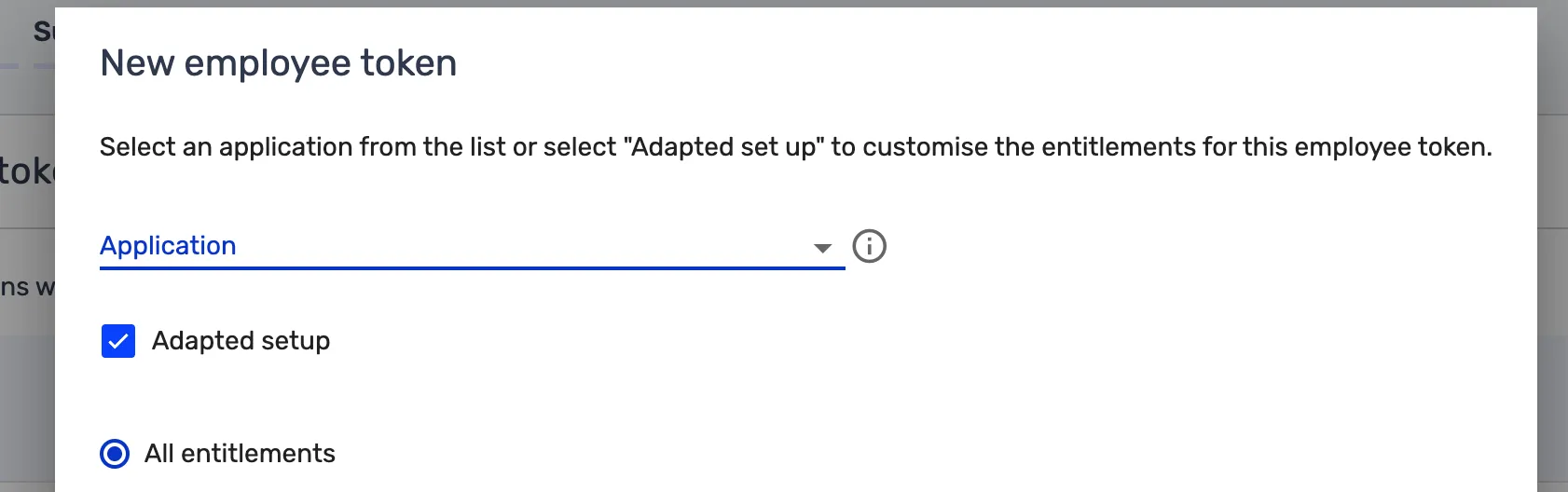
Step 7: In the “Application name” field, enter the Application Name exactly as it appears in the activation window — the same page where you click “Connect” to finalize the connection. You can simply copy it directly from there.

Step 8: Give the token a name e.g. “Software Provider API”

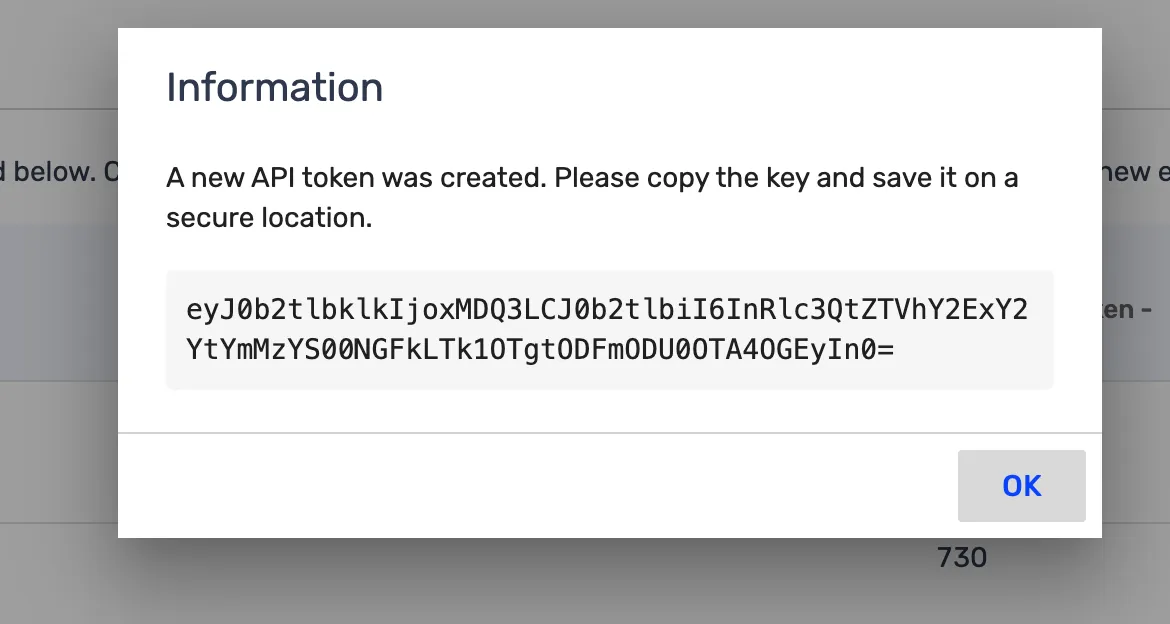
Step 9: Save the employeeToken that is returned. You will need it when when activating it in the activation page.
⚡️ CONNECTION
Step 1: Choose a name for your connection.

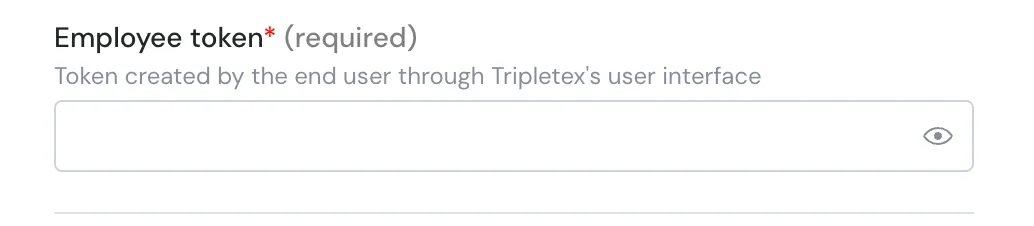
Step 2: Add the employeeToken generated in your TripleTex environment
Step 3: Click "Connect" to finalise the connection.