a3ERP
Last updated: May 12, 2026
🚨 PREREQUISITES
Technical requirements
.NET Framework 4.8 must be installed on the server where a3ERP is installed.
The local agent must be installed on the same server as a3ERP.
→ Installation on another machine is not supported.
Access & credentials required
a3ERP username with access to the target company
Password for the above a3ERP user
A Windows admin account to perform the installation
Network Drive Access for a3ERP
When the a3ERP data is stored on a network/shared drive (e.g. W:\), the A3ERPService Windows service must run under a Windows user account that has access to that drive.
The default Local System account does not have access to mapped network drives, which will cause a login issue.
To fix this:
Open services.msc
Find A3ERPService, right-click → Properties
Go to the Log On tab
Switch from Local System account to a domain/local user account that has access to the network/shared drive (e.g. W:\)
Restart the service
Supported a3ERP versions
14.5.2 → ...
📋️ FILLING THE FORM
❶ Connect
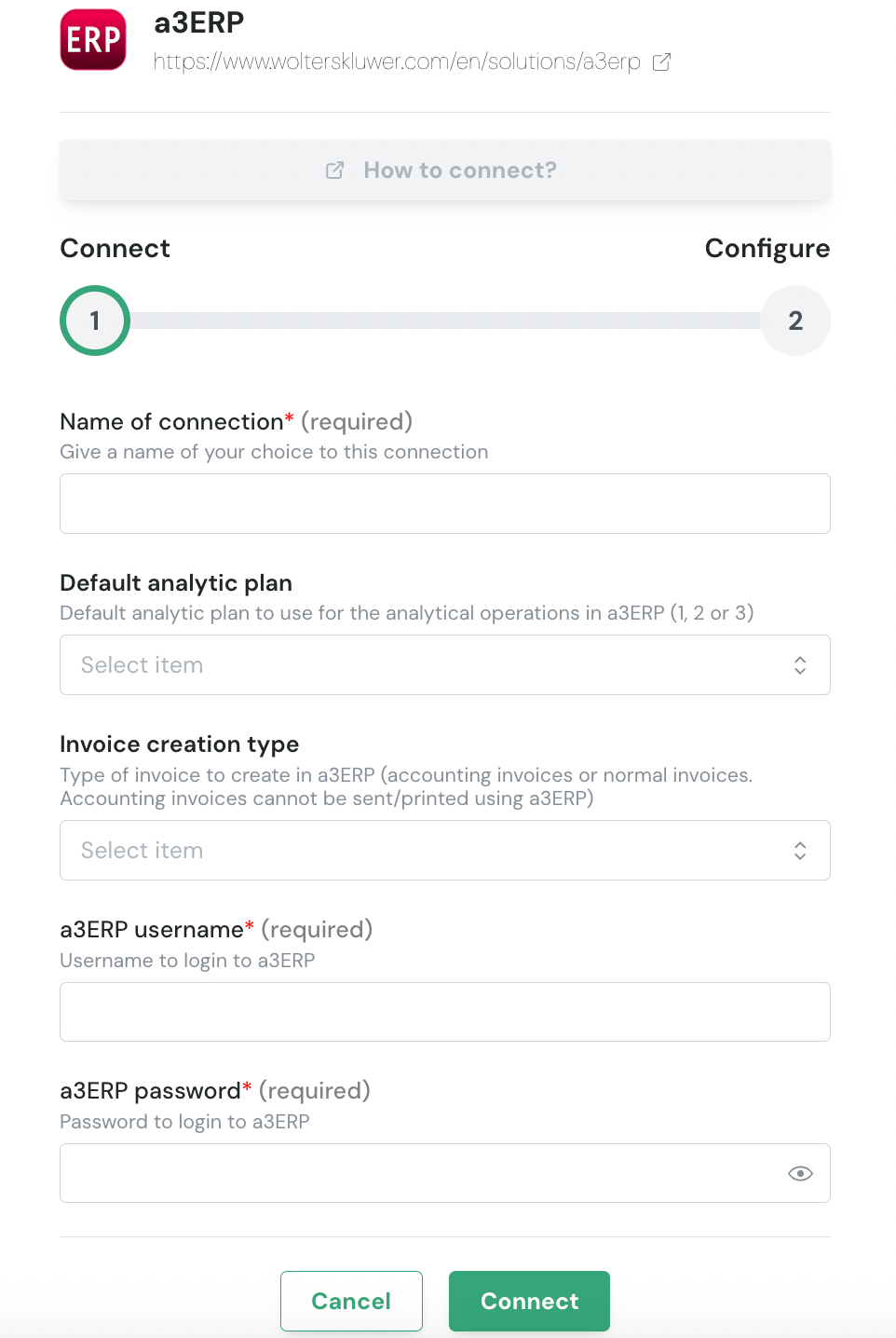
Step 1: Choose a name for your connection. (If this field isn’t visible, simply skip this step and continue)

Step 2: Select the default analytic plan. (If this field isn’t visible, simply skip this step and continue)

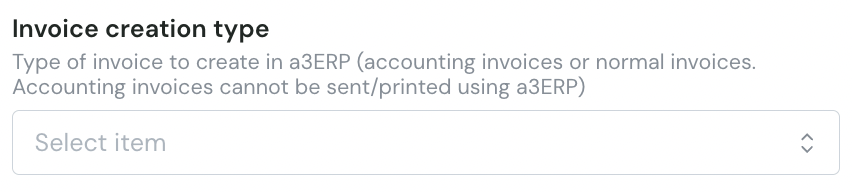
Step 3: Choose the invoice creation type. (If this field isn’t visible, simply skip this step and continue)
2 types of invoices can be created in a3RP:
Normal invoices
Accounting invoices
Accounting invoices cannot be sent or printed using a3RP. Choose the type of invoice you want the integration to create
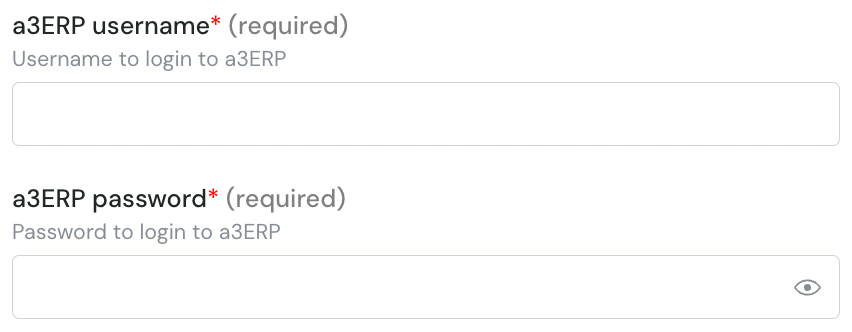
Step 4: Enter the a3ERP username and password.
Step 5: Click "Connect" to finalise the form filling.
👉 Two options will be displayed :
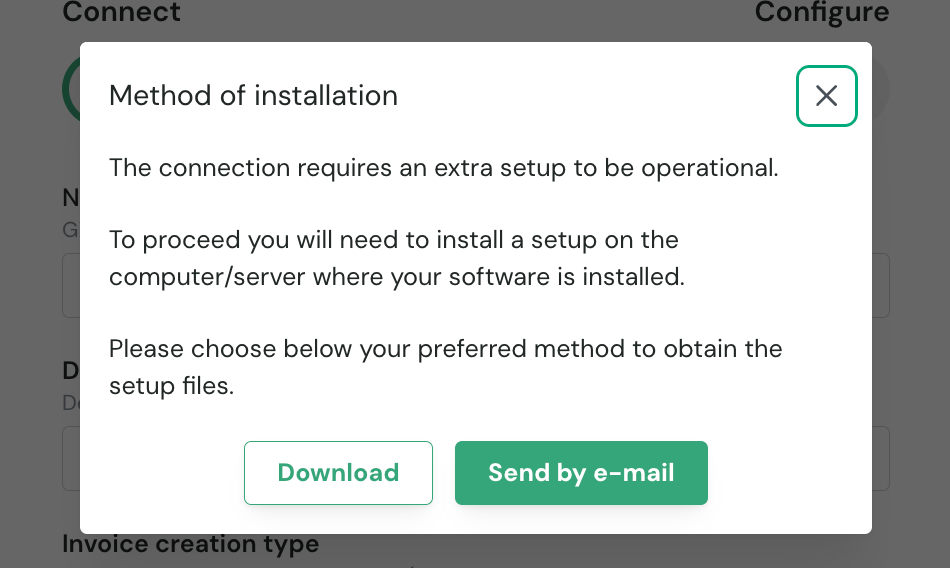
If you are filling the form on the server, click Download to get the installation file.
If someone else will perform the installation, click Send by Email and provide their email address.
❷ Configure
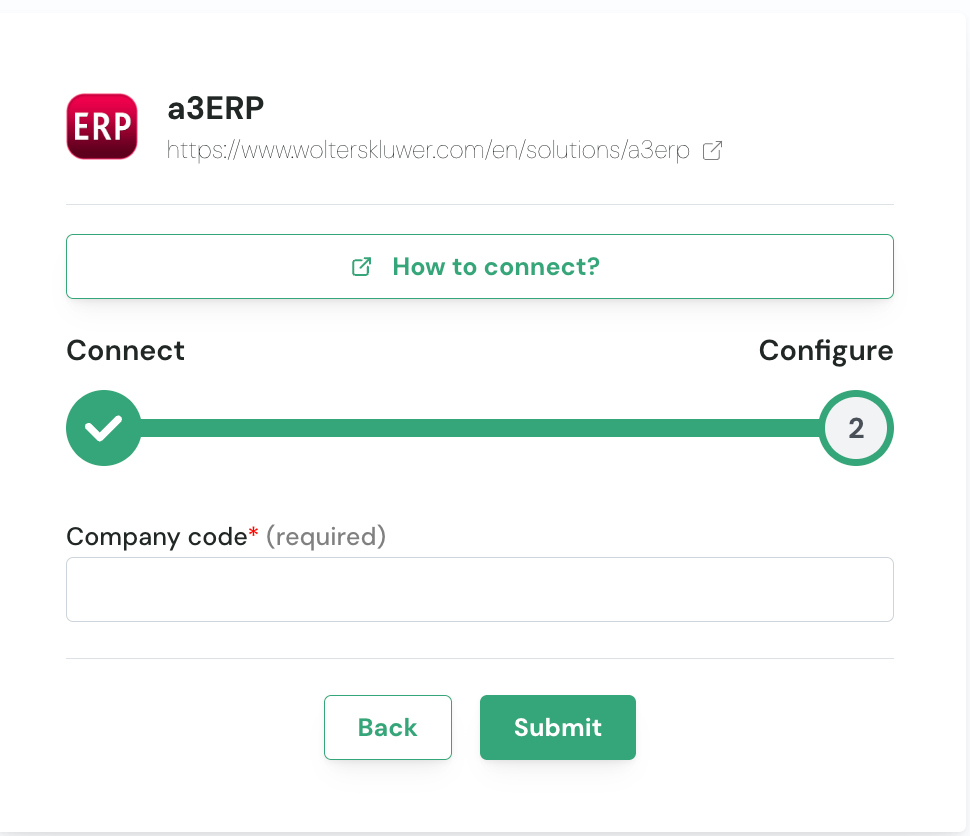
Once the installer has been downloaded or received, and before starting the installation, you must specify the company code of the entity in your a3ERP instance you are connecting to.
This step must be completed prior to the installation process.
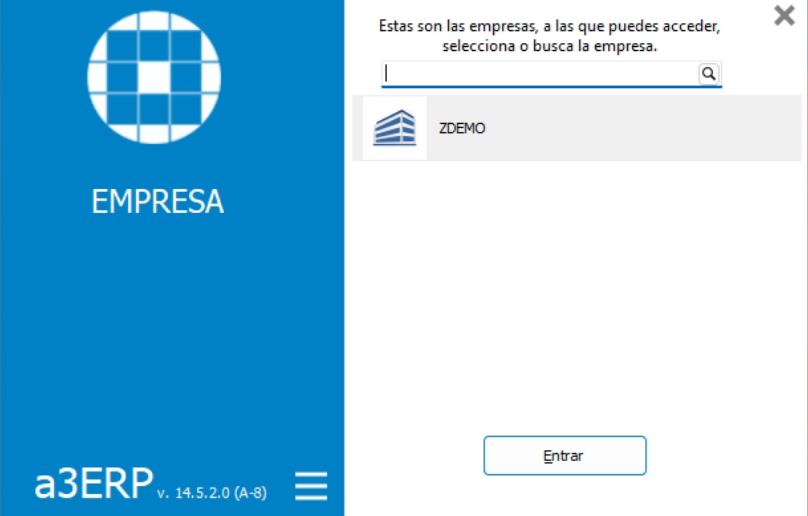
The company code can be found on the company selection page, which is the first screen displayed when launching a3ERP.
In the example illustrated, the company code is “ZDEMO”.
💿 Installation process
Recommendation: Perform the installation directly on the server running your a3ERP instance.
Perform the installation directly on the server hosting the a3ERP instance.
After completing the form and downloading the ZIP archive:
Copy the archive to the a3ERP server.
Extract the contents of
Setup.zip.Run the executable.
Follow the on-screen installation steps to complete the setup.