Sevdesk
Last updated: January 21, 2026
🚨 PREREQUISITES
You must be on the “Buchhaltung Pro” plan in sevdesk.
Only Germany is supported at the moment.
If the company is registered in Austria, contact us before proceeding (support for other geographies coming later).
🛠 PREPARATION
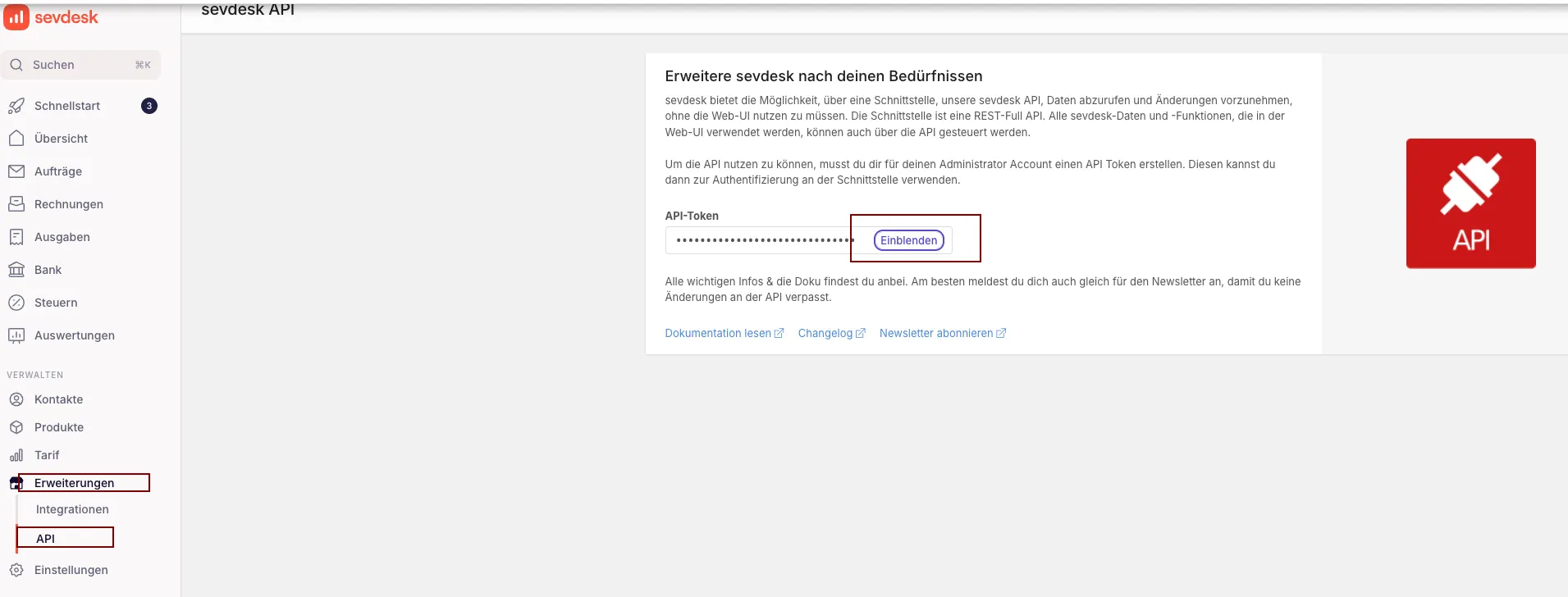
Generate the sevdesk API key
Log in to your sevdesk account.
Go to Extensions (Erweiterungen) → API.
Create a new API key.
You will be asked to re-enter your password before the token is displayed.
Copy the API key and keep it — you’ll need it in the next step.
⚡️ CONNECTION
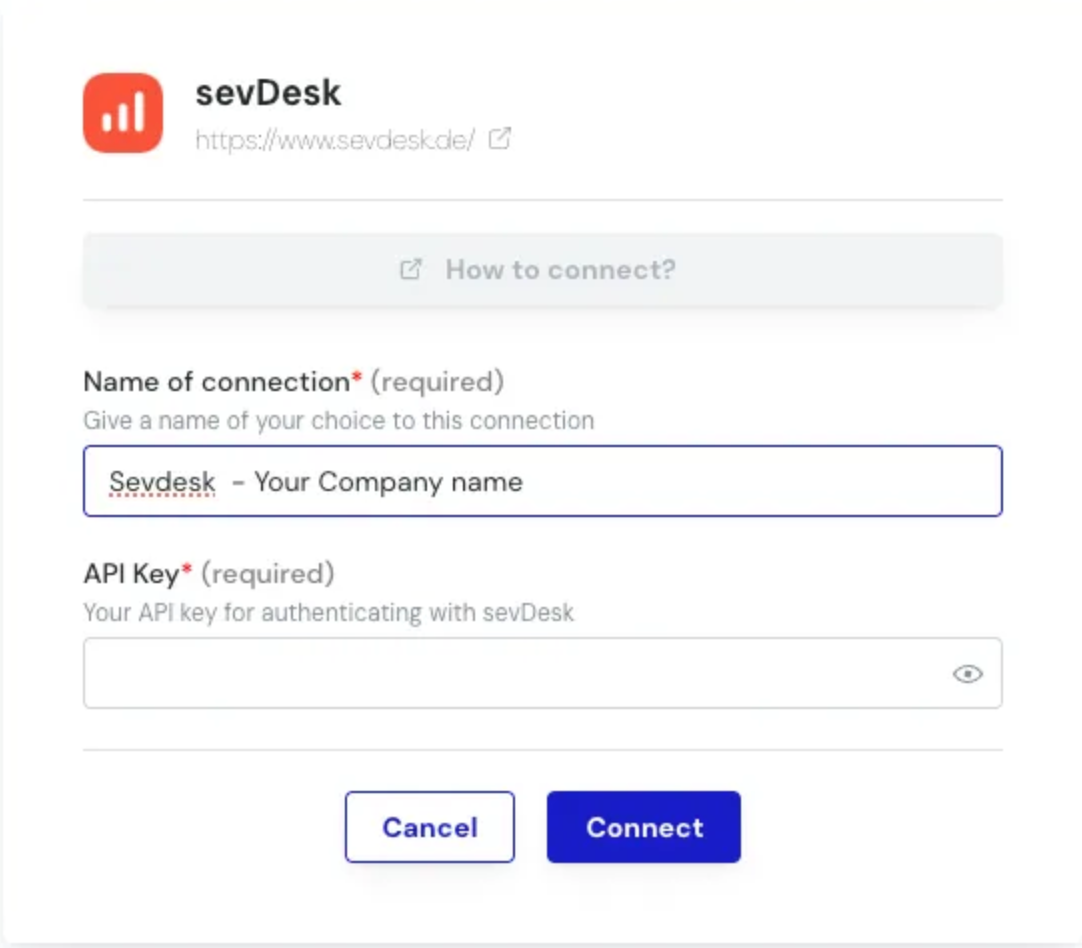
Step 1: Choose a name for your connection. (If the connection name field isn’t visible, simply skip this step and continue.

Step 2: Click "Connect" to finalise the connection.
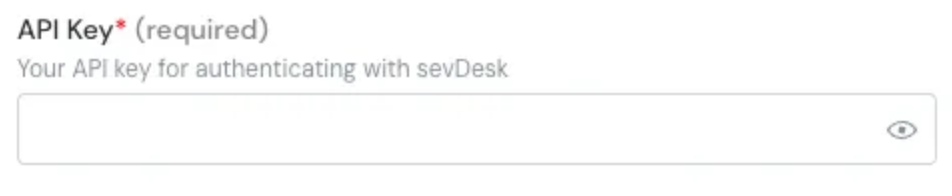
Paste the Sevdesk API key generated previously into the API key field.
Step 3: Click "Connect" to finalise the connection.