Octopus
Last updated: April 7, 2026
PREREQUISITES
The connector requires the Webservice Module to be enabled on the folders to connect.
CONNECTION
Step 1: Choose a name for your connexion.

Step 2: Enter your account's username.

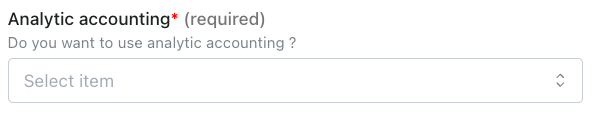
Step 3: Determine if you want to enable analytical data to be transferred.
Step 4: Enter your account's password.

Step 5: Click "Connect" to finalise the connexion.
CONFIGURATION
Step 1: Select the accounting folder to connect.

Step 2: Click "Submit" to finalise the configuration.