ACD: launch an analysis
Last updated: July 14, 2026
Disable folder sharing
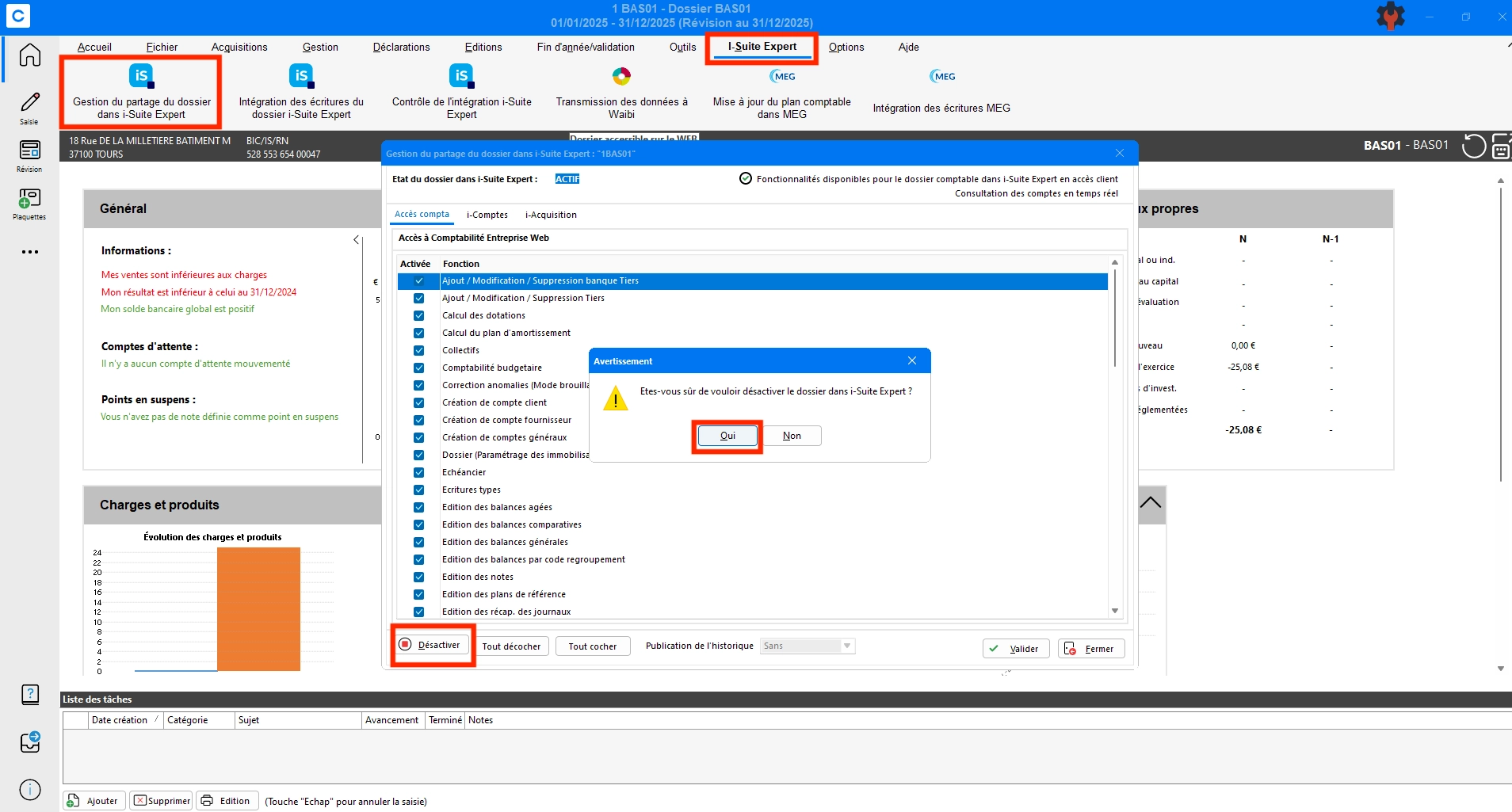
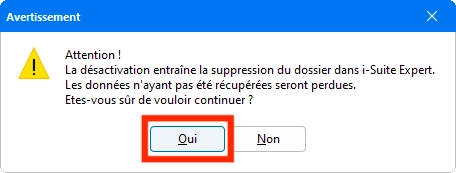
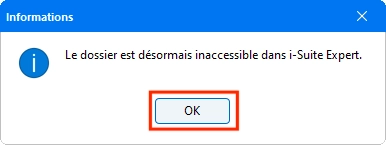
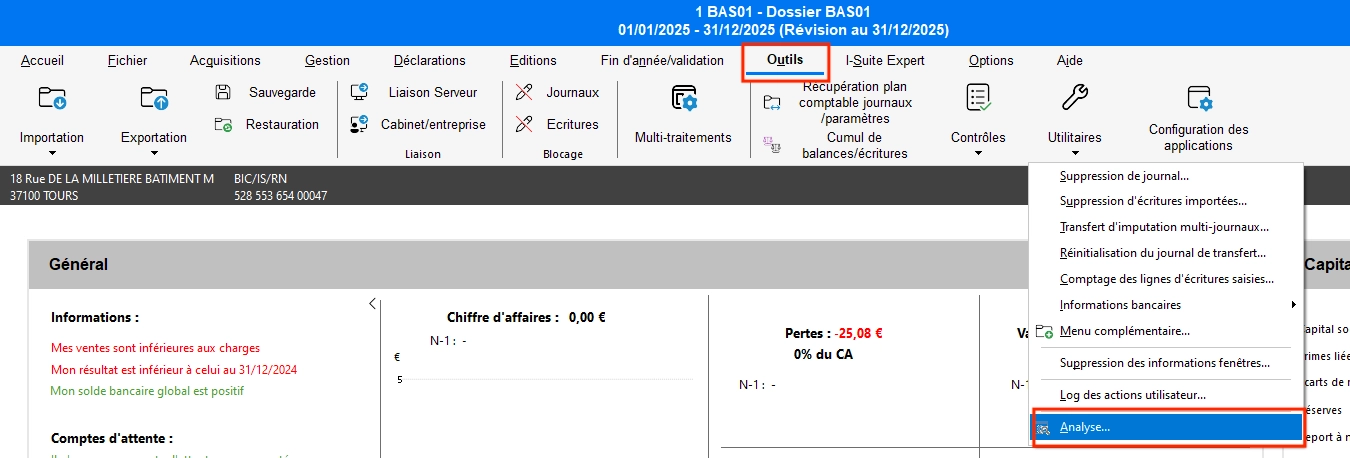
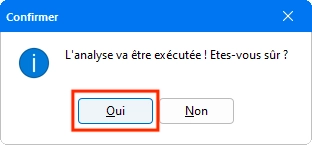
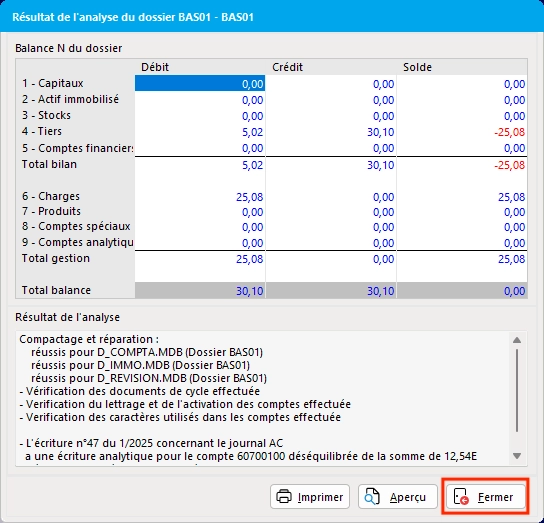
Start an analysis
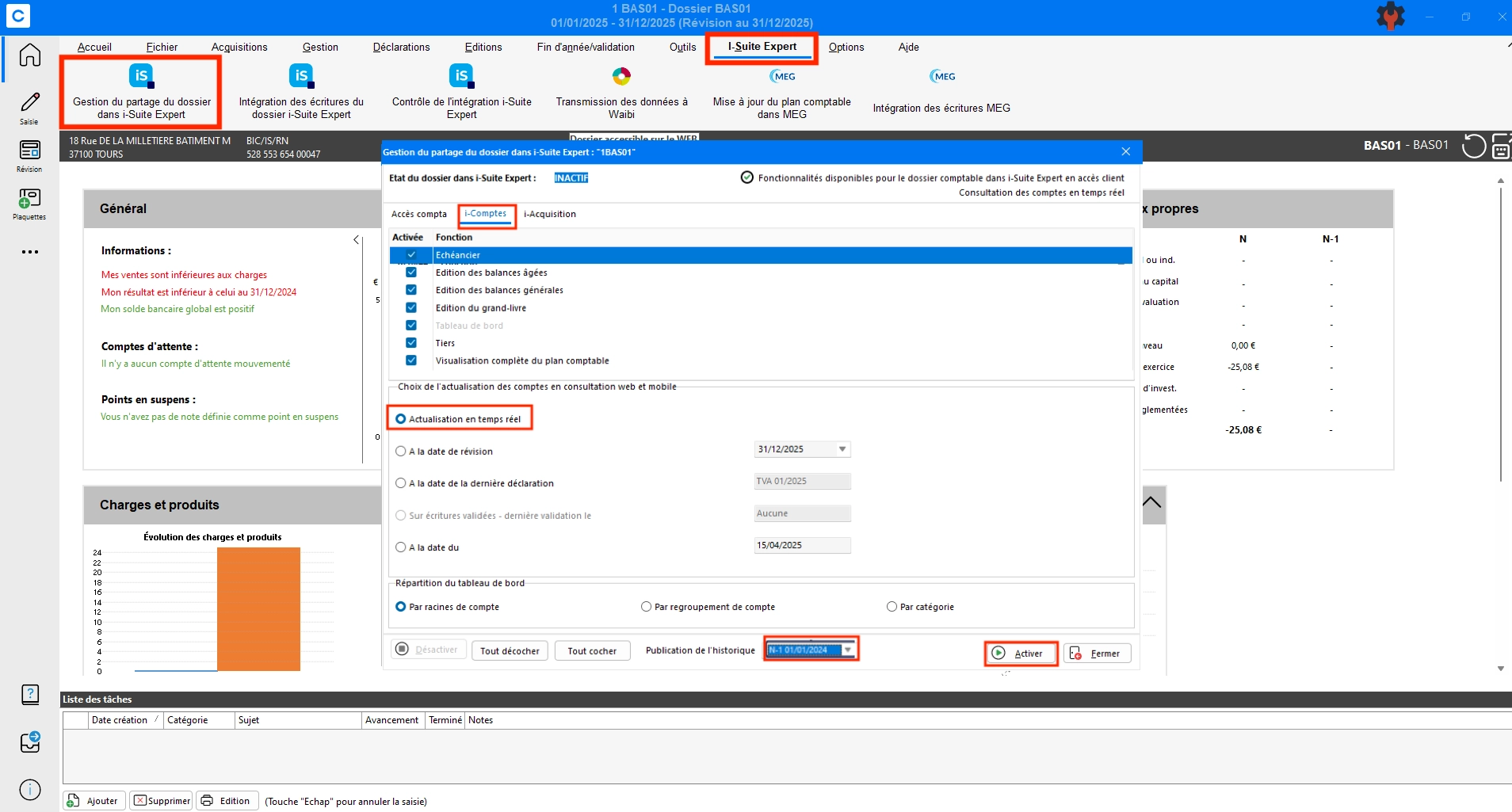
Share the folder again
Verify that real-time account updates are enabled.
Verify that transaction history is published.
"Impossible de se connecter aux communs de la comptabilité”
If the previous steps do not resolve the issue, the usual solution is to request the client's integrator to:
open port 443 or the dedicated port to enable the connection (this is done by the IT provider)
If the connection is established: restart the Enterprise Web Accounting service (also done by the IT provider)