Chargebee
Last updated: March 26, 2026
PREPARATION
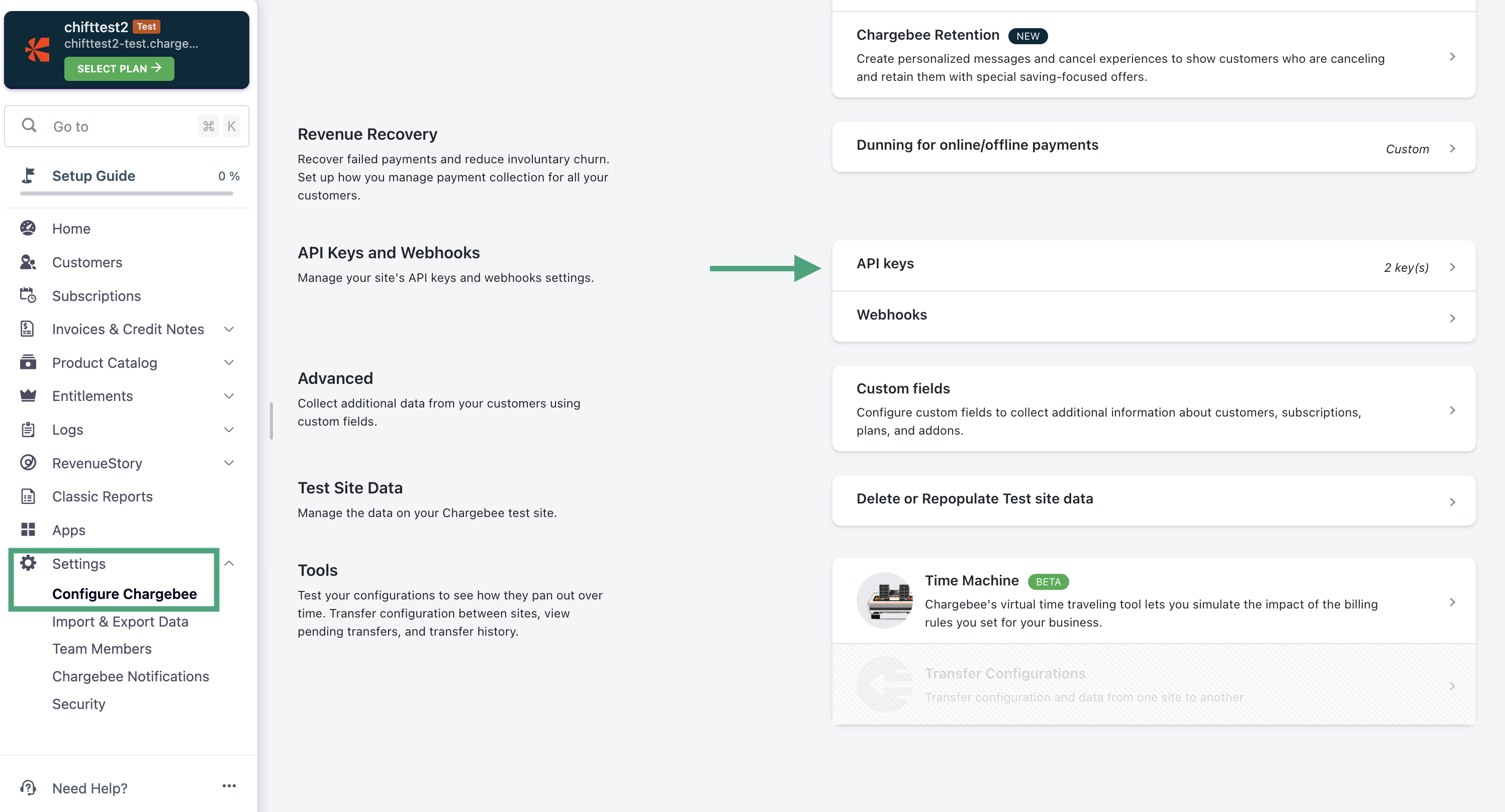
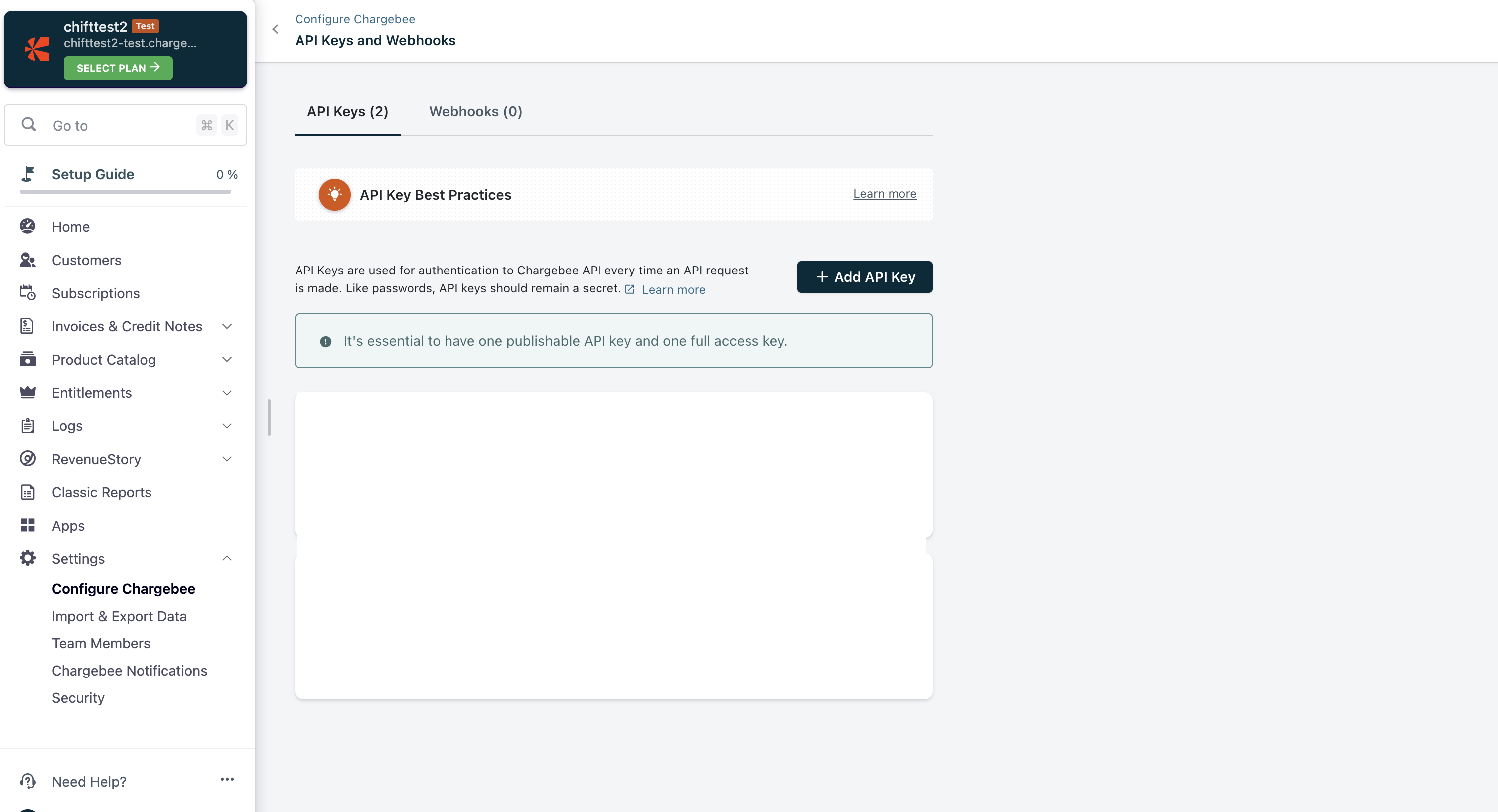
Generate an API key, in the settings of your Chargebee account.
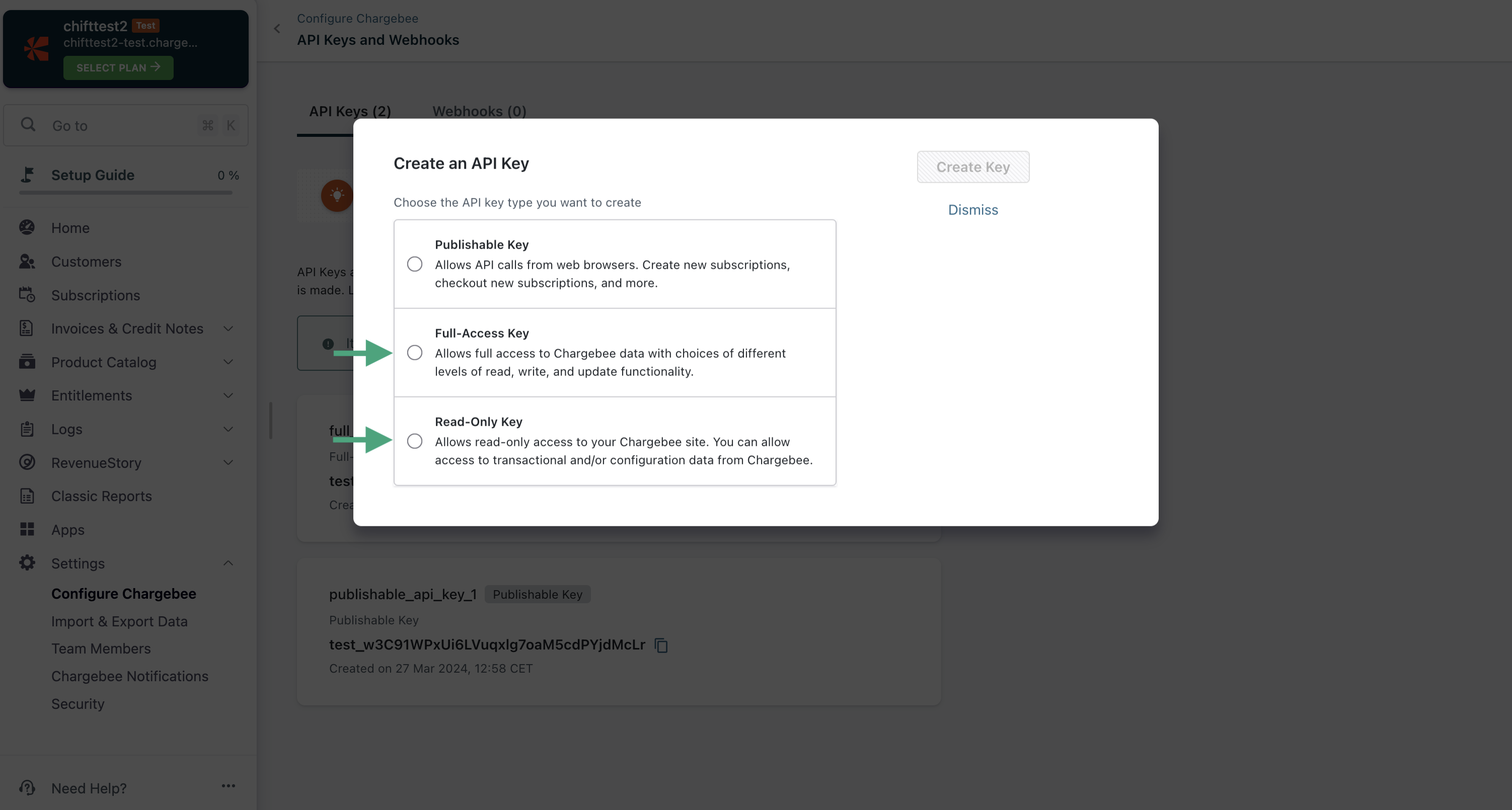
Choose between option 2 or 3.
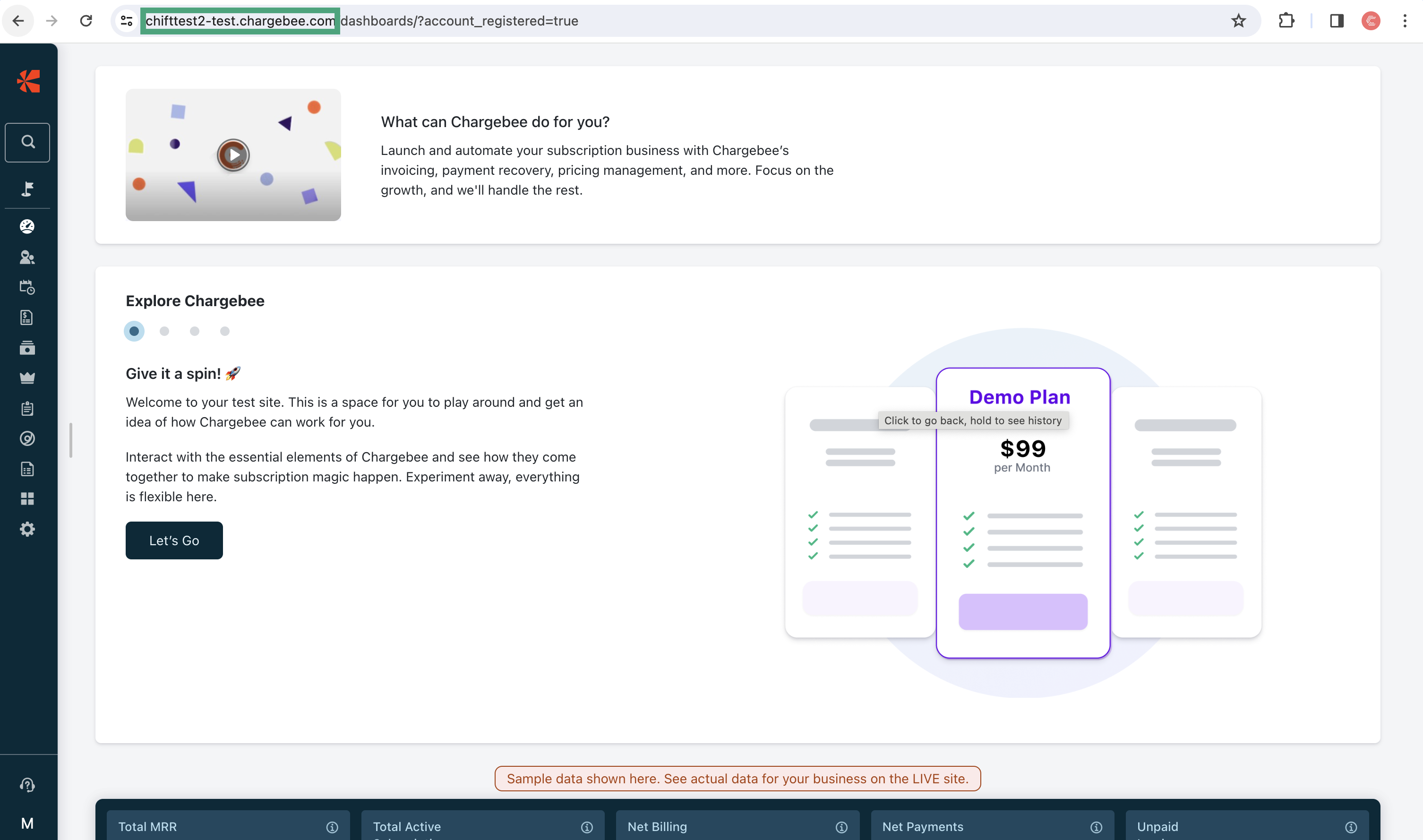
2. Copy the your Chargebee account url (highlighted in green).
CONNEXION
Step 1: Choose a name for your connexion.

Step 2: Provide your account URL.

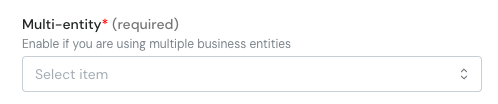
Step 3: Multi-entity. If you have multiple entities on Chargebee and you want to select one, please select yes.
Step 4: Provide the API Key generated on your account.

Step 5: Click "Connect" to finalise the connexion.