Hubspot
Last updated: December 12, 2025
CONNEXION
Step 1: Choose a name for your connexion.

Step 2: Click "Authorise" to finalise the connexion.
AUTHORISATION
You will need to log in to your Hubspot account and grant permissions to allow data sharing with Hubspot.
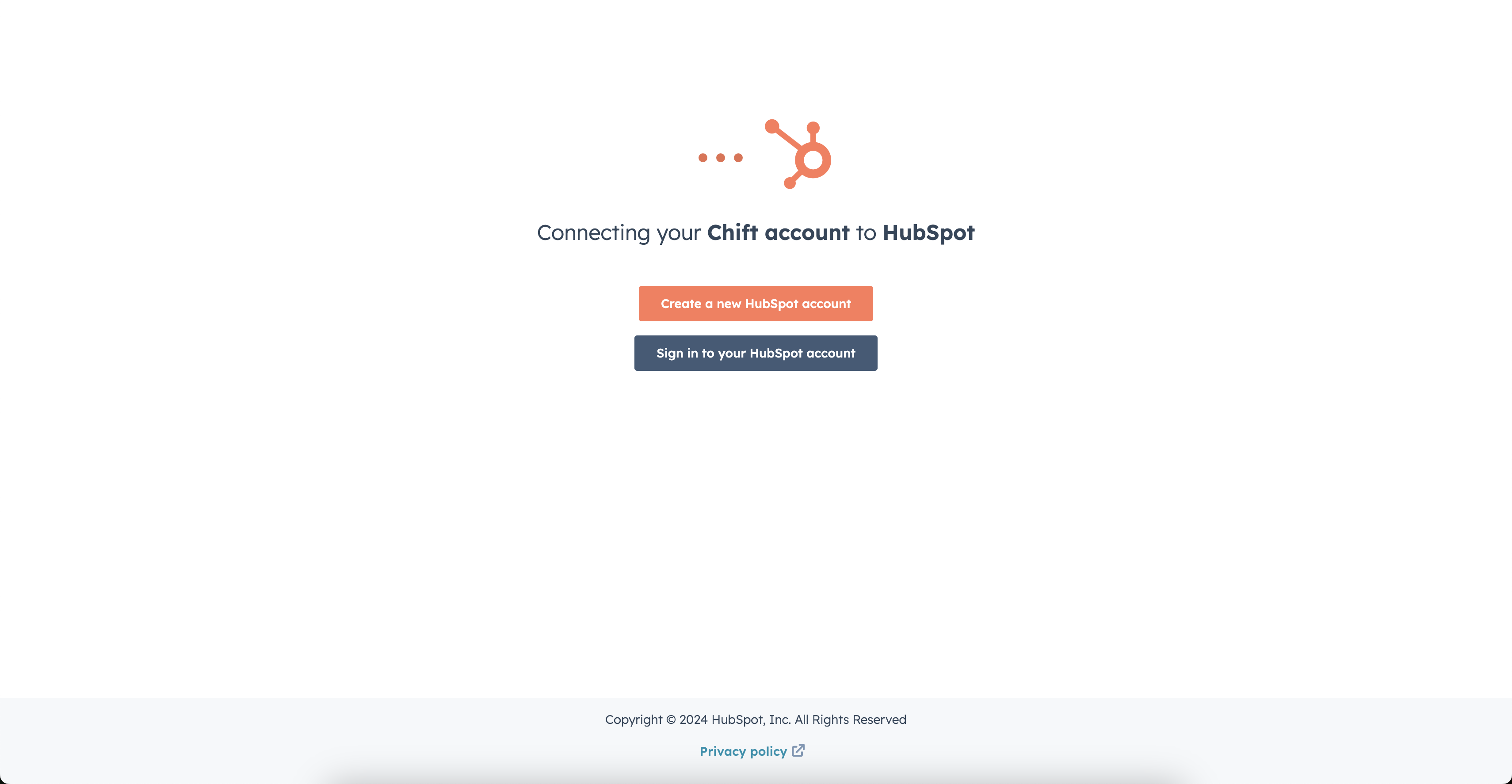
Step 1: Log in to your account.
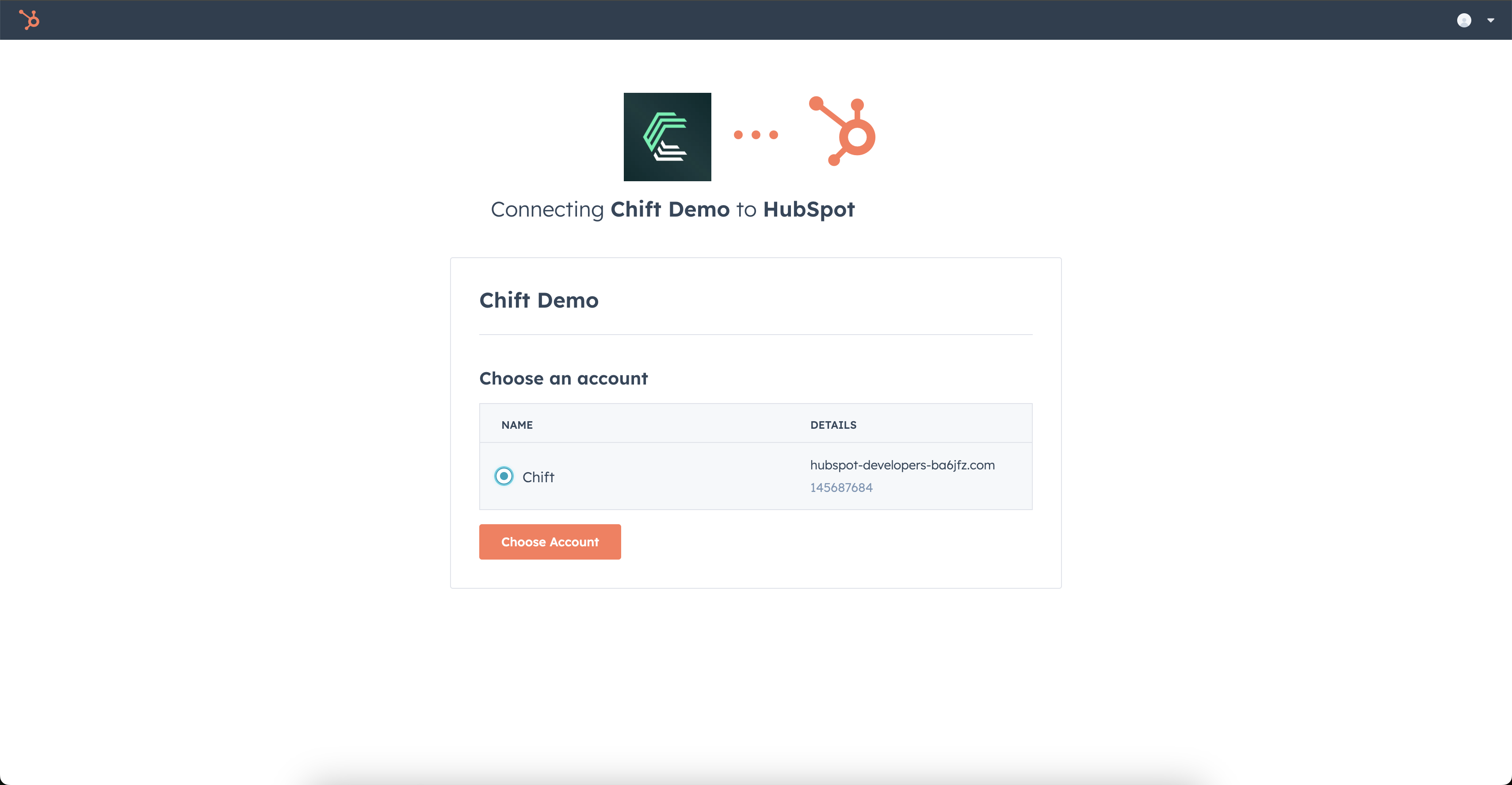
Step 2: Select the Hubspot account to connect.
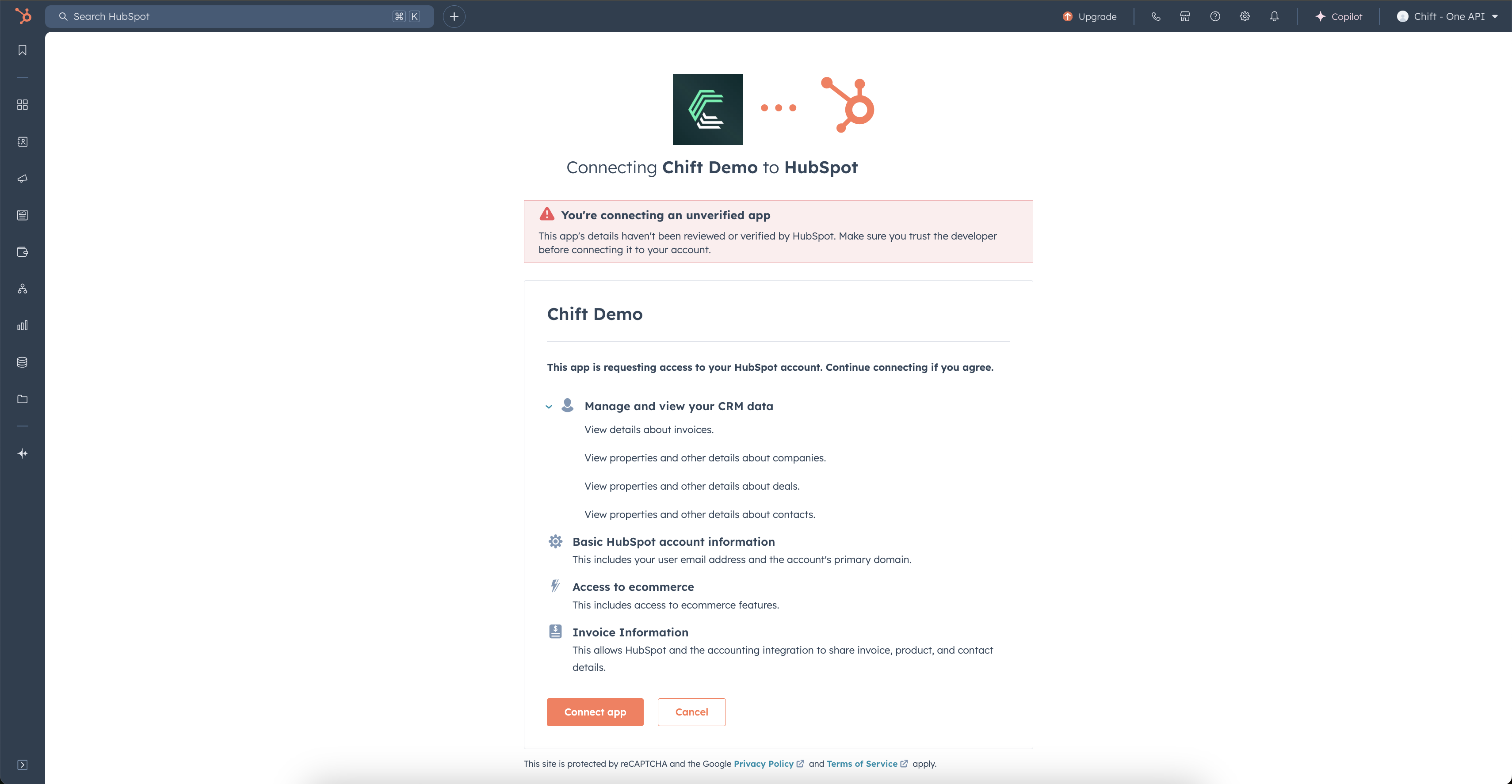
Step 3: Authorize data sharing with your Hubspot account.
FREQUENT ERRORS
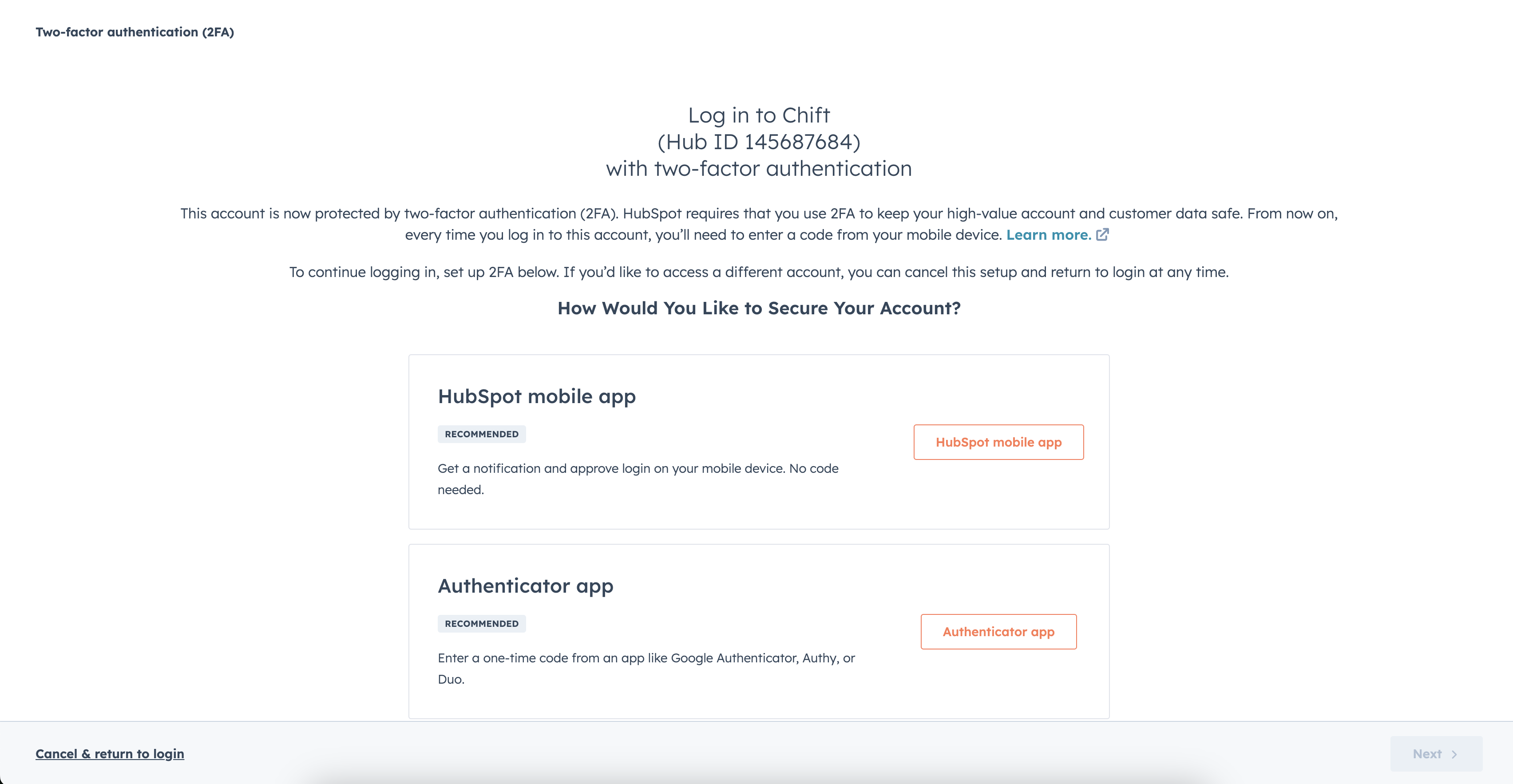
In case of a permissions error: "Couldn't complete the connection due to permissions." You will need to go into your account settings to enable two-factor authentication.
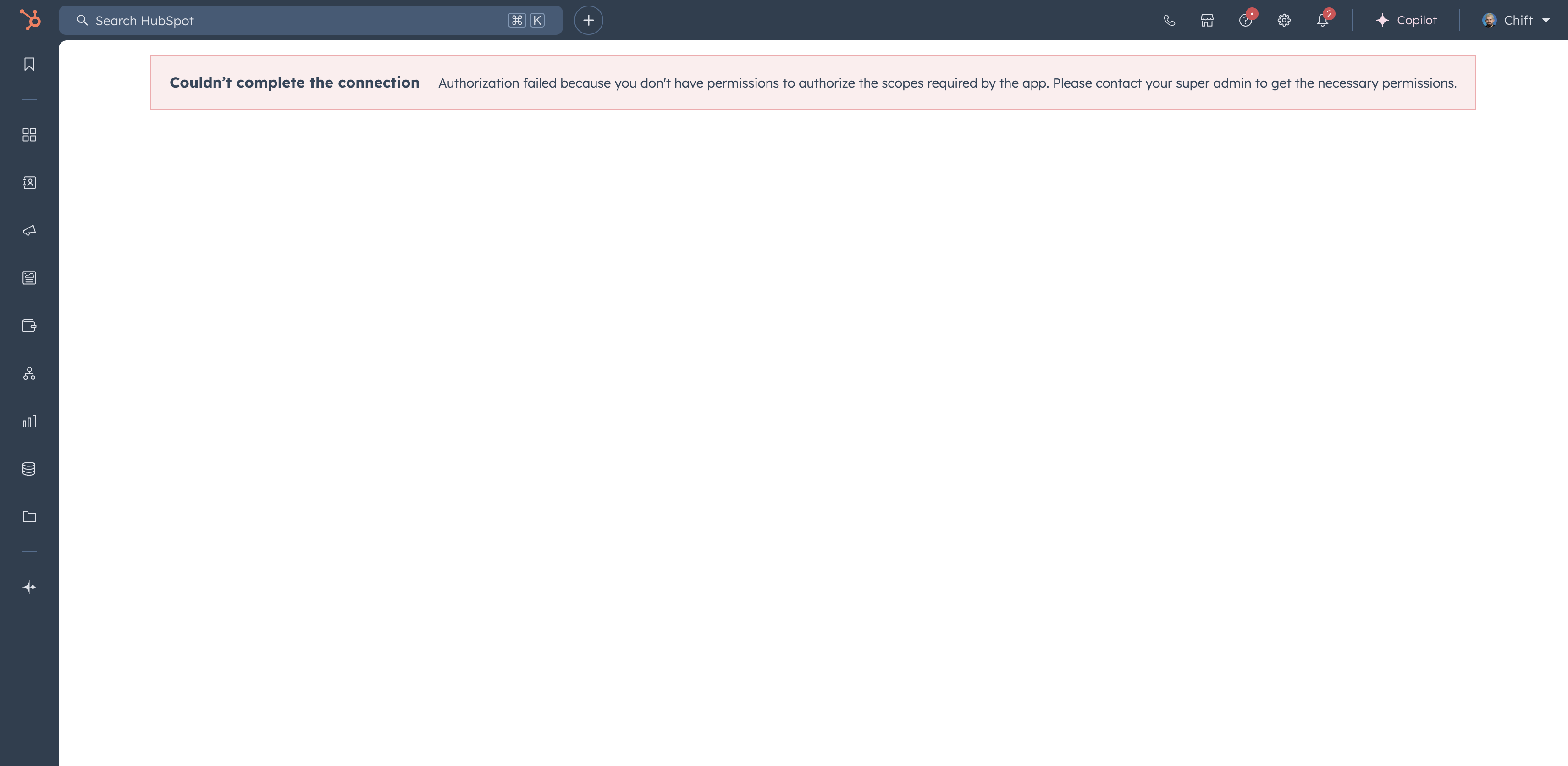
To enable two-factor authentication, you need to go to the Hubspot account and have the rights to access the scopes:
oauth
accounting
e-commerce
crm.objects.companies.read
crm.objects.deals.read
crm.objects.invoices.read
crm.objects.contacts.read