Organilog
Last updated: August 8, 2025
PREPARATION
Log into your organilog account
On the top right corner click on "API"
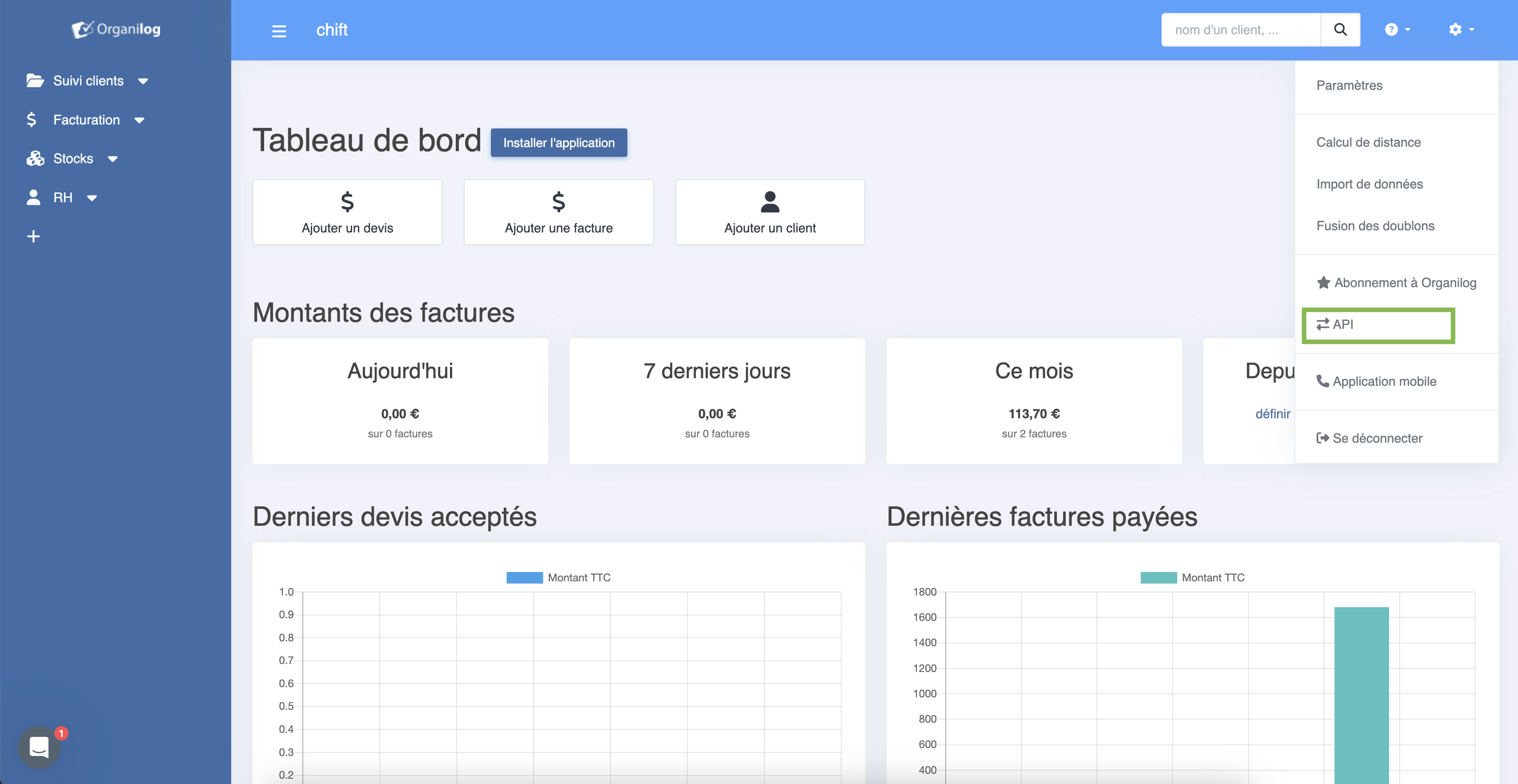
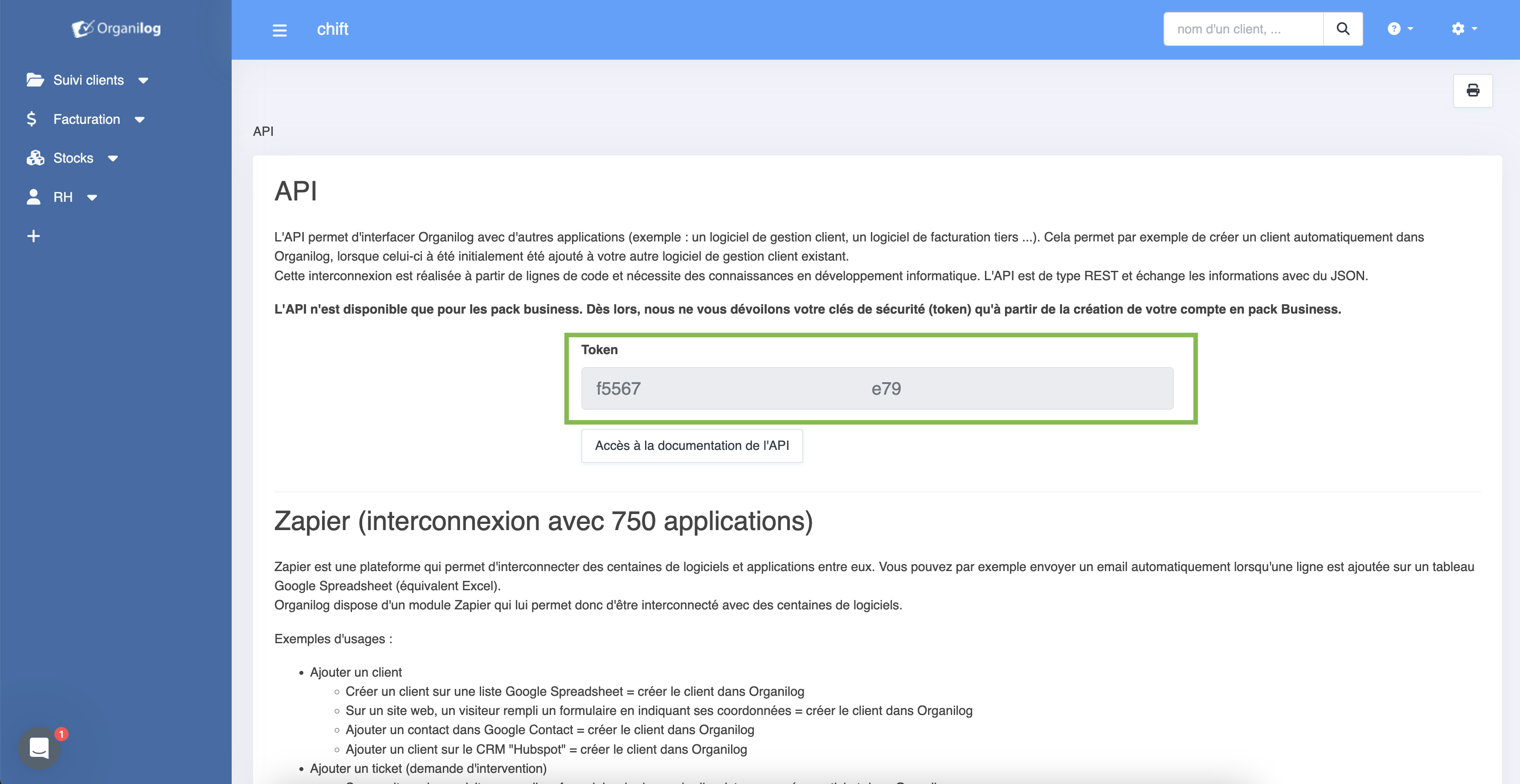
Then you can copy your API key (the one your need to fill in Chift)
⚠️ Please note that you need to have a "business" plan.
Otherwise, API key will be obfuscated and will not work.
CONNEXION
Step 1: Choose a name for your connexion

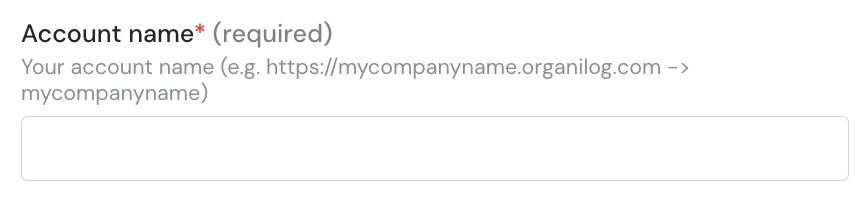
Step 2 : fill in the company subdomain in organilog (without the domain and HTTPS)
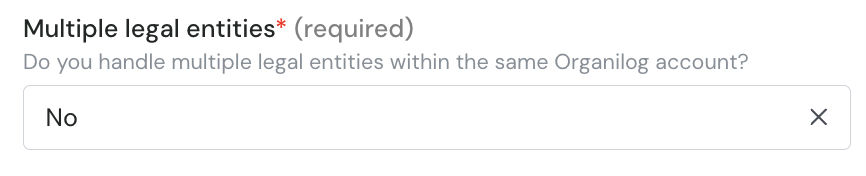
Step 3 : Choose if you want to import multiple legal entities
Step 4: fill in the API key you fetched from organilog.

Step 5: Click "Connect" to finalise the connexion.