Digiforma
Last updated: April 24, 2026
PREPARATION
The information you need to configure the connexion can be found on directly from your Digiforma's account:
Go to your integrations page and select GraphQL (https://app.digiforma.com/academy/interconnection/graphql)
Copy your active token
CONNECTION
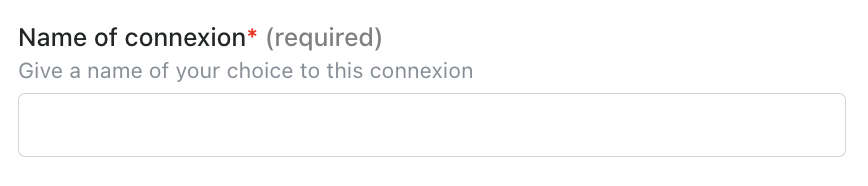
Step 1: Choose a name for your connexion.
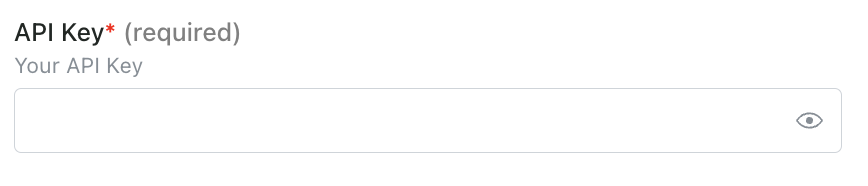
Step 2: Enter your API key, which you previously found on your account.
Step 3: Click "Connect" to finalise the connexion.