EBP Gestion Commerciale
Last updated: June 8, 2026
This implementation runs on a server hosted by the end user. For the integration to work, a Windows Service needs to be installed on the server. The detailed installation process is installed down below.
Prerequisites
You need access to the server where your EBP instance is installed using a windows admin user. This admin user needs to have read rights on the EBP SQL server.
By default, the service is configured to run with the Local System built-in account, which should have access to the EBP database.
In this configuration, you can leave SQL username and password empty.
In the event this behaviour needs to be overridden, then prepre the SQL username and password, you will need it during the installation.
You can also change the user running the service to use one that has access to the database.
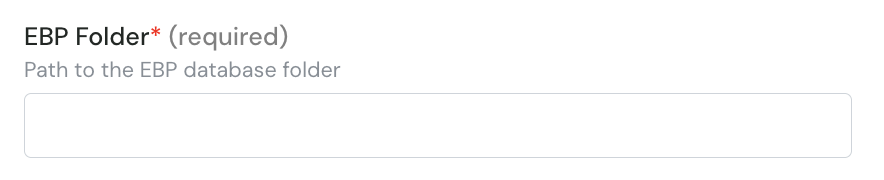
When filling the connection form, you will have to provide the path to your EBP folder.
How to locate the EBP folder ?
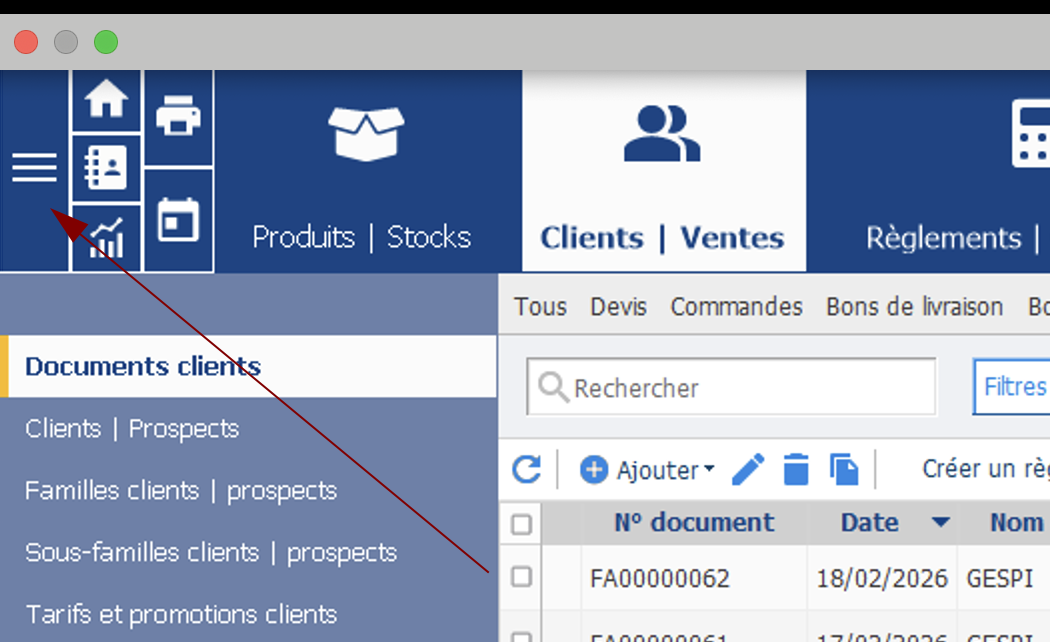
The EBP folder path can be found in EBP, by going to “mes paramètres”
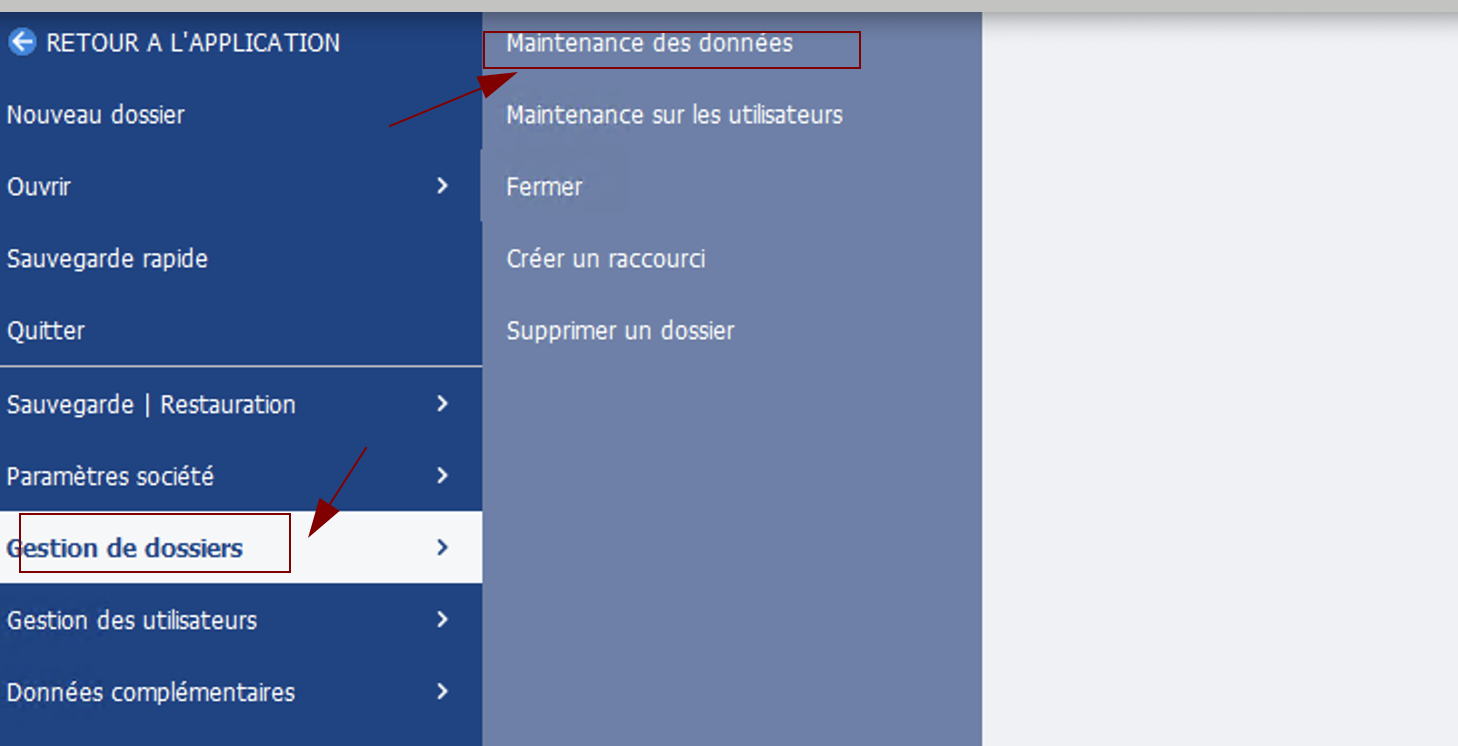
Find the “maintenance des données” from with the “Gestion des dossiers”
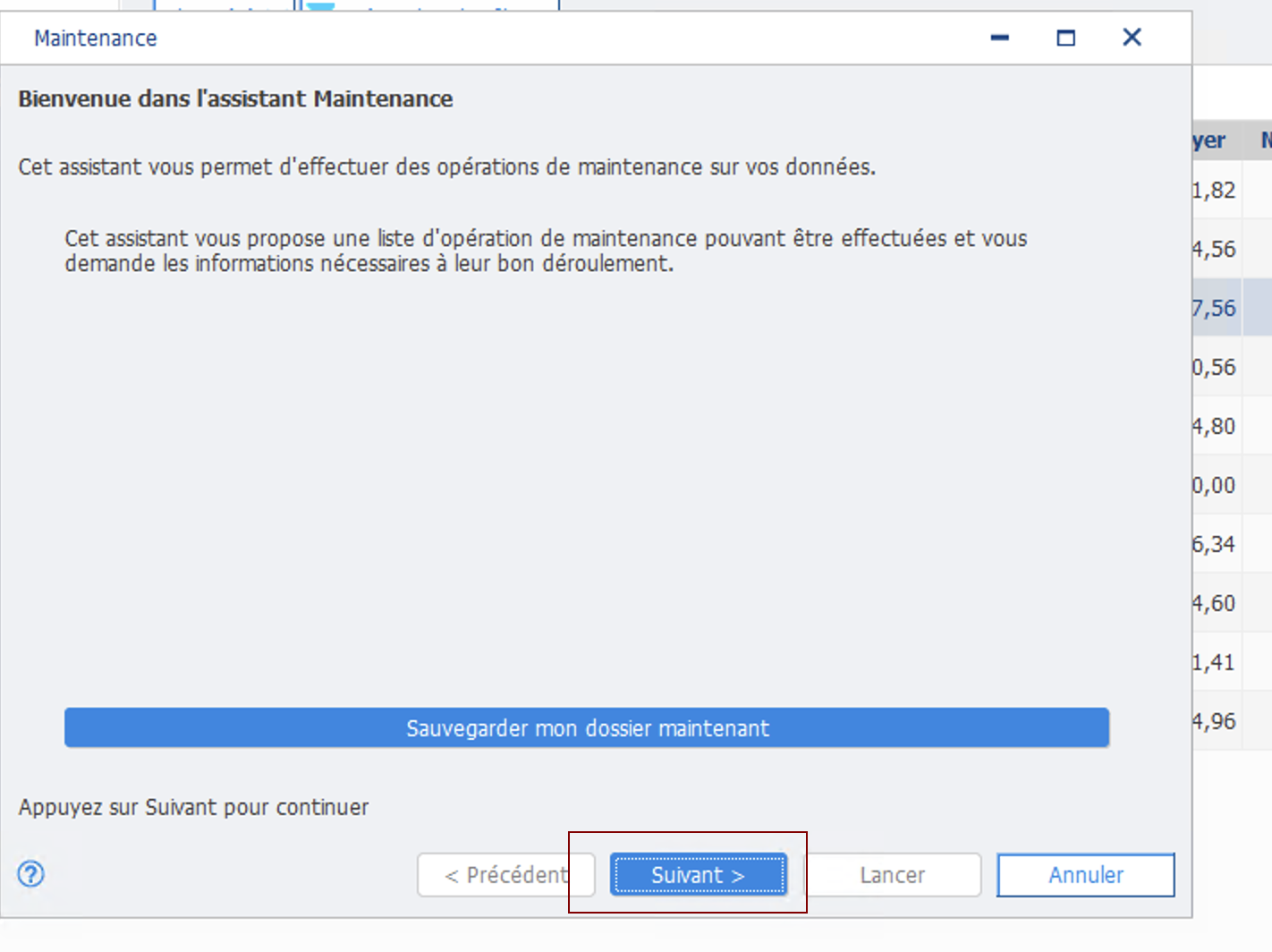
Press “Suivant”
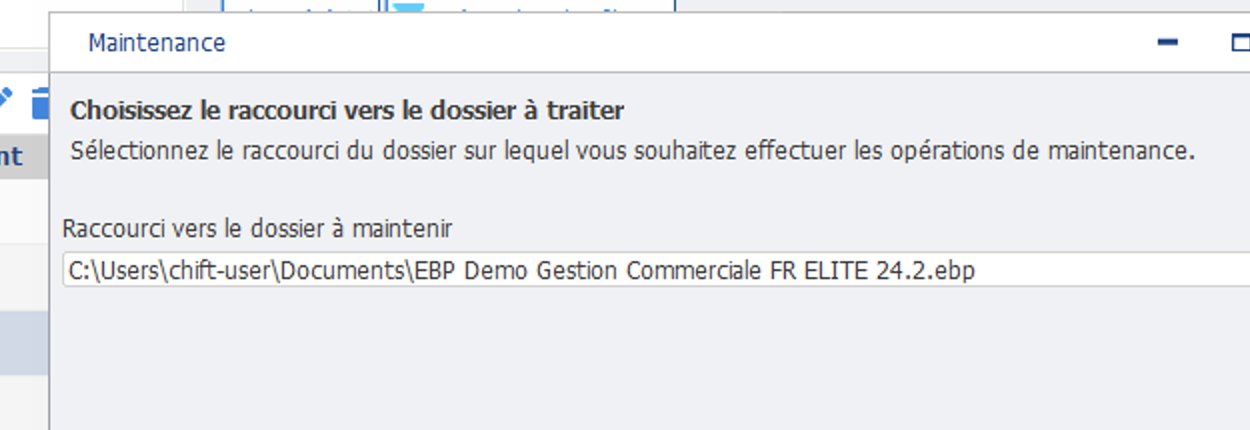
Copy the value in “Raccourci vers le dossier à maintenir” and paste it in the EBP folder input box.
Fill the connection form
Step 1 (optional): give a name to your connection. This name is optional and will not have any impact on the connection itself. We recommend to use the name of the company you are connecting in EBP.
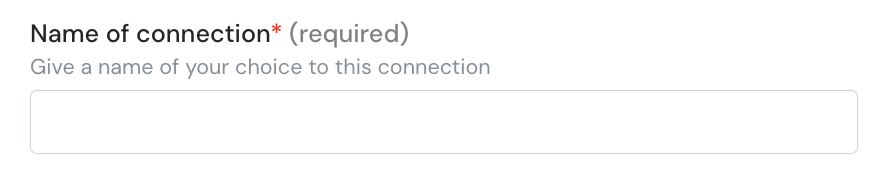
Step 2: provide the path of your database folder as prepared in the prerequisite step.
Installing the local agent
On the server hosting your EBP instance, run the setup executable from the setup archive: it’s going to install both the service and the Cockpit. Here is the detailed documentation regarding the cockpit installation.
At the end of the installation, the Cockpit will automatically open and ask you to provide the configuration of the connection that you are trying to setup.
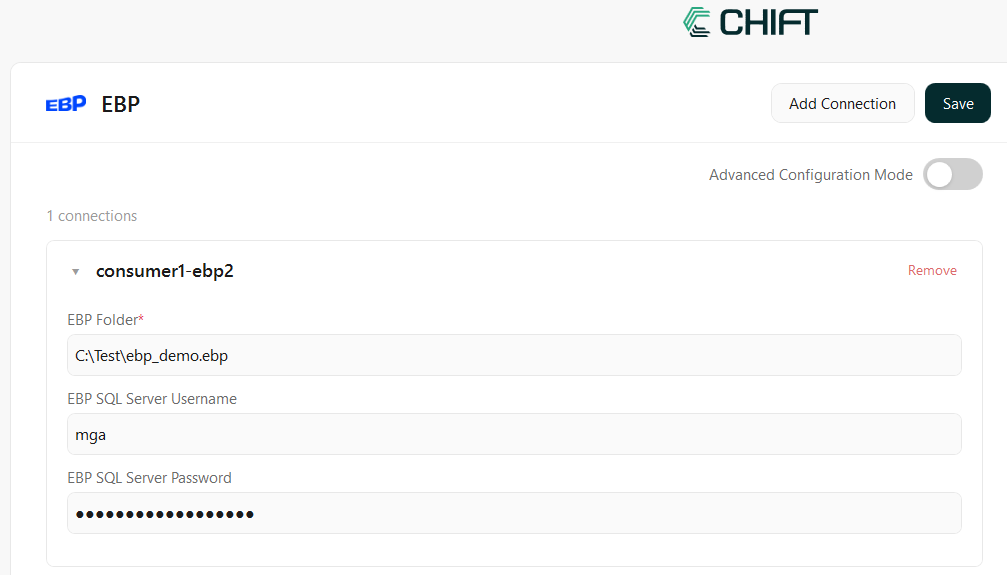
Configure the EBP connection
EBP Folder: the path to your EBP database
EBP SQL Server Username: SQL login to the EBP database
EBP SQL Server Password: SQL password to the EBP database
Need any help filling this form ? All steps are detailed in the prerequisite step.
Run the health checks to validate your configuration. If you have an issue running the health check verify the values provided in the cockpit for your EBP connection to make sure everything has been setup properly