Oracle Simphony
Last updated: February 12, 2026
PREPARATION
Contact your Oracle Account Manager to setup the BI API. This requires an additional license and is linked to the Reporting & Analytics portal & the BI API.
The following versions are needed:
Min. 20.1 for the Reporting & Analytics portal
Access to the BI API
Once setup by Oracle, you will receive the following information to connect:
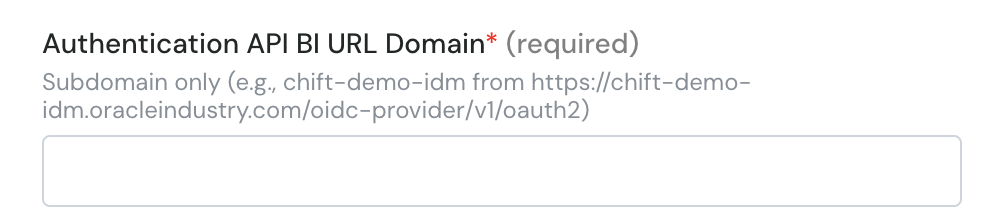
Authentication API BI URL Domain (URL with .oracleindustry.com/oidc-provider/v1/oauth2)
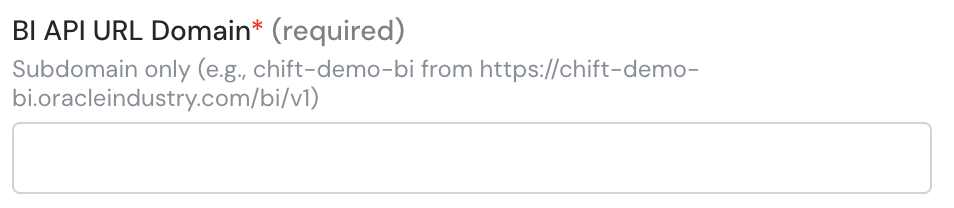
BI API URL Domain (URL with /bi/v1)
Client ID
API username
API password
Enterprise Short Name (OPN by default)
This is what you need to fill in the form.
CONNEXION
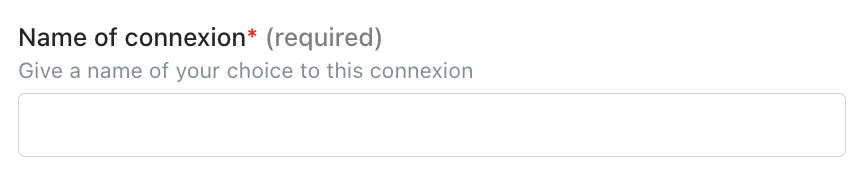
Step 1: Choose a name for your connexion.
Step 2: Enter the subdomain of the BI authentication url (see above)
Step 3: Enter the subdomain of the BI API url (see above)
Step 4: Enter the client id

Step 5: Enter API username

Step 6: Enter the enterprise short name (e.g. OPN)

Step 7: Enter API password