Last.app
Last updated: August 8, 2025
PREPARATION
Activate the integration in Last.APP.
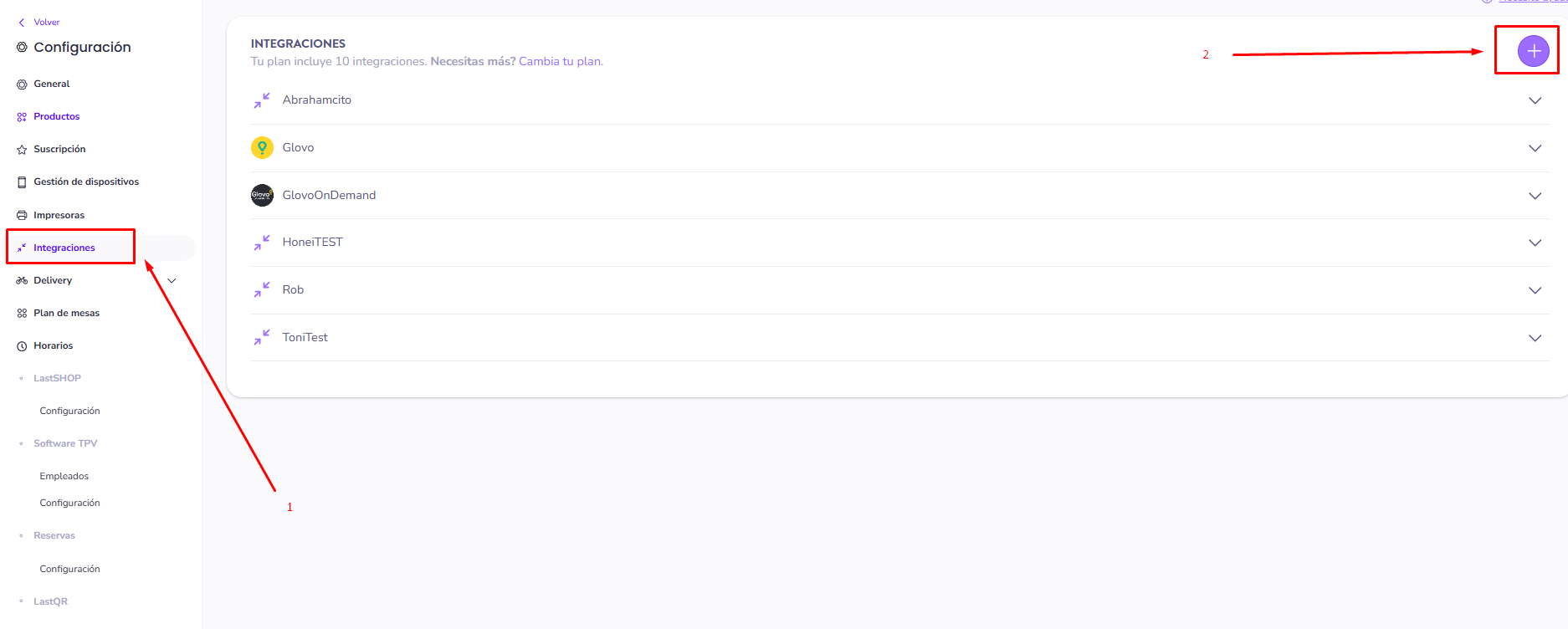
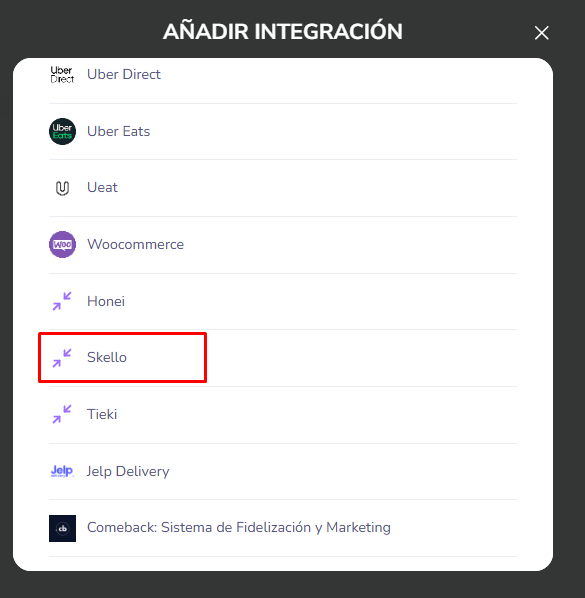
Go to your Last.APP account → Menu → Integrations → "Add" / "+" → click on the partner you want to integrate (in this example: Skello)
2. Contact Last.app support's team to request for an API bearer token in order to activate your integration.
CONNEXION
Step 1: Choose a name for your connexion.

Step 2: Enter your bearer token, which you will find on your Last App account.

Step 3: Click "Connect" to finalise the connexion.