Zelty
Last updated: February 4, 2026
PREPARATION
There are two possible configurations depending on whether your software vendor is available on Zelty’s Marketplace.
Case 1: Your software vendor is available on the Marketplace
Go to Zelty’s Marketplace.
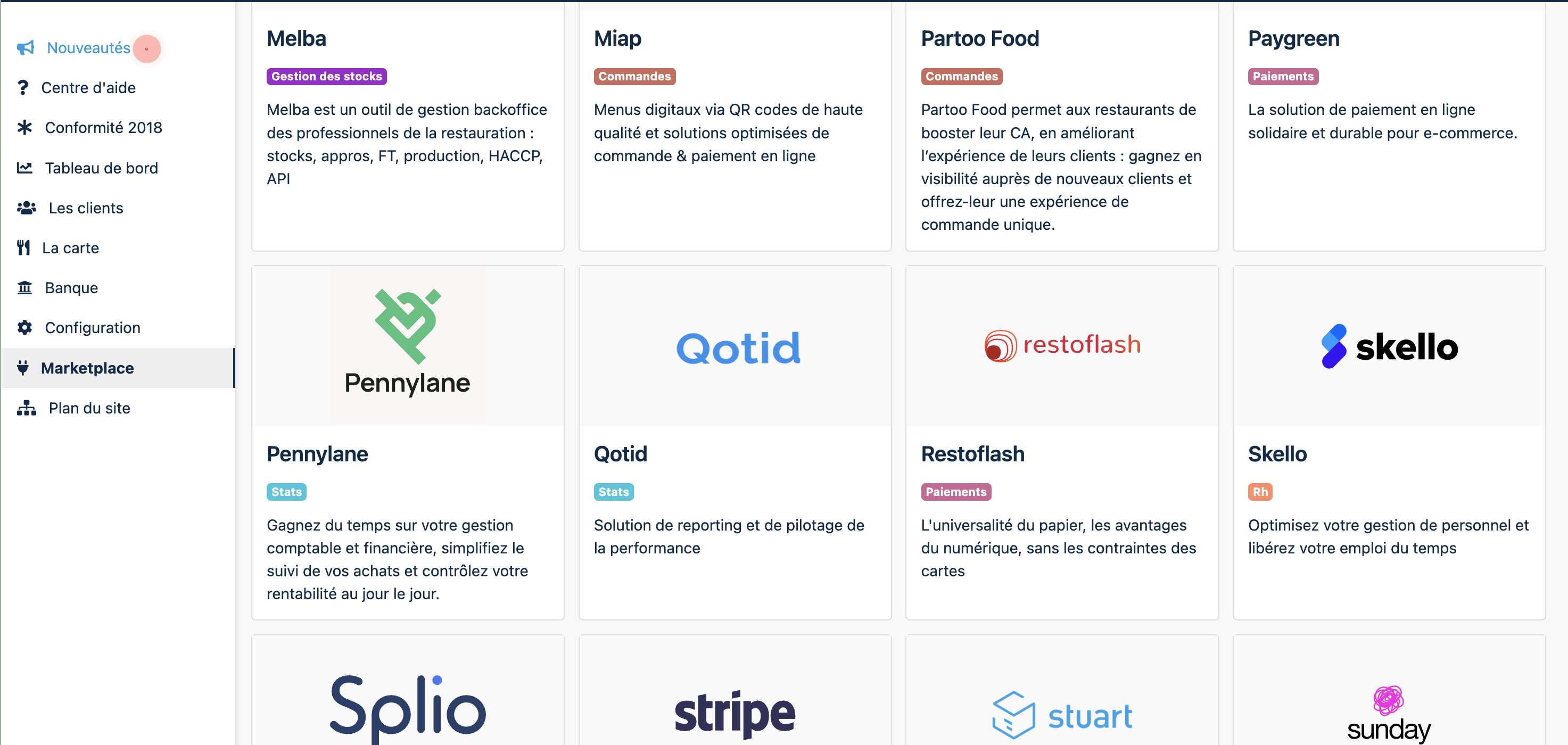
Find your software vendor’s application and open its card.
If the application is not yet active, click Activate.
If it is already active, the status will be Activated.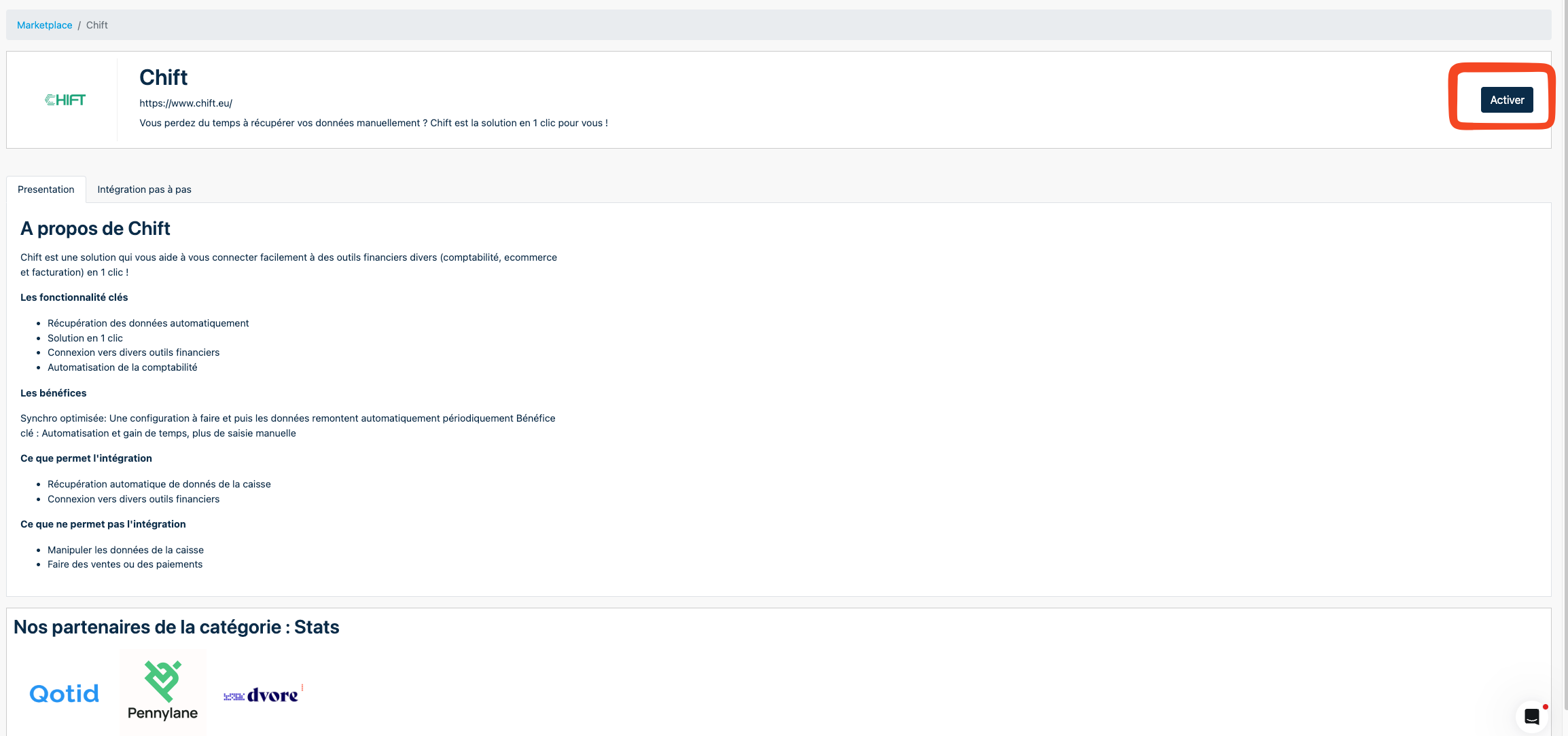
Once activated, copy the API key displayed.
⚠ If an API key was already generated in the past, Zelty will only display a masked version (for example: MTY123******IHA=).
This is not the full API key. It is only shown to help you identify it.
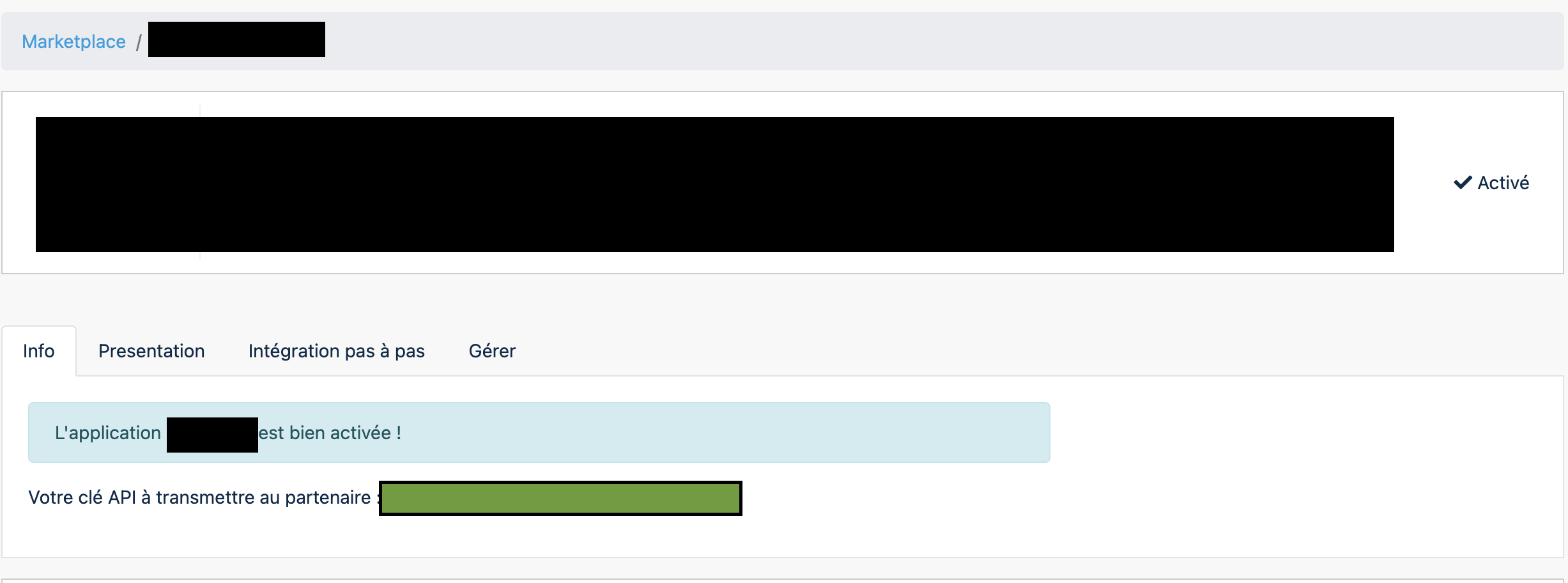
If you no longer have access to the original API key, you will need to generate a new one (see “Lost API key” below).
Case 2: Your software vendor is not available on the Marketplace
If your vendor does not appear on Zelty’s Marketplace:
Open CHIFT’s application card instead.
Follow the steps descibed in "Case 1" to activate the application if it is not already activated.
Copy the generated API key.
Lost API key
If you have lost your API key and only see a masked version:
Go to the Manage tab of the application.
Deactivate the application.
Reactivate it.
A new API key will be generated.
Be aware that this will invalidate all existing integrations using the previous key.
CONNECTION
Step 1: Choose a name for your connection.

Step 2: Enter the API Key.

Step 3: Click "Connect" to finalise the connection.