Atilla
Last updated: November 5, 2025
Prerequisites
Activate Chift's module:
Go to Modules & Subscriptions
Click on "Cash register modules"
Click on "Install" on Chift's module
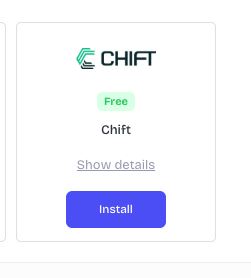
d. Once this is done, click again on the application and open the settings
e. You are now able to copy the the api token that you will need to use to create the connection
Note that this needs to be done for each of your store that you want to connect
CONNEXION
Step 1: Choose a name for your connexion (optional)

Step 2: Enter the API key that you created previously

Step 4: Click "Connect" to finalise the connexion.