Planity
Last updated: November 12, 2025
PREREQUISITES
The Point of Sales module should be enable.
You should get an access key for step 2:
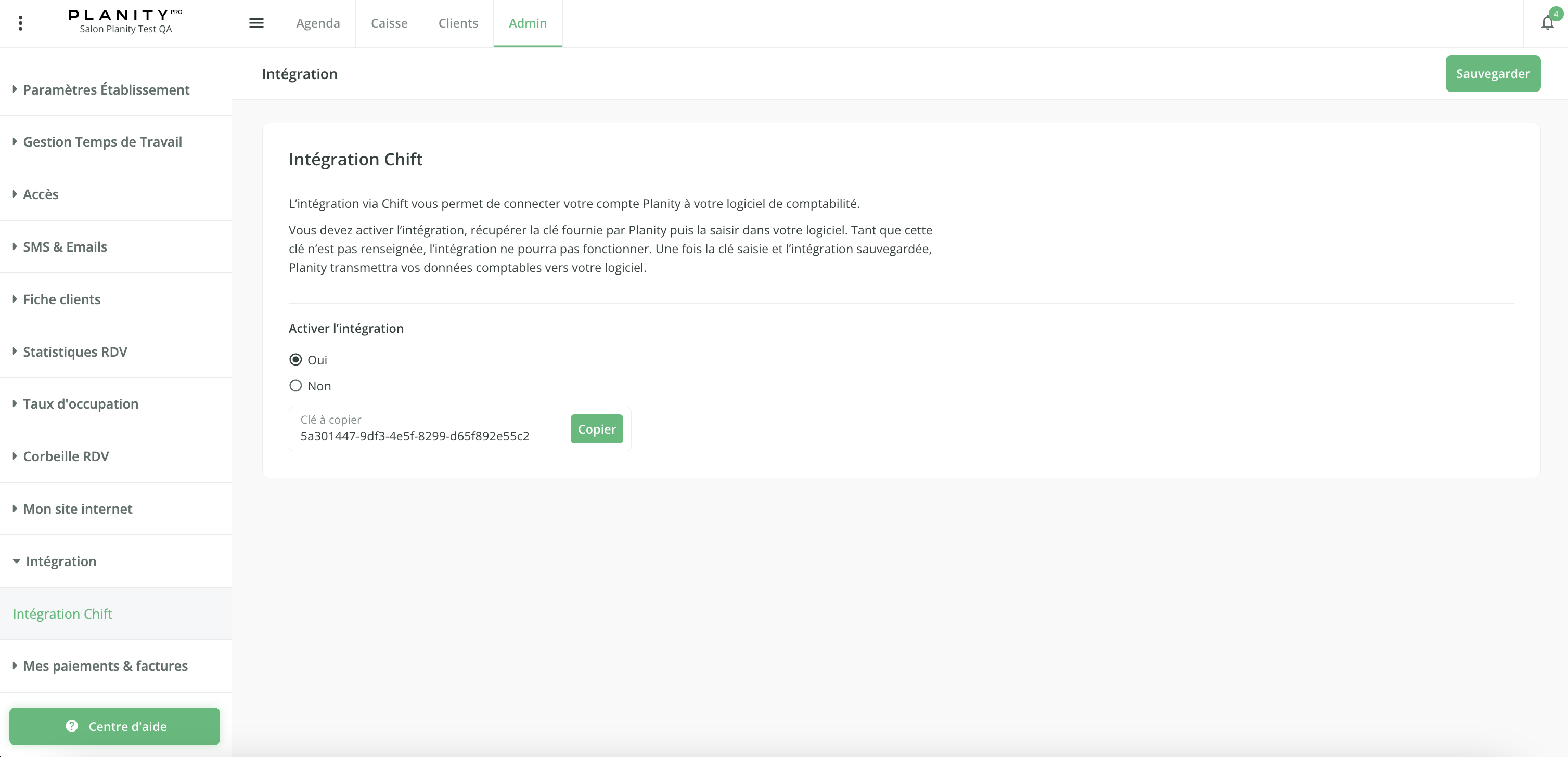
Go to your Planity's account
Go to "Admin" > "Integration" > "Integration Chift" >
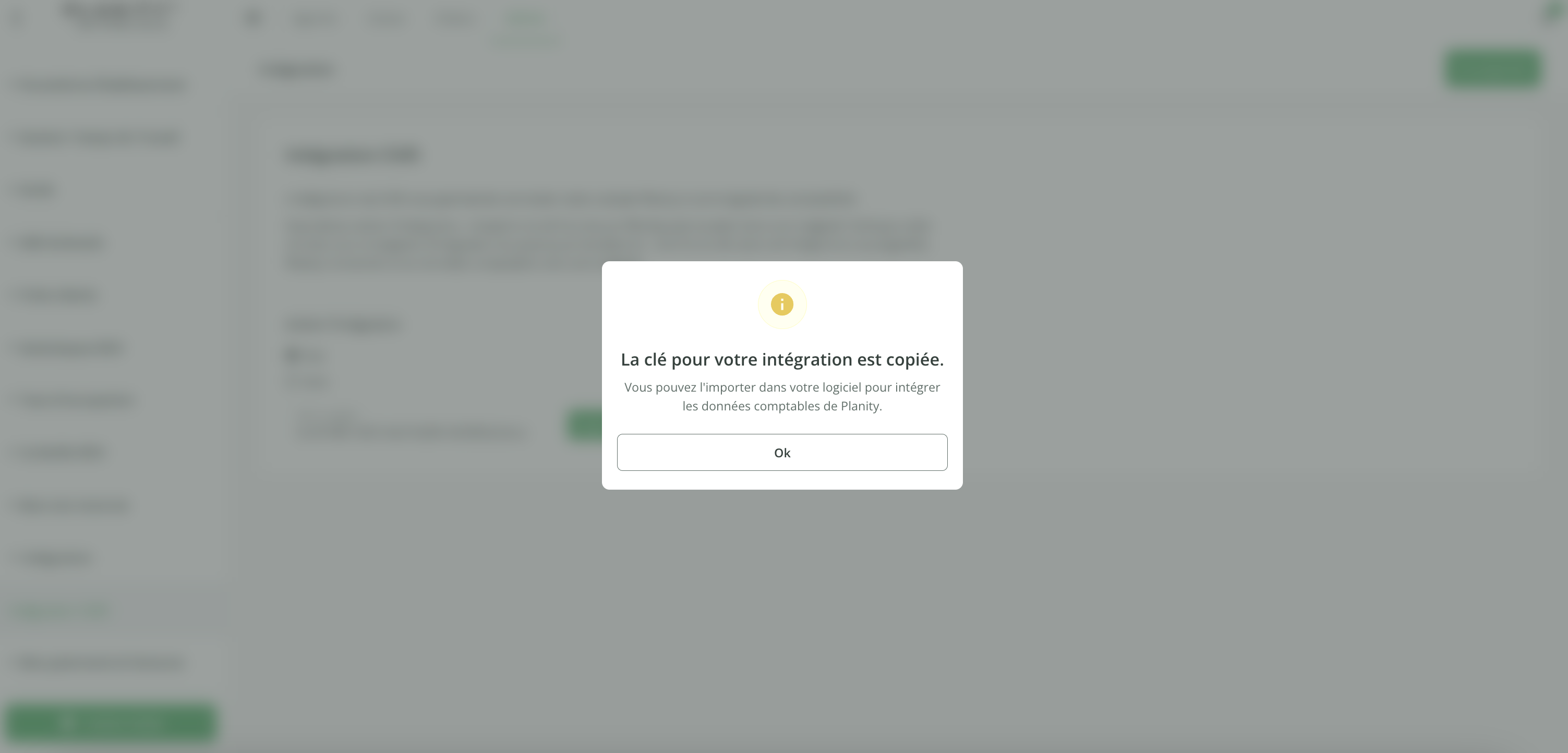
Select "Yes" on "Activate the integration", copy the access key and click on "Save".
See as well this guide from Planity: https://planity.helpdocs.io/l/fr/article/93uplufhol-comment-connecter-chift-et-planity
CONNEXION
Step 1: Choose a name for your connexion.

Step 2: Enter your access key.

After generating the API key on Planity, it may take up to 10 minutes for the key to become active.
If the connection fails on the first attempt with the error message “Provided access key is invalid or connection is not configured yet” , simply wait a few minutes and try again.
Step 3: Click "Connect" to finalise the connexion.

Note that the export of data once activated on Planity might take a few minutes. If you have an unexpected error here, please try again.