Hubspot
Last updated: December 12, 2025
CONNEXION
Étape 1: Choisissez un nom pour votre connexion.

Étape 2: Cliquez sur "Autoriser" pour finaliser la connexion.
AUTHORISATION
Il vous faudra vous connecter sur votre compte Hubspot et donner les permissions afin de permettre le partage de données avec Hubspot.
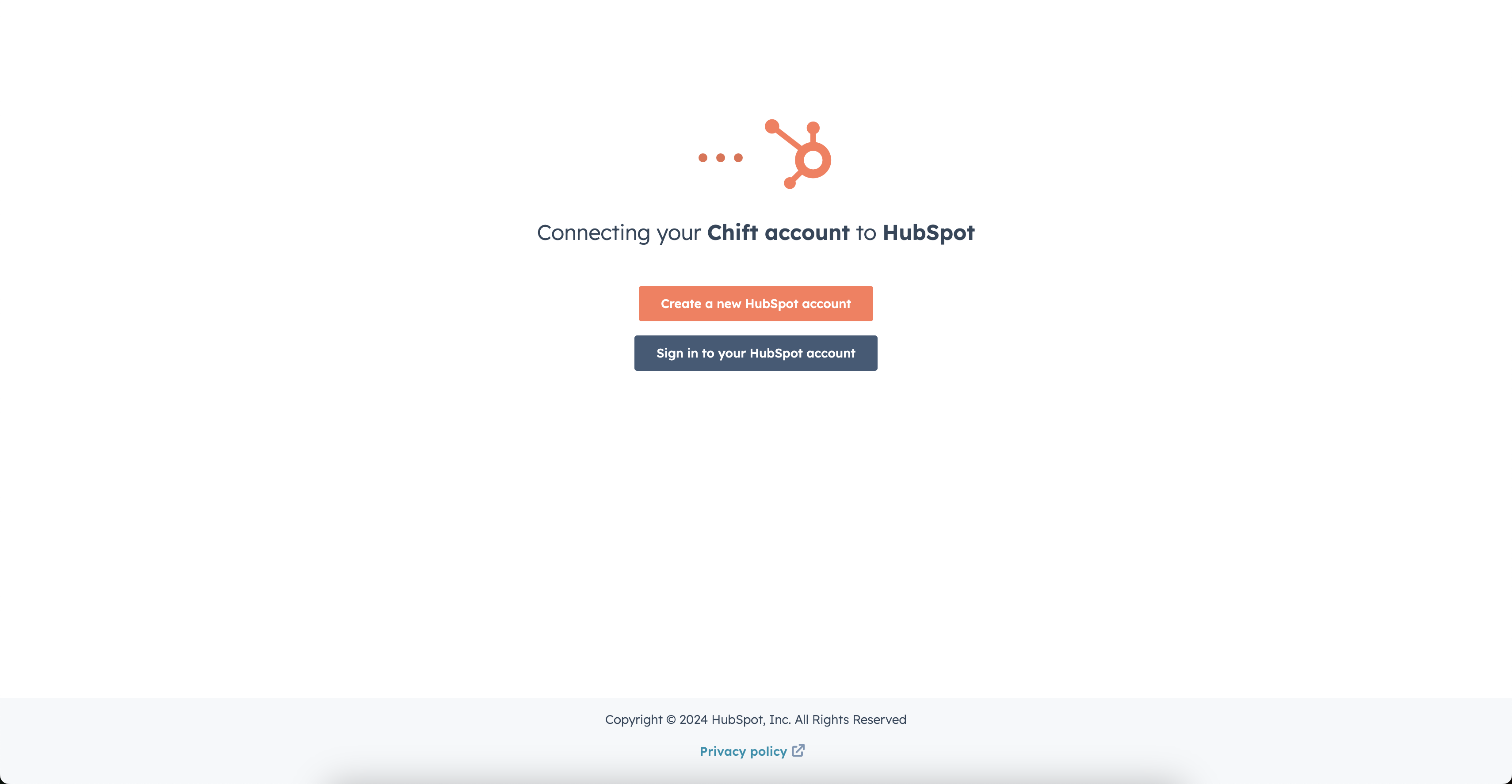
Étape 1: Connectez-vous sur votre compte.
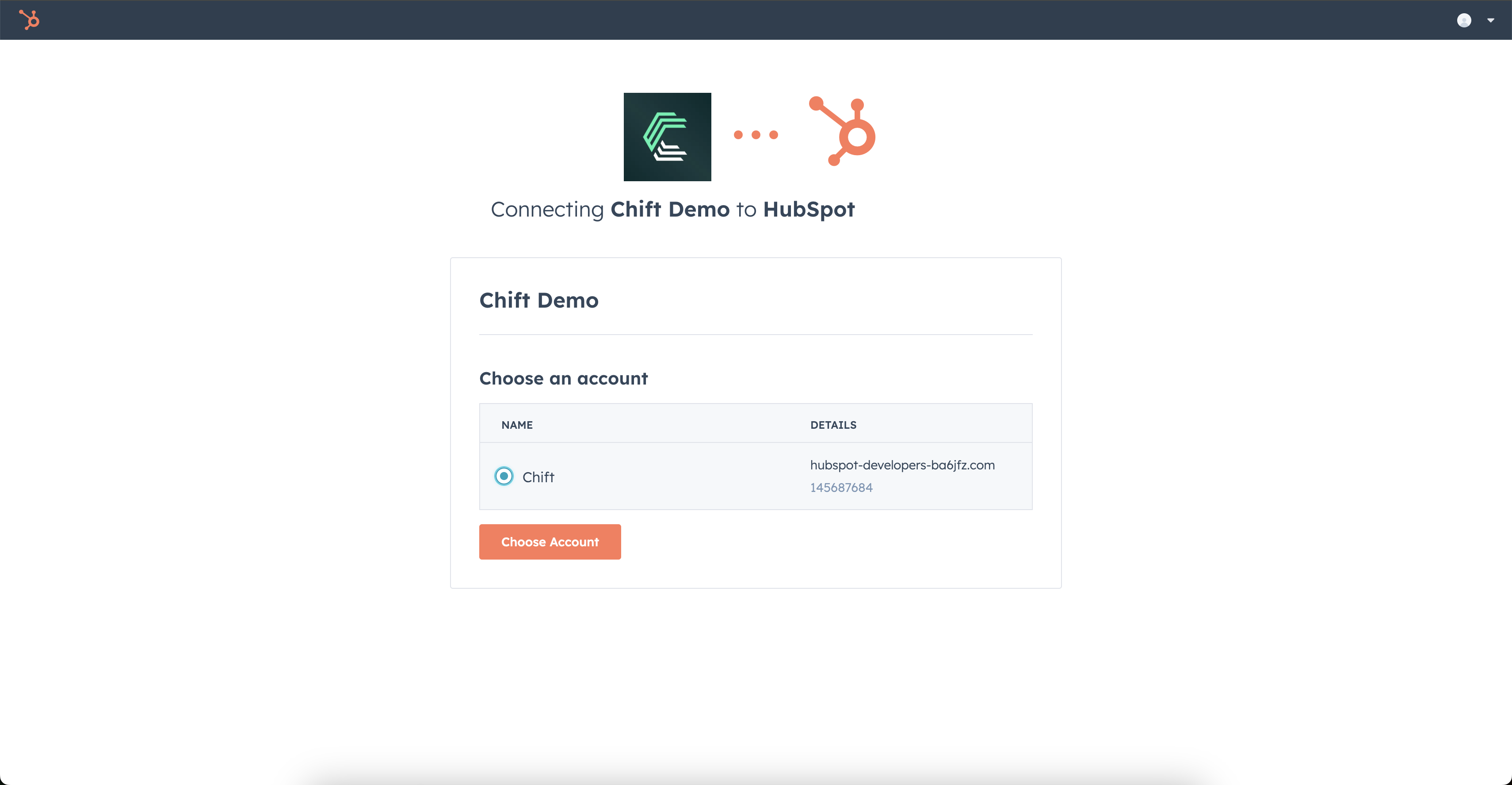
Étape 2: Choisissez le compte Hubspot à connecter.
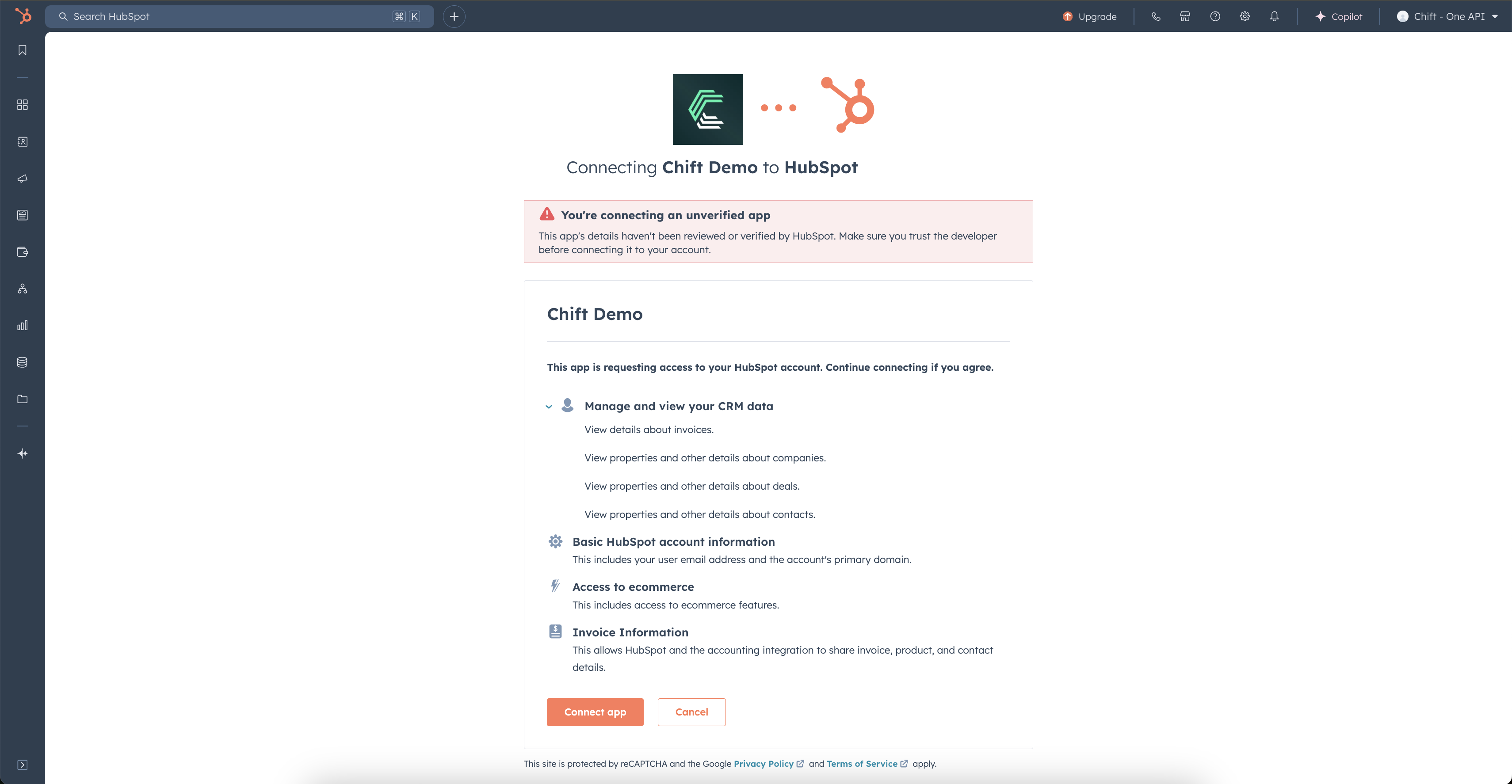
Étape 3: Authorisez le partage de données avec votre compte Hubspot.
ERREURS FRÉQUENTES
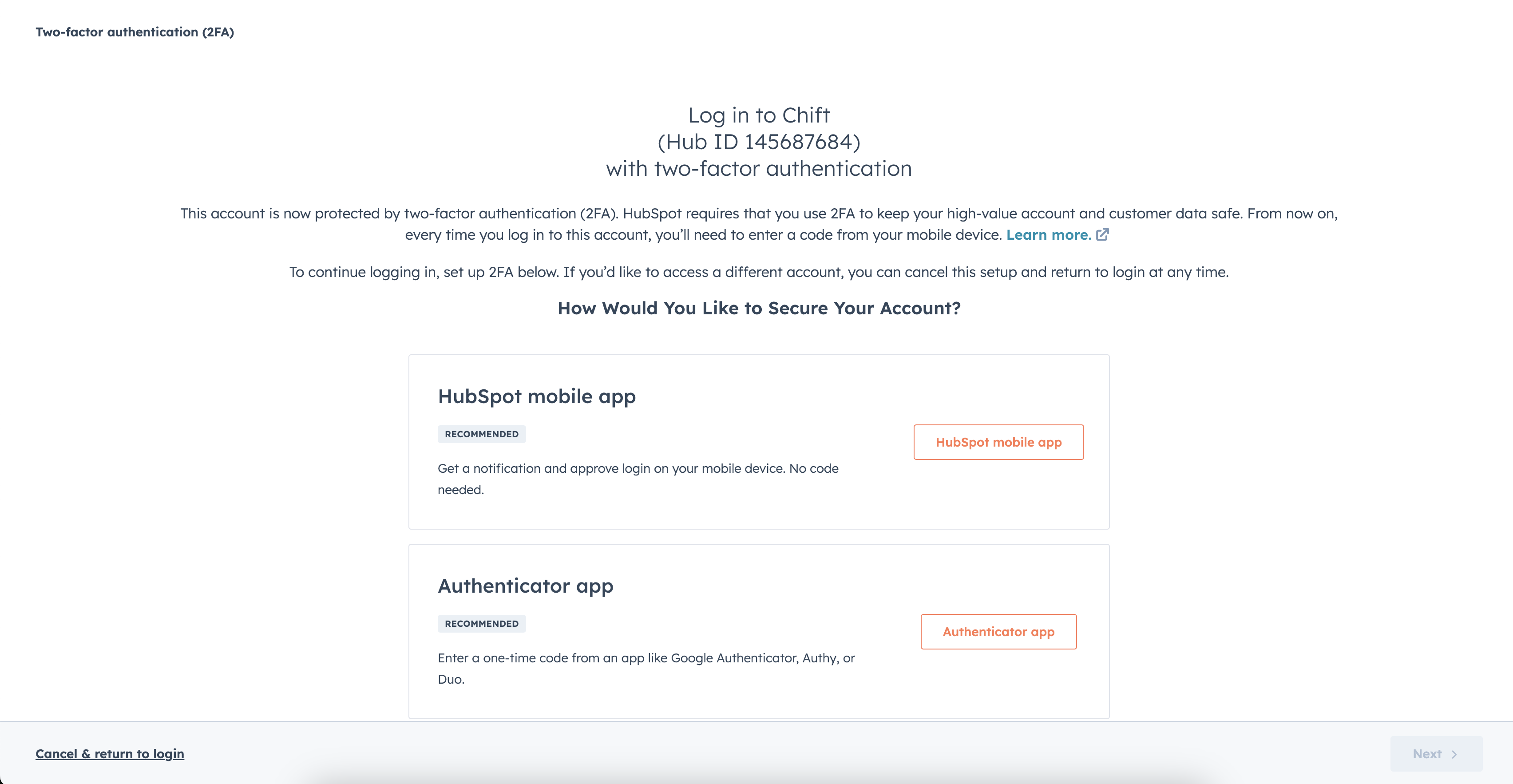
En cas d'erreur de permissions: "Couldn't Complete the connection, due to permissions". Il vous faudra aller dans les paramétrages de votre compte pour activer l'authentification à deux facteurs.
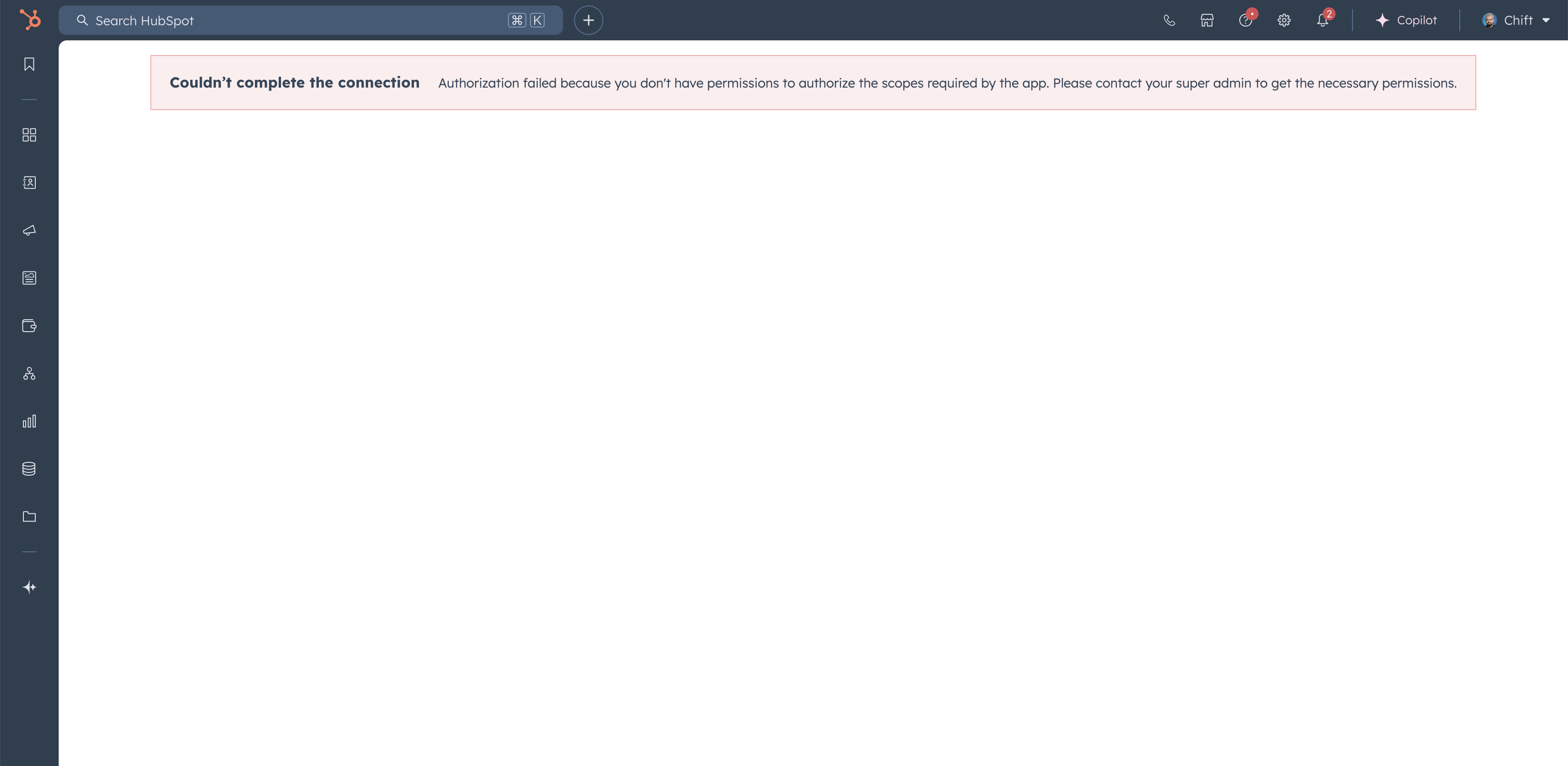
Pour activer l'authentification à deux facteurs, il vous faut aller sur le compte Hubspot et avoir les droits permettant d'accéder aux "scopes":
oauth
accounting
e-commerce
crm.objects.companies.read
crm.objects.deals.read
crm.objects.invoices.read
crm.objects.contacts.read